


Tests are exporting with missing assets.
Hello everyone,
I am experiencing an issue with testing my HTML5 Canvas project. What currently happens is when I test my scene for the first time after opening my file, it will test just fine.
Open File 1: Frame 1: Test 1: Correct
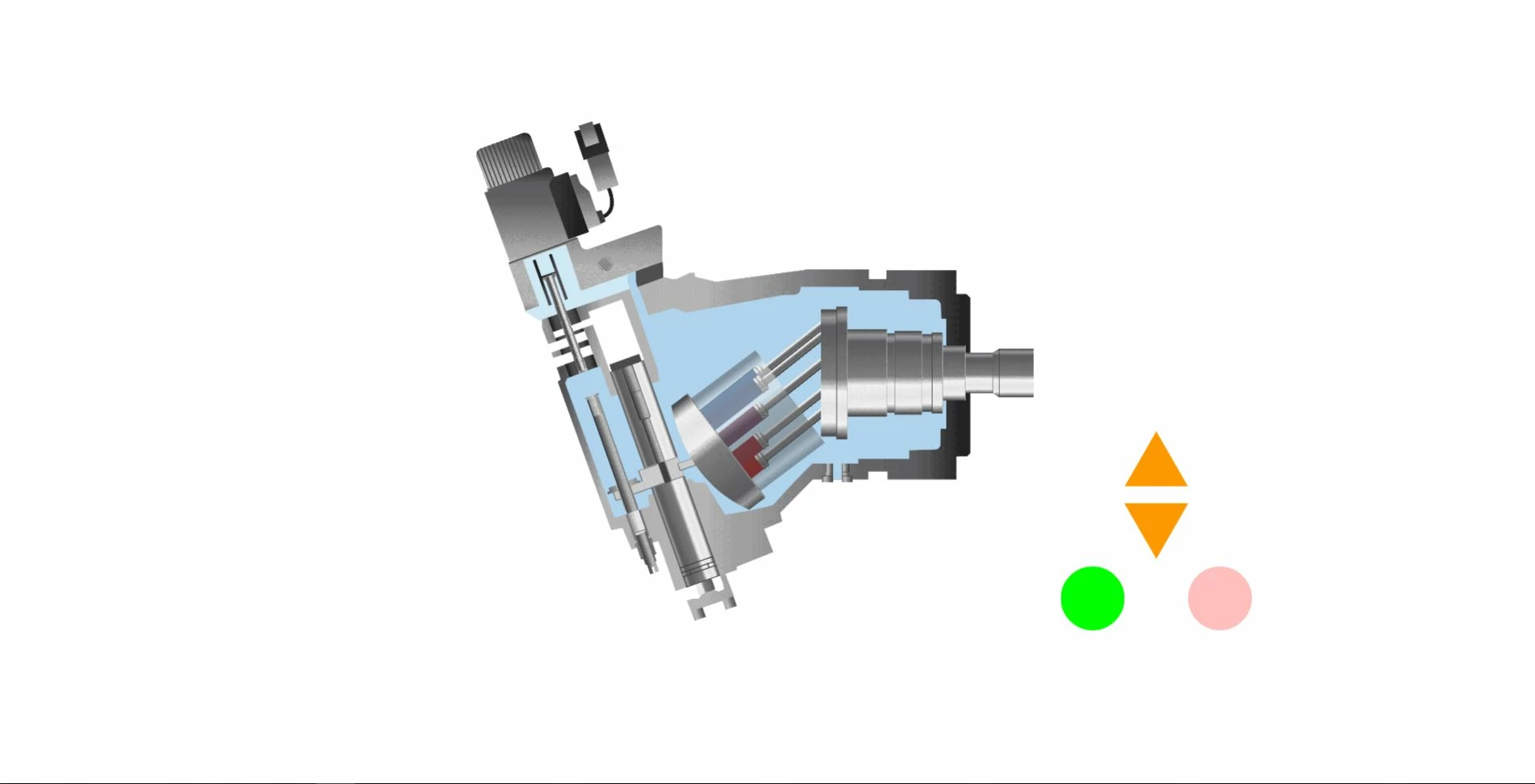
But any time I test after the first time, some of my assets disappear.
Open File 1: Frame 1: Test 2: Incorrect
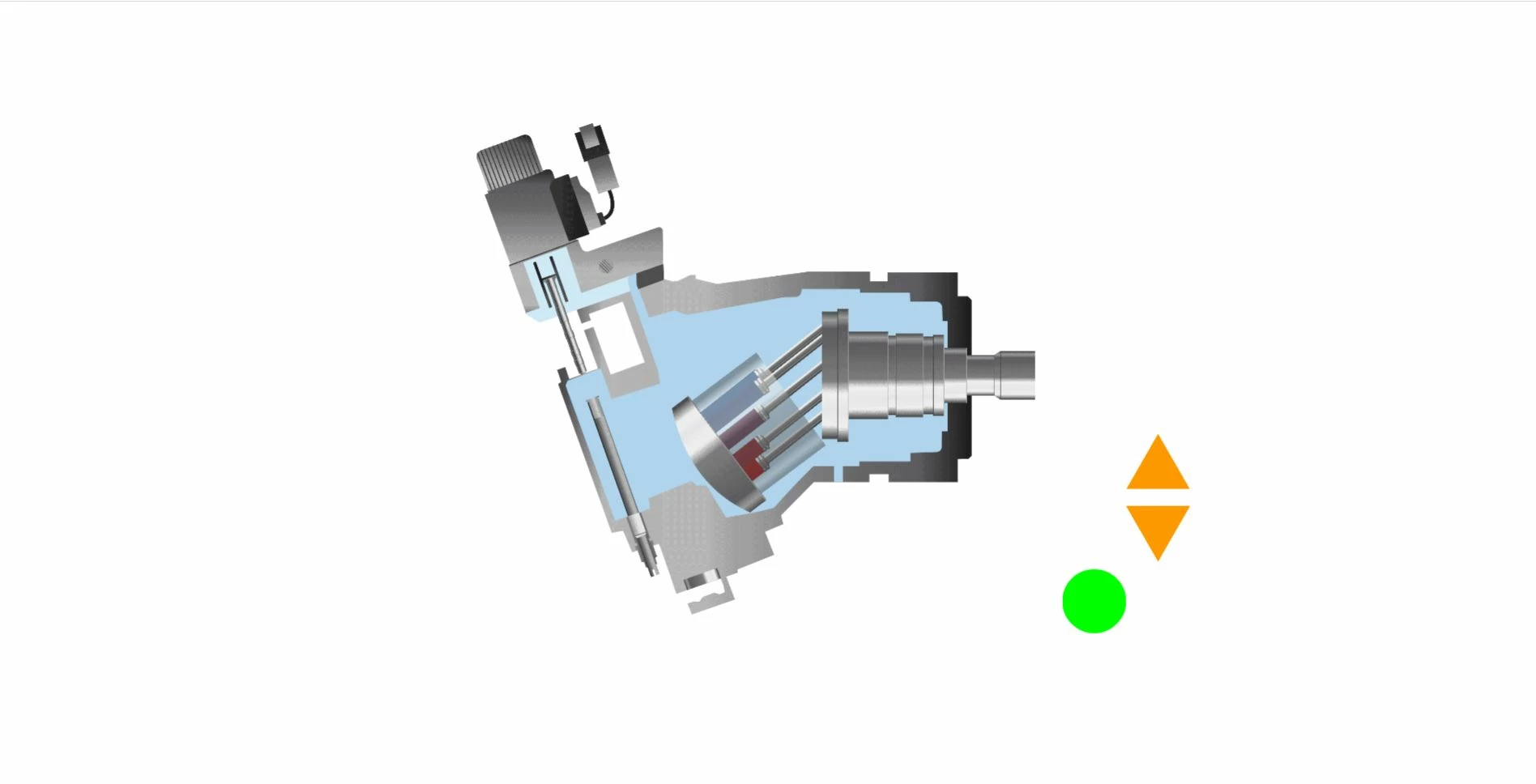
This will even occur right after closing out of the working test and exectuting a test seconds later. Sometimes it will make different assets disappear during different test executions.
Open File 2: Frame 1: Test 2: Incorrect
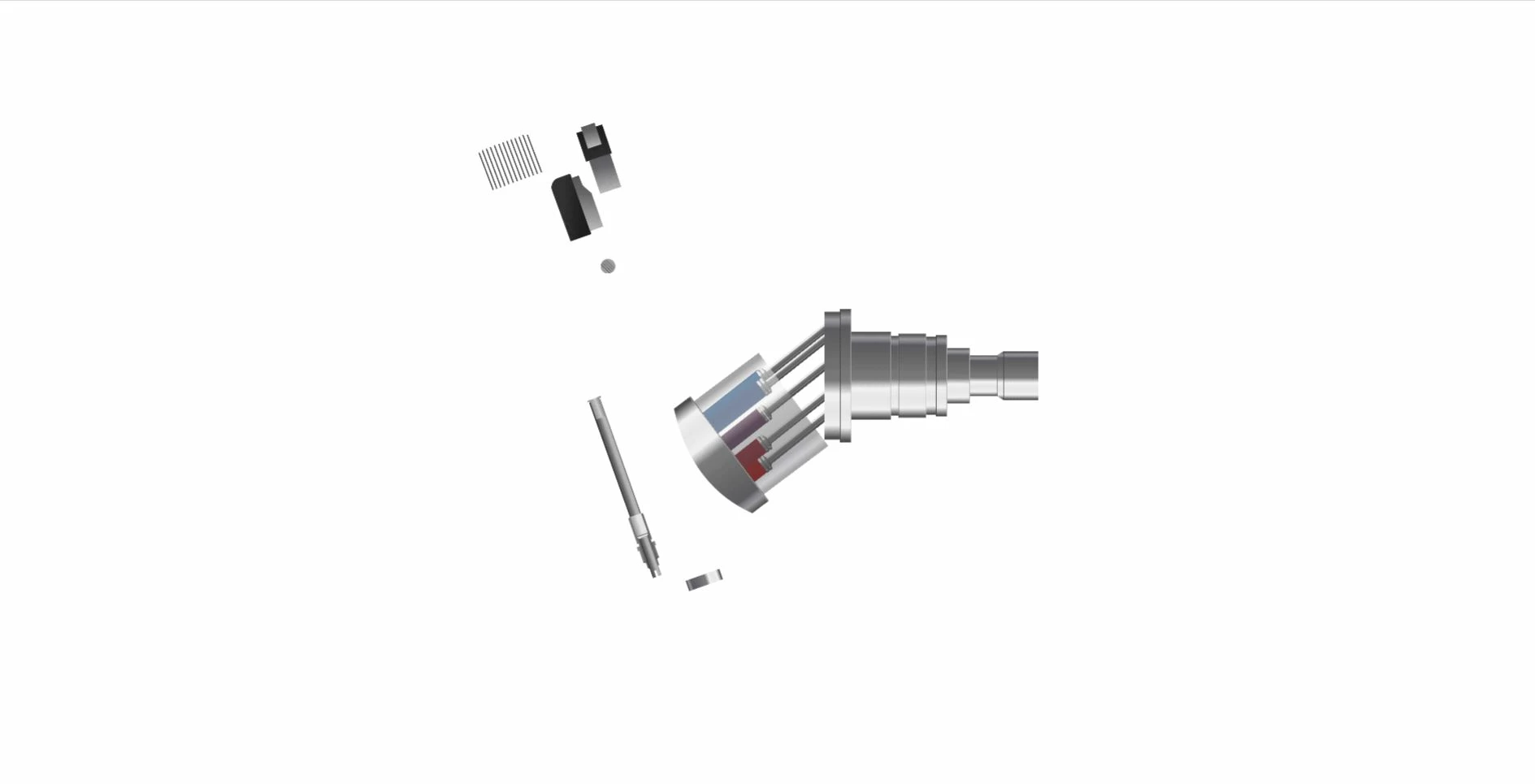
I could just keep closing and opening my file to make it work, but this will very much likely discourage any future development using Adobe Animate. I am not a programmer by trade, so I will need to do a lot of trial and error of my file, and this way of working around the issue isn't ideal.
I'm wondering if anyone has experienced the same issue and could provide some assistance. I will provide any additional information if necessary.
Thank You!
Aric N.
Specs:
Intel(R) Xeon(R) CPU E5-2630 v3 @ 2.40GHz (2 processors)
64.0 GB RAM
GeForce GTX 1070
Dual Monitor
Accessing remote computer via Remote Desktop Connection
Adobe Animate CC 2019
All Tests export to Chrome.
 AdChoices