

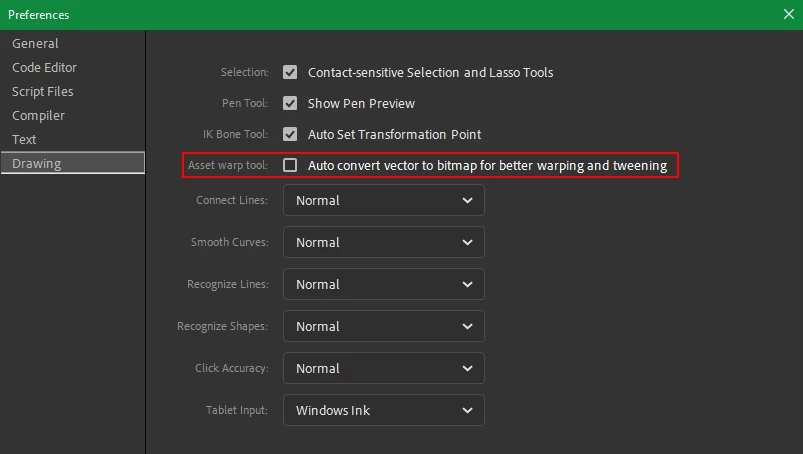
The Asset Warp tool in lastest Adobe Animate blurs all shapes and leaves a vectorized bitmap.
I don't know why Adobe's developement team insisted on messing with the Asset Warp tool for the sake of what exactly? Inverse Kinmatics???? IK is in fact, a legacy feature in Toonboom Harmony. Which means it exists, but it is useless. The parenting system replaced any need for it. Animate has parenting also ..so there NO NEED for IK. What Adobe animate DOES LACK is proper deformation tools. Toonboom Harmony is years ahead of Adobe on this. The Asset Warp tool inside Animate was never perfect but it was the closest thing Animate had to a deformer tool. In the lastest Adobe Animate the Asset Warp tool now blurs all shapes and leaves a vectorized bitmap behind. This renders the tool effectively useless. I'll now have to revert back to previous versions of the software when the asset warp tool worked properly. Before the Update Adobe Animate had a useable but broken deformer, now it has ZERO deformers. At this point I feel bad for Adobe developers working on this software. This experience is demoralizing for those of use using Animate, but it must also be demoralizing for those forced to continually break the software to justifiy the subsciption.



 AdChoices