


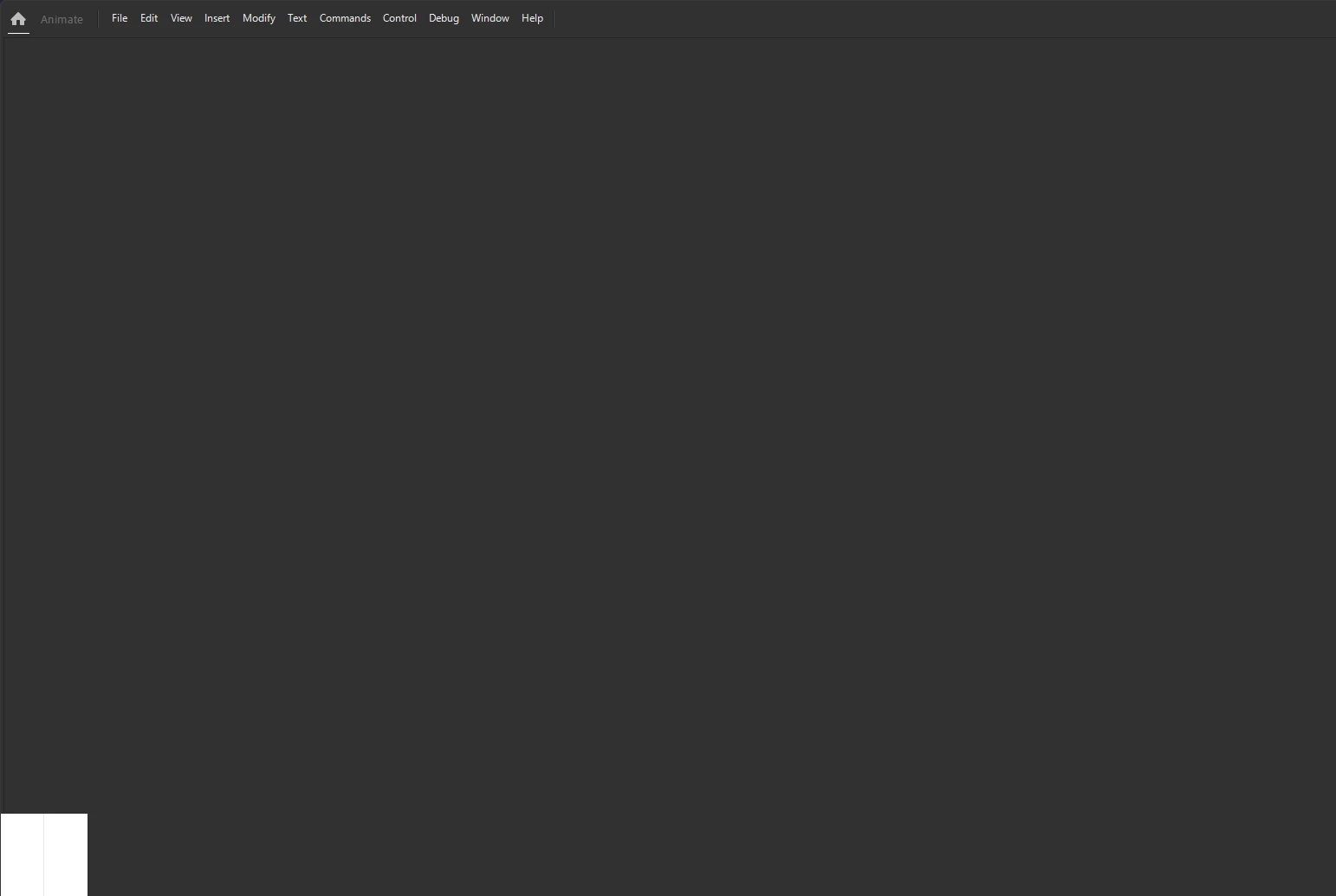
The launch screen for Adobe Animate is distorted
When starting Adobe Animate, the screen gets locked in the launch screen with elements distorted, namely the bouncing ball which is the white square in the bottom left corner, as if it's being scaled improperly due to resolution. I also cannot interact with the UI.
I do not believe I have messed with any resolution options for my monitor and the computer eventually has Animate run as a background process.
I had this issue spontaneously happen with the previous version of Animate but was fixed after updating. However, now it's back to this distorted screen.
I can open .fla files but they simply open up and nothing in the UI can be interacted with.
I should note I am using Windows 10 and also have a graphic tablet with a screen on it but the screen hasn't been turned on for a while now.
It has been a few days since I've had this issue and I turned off my computer everyday so I'm kind of left with little options. I've also tried unplugging the tablet in case its monitor was messing with anything, but nothing changed.
I think the only solution is to reinstall but I just wanna see if they're might be something else before I do.



 AdChoices