
chenjil43641795
Legend
May 12, 2018
Answered

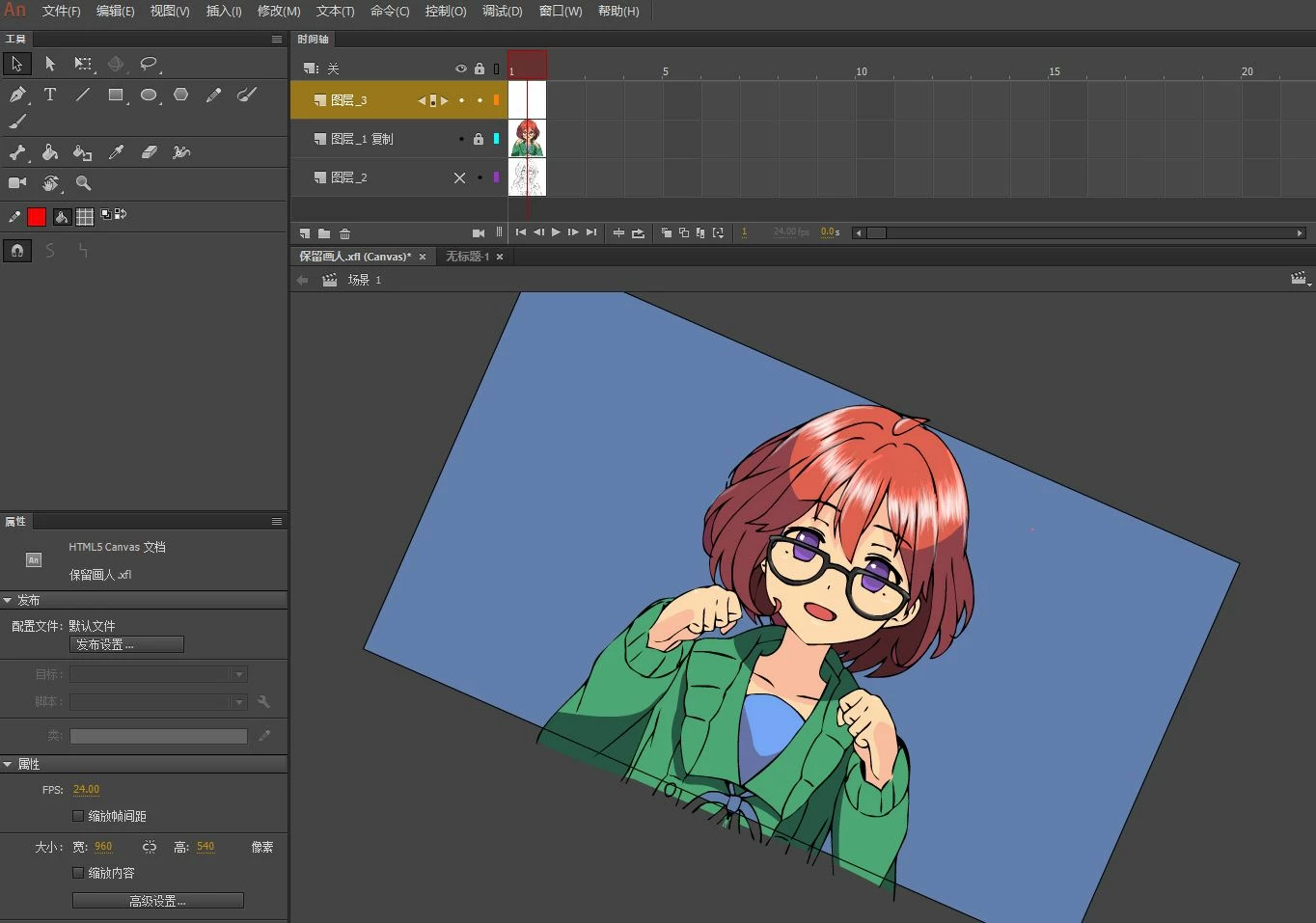
The touch cannot rotate the canvas.

  • May 12, 2018
  • 1 reply
  • 4397 views

The 2 fingers on the touchpad rotate the stage.

Now I find I can't use.

Why?

Because the drawing needs to be rotated to draw,

Now you have to rely on tools to rotate.

Is it my reason or the software has changed
    This topic has been closed for replies.
    Correct answer chenjil43641795

    Not sure if you're aware but by hitting Shift and the Space bar you can rotate the entire screen as well. I never use touch and find that works pretty well when I need a different angle on some art. Alternately you could put your art inside a symbol and rotate the symbol then click inside it. Granted it's not a perfect answer but it might help you speed up your workflow somewhat.


    Preran

    My memory is wrong.

    ANCC cannot rotate using the touchpad at all.

    This operation can only be done on the touch screen.

    Tested 6 computers confirmed.

    1 reply

    Asymetrical
    Inspiring
    May 12, 2018

    It's gotta be something you did because mine works fine using touch and rotating the Stage. Maybe reset your preferences?

    chenjil43641795
    Legend
    May 12, 2018

    I used a lot of ways,

    It didn't work out..

    Touch all other operations are normal.

    Scaling and scrolling are normal.

    Only rotation is not available.

    Touch rotation is available in PHOTOSHOP.

    Only ANCC is not available now.

    I need to find a solution.