
Participating Frequently
March 17, 2025
Answered

Theme: Adjusting Border Colors of Different Elements in Design Software for Users with Color Vision

  • March 17, 2025
  • 2 replies
  • 216 views

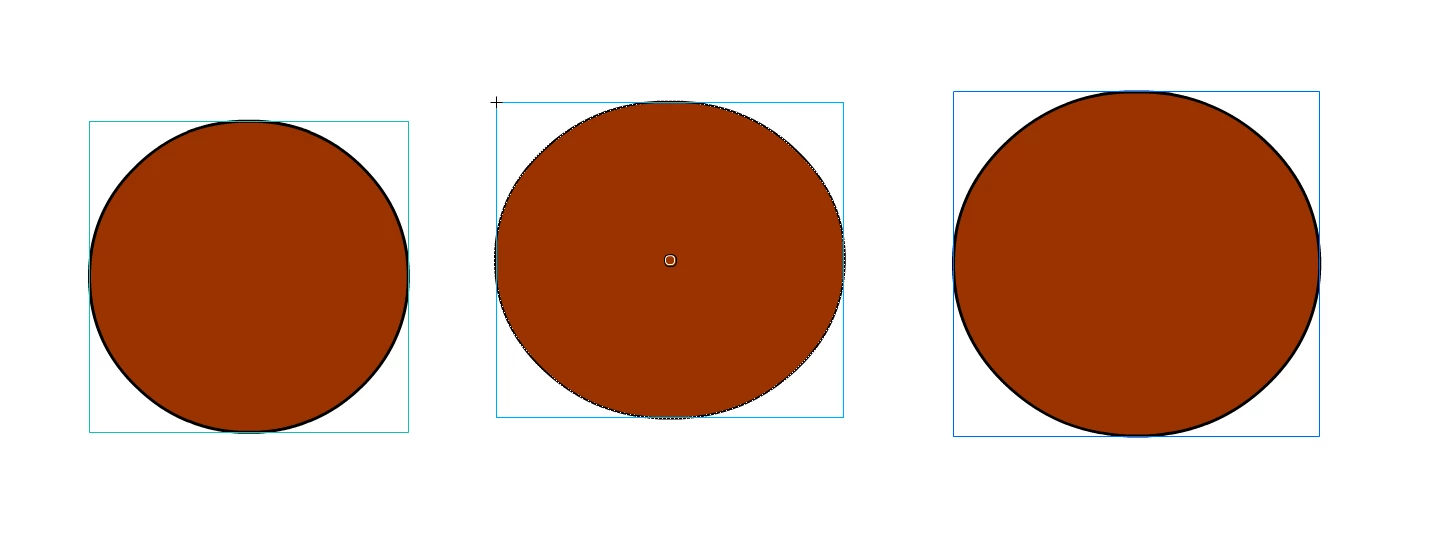
Have you ever noticed that the border colors for "groups," "components," and "drawing objects" are different? As someone with color vision deficiency, I often confuse them, leading to frequent mistakes at work. Is there a way to change these border colors? I'd like to set distinct, more visible colors for each of them to avoid confusion.
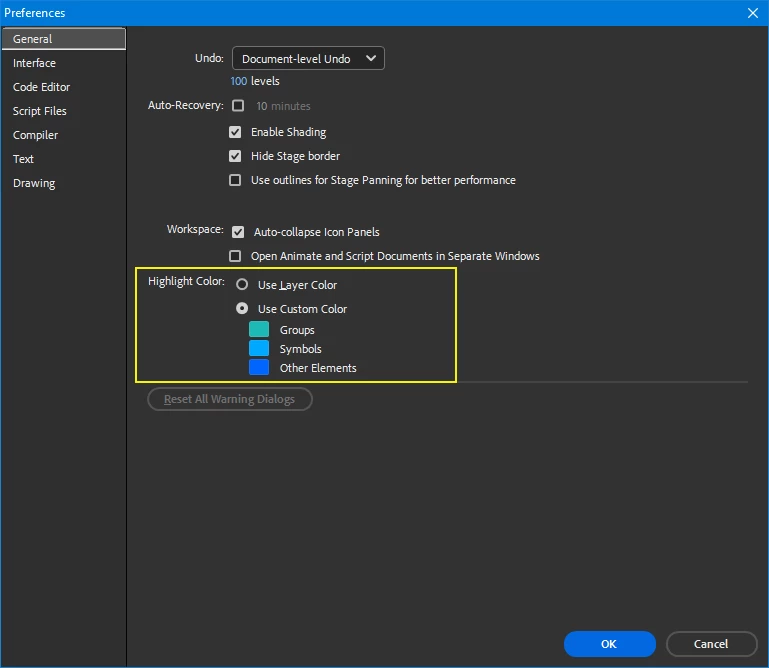
 

    Correct answer n. tilcheff

    Set the desired colors in Preferences:


    2 replies

    n. tilcheff
    n. tilcheffCorrect answer
    Legend
    March 17, 2025

    Set the desired colors in Preferences:


    Nick - Character Designer and Animator, Flash user since 1998 | Member of the Flanimate Power Tools team - extensions for character animation
    Participating Frequently
    March 18, 2025

    Thank you for your help.

    kglad
    Community Expert
    Community Expert
    March 17, 2025

    yes, select the border.  if you can't select the border, break apart the object.