
time or frame based actions.
Hy community!
INFO: I am a video editor and not a fulltime coder.
For the production of html5 banners, which only have the whole stage as link and no other interaction I have a question about timing.
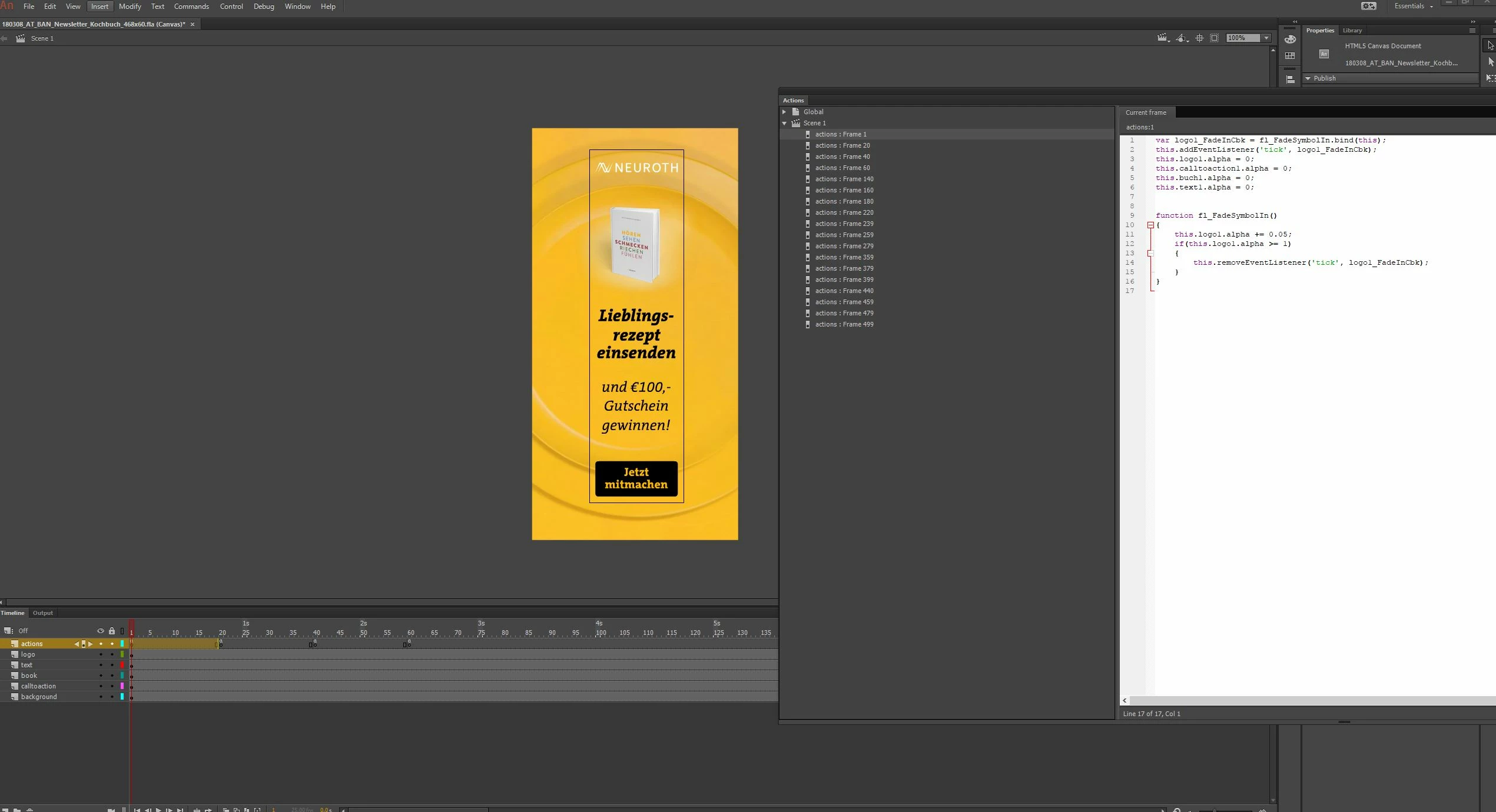
I am building the whole banner on layers which contain the different elements on a single layer.
All elements are movie clips, so i can work with them in the code.
Everything is pretty self-explaining when i work with the timeline and set keyframes for animation and make motion tweens but this is a lot of work when i set up different sizes of banners. I now try to just set it up as it should look at the end of the animation and programm every animation in code. most of it works fine. I mostly use alpha or position animations.
I think this is the best way to deal with easy animation banners - or do you still set up everything with tweens in the timeline?
My question: (maybe it´s a stupid one or really easy to explain for a programmer)
Can I code everything in the first frame and say there "at frame 50" or "after 2 seconds" do this: ...
So i don´t need to make keyframes at the exact frame times and change it there.
It will be a lot easier later on to just change the time of the lenght or start of an animation for 1 sujet for every banner-size.
so at frame 1 i have an action:
var logo1_FadeInCbk = fl_FadeSymbolIn.bind(this);
this.addEventListener('tick', logo1_FadeInCbk);
this.logo1.alpha = 0;
function fl_FadeSymbolIn()
{
this.logo1.alpha += 0.05;
if(this.logo1.alpha >= 1)
{
this.removeEventListener('tick', logo1_FadeInCbk);
}
}
and at frame 180 i have another to fade it back.
Is it possible to code fade in and fade out at the same frame, using frame numbers or a timecode?
This would help a lot.
This would also help me with stopping the "rotate continuously" after a time period. Right now I have no sollution for this one also.
thank you!
 AdChoices