
Answered
Tool Tab in Adobe Animate Grayed Out
I'm trying to rig a PNG with a transparent background on Adobe Animate. In the Properties menu, the Tool tab is grayed out and not clickable. See below ...
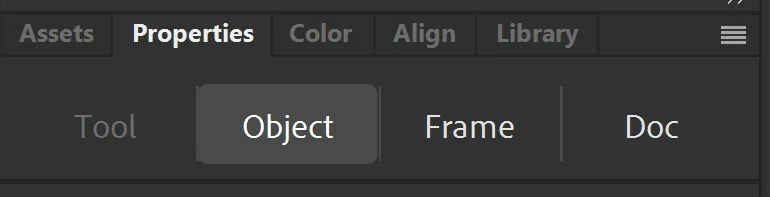

I'm trying to rig a PNG with a transparent background on Adobe Animate. In the Properties menu, the Tool tab is grayed out and not clickable. See below ...
use the warp tool. Convert your png to bitmap. Go to modify then click convert to bitmap.
Already have an account? Login
Enter your E-mail address. We'll send you an e-mail with instructions to reset your password.


 AdChoices