Answered
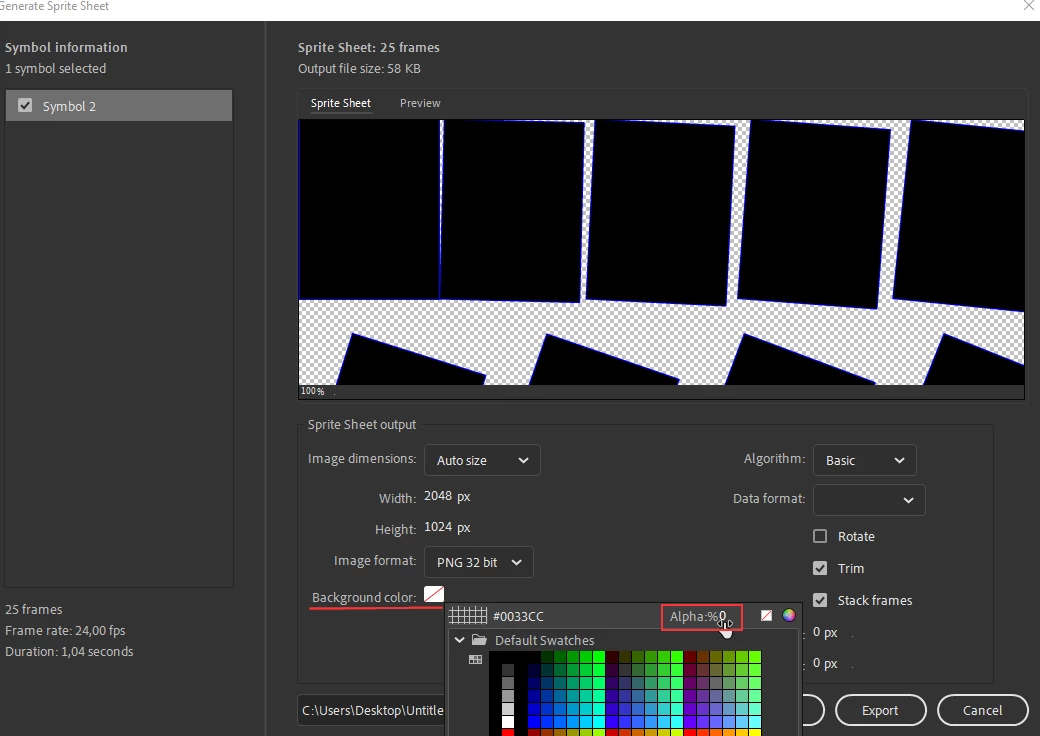
Transparent backround problem!
Hi. I accidentally messed up the spritesheet by putting a colored backround, how do i go back and make it transparent?

Hi. I accidentally messed up the spritesheet by putting a colored backround, how do i go back and make it transparent?
Already have an account? Login
Enter your E-mail address. We'll send you an e-mail with instructions to reset your password.



 AdChoices