Inspiring
May 7, 2023
Answered

Trouble with placement of animation on stage while exporting to animated gif

  • May 7, 2023
  • 1 reply
  • 921 views

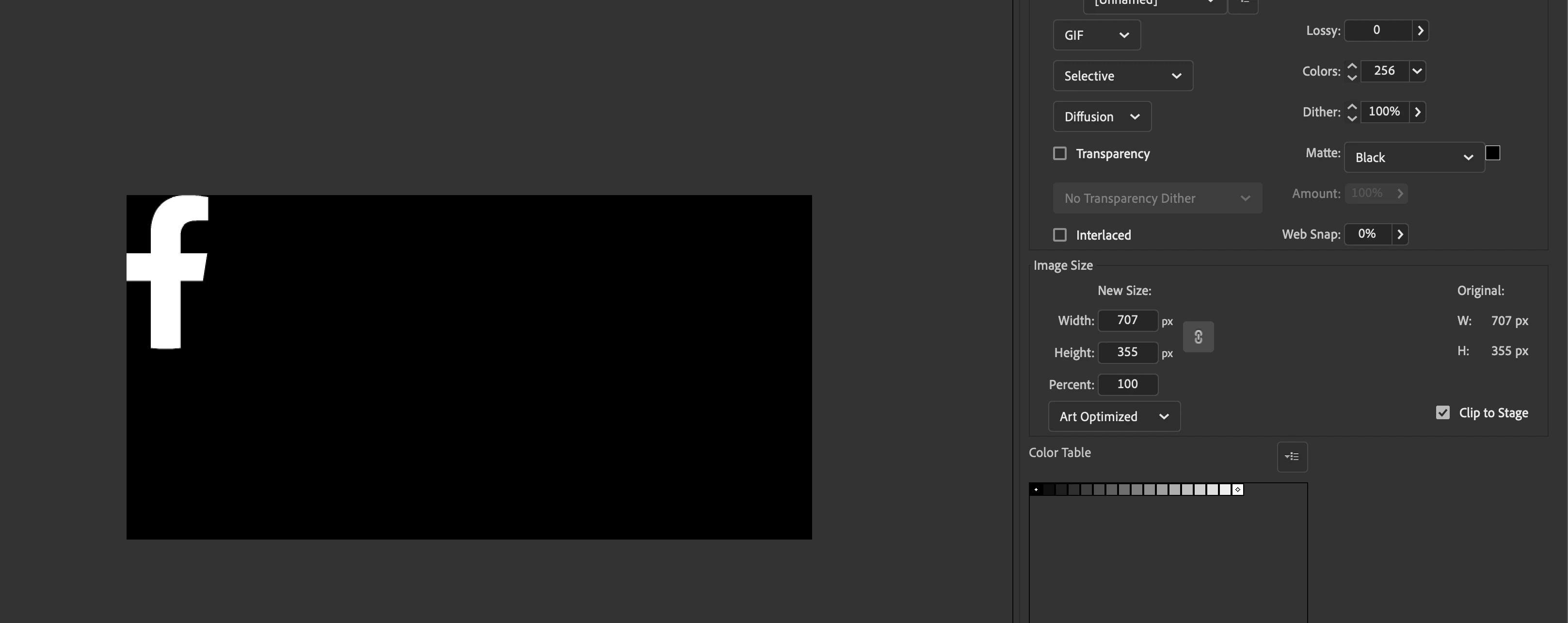
Hi there! So I'm working on animated social media icons to be exported as an animated gif. The logos just spin and are centered on the stage. When I export the logo is placed top left corner and not in center of stage like I am trying to do. Basically I need the whole stage as the animated gif at a certain size. 


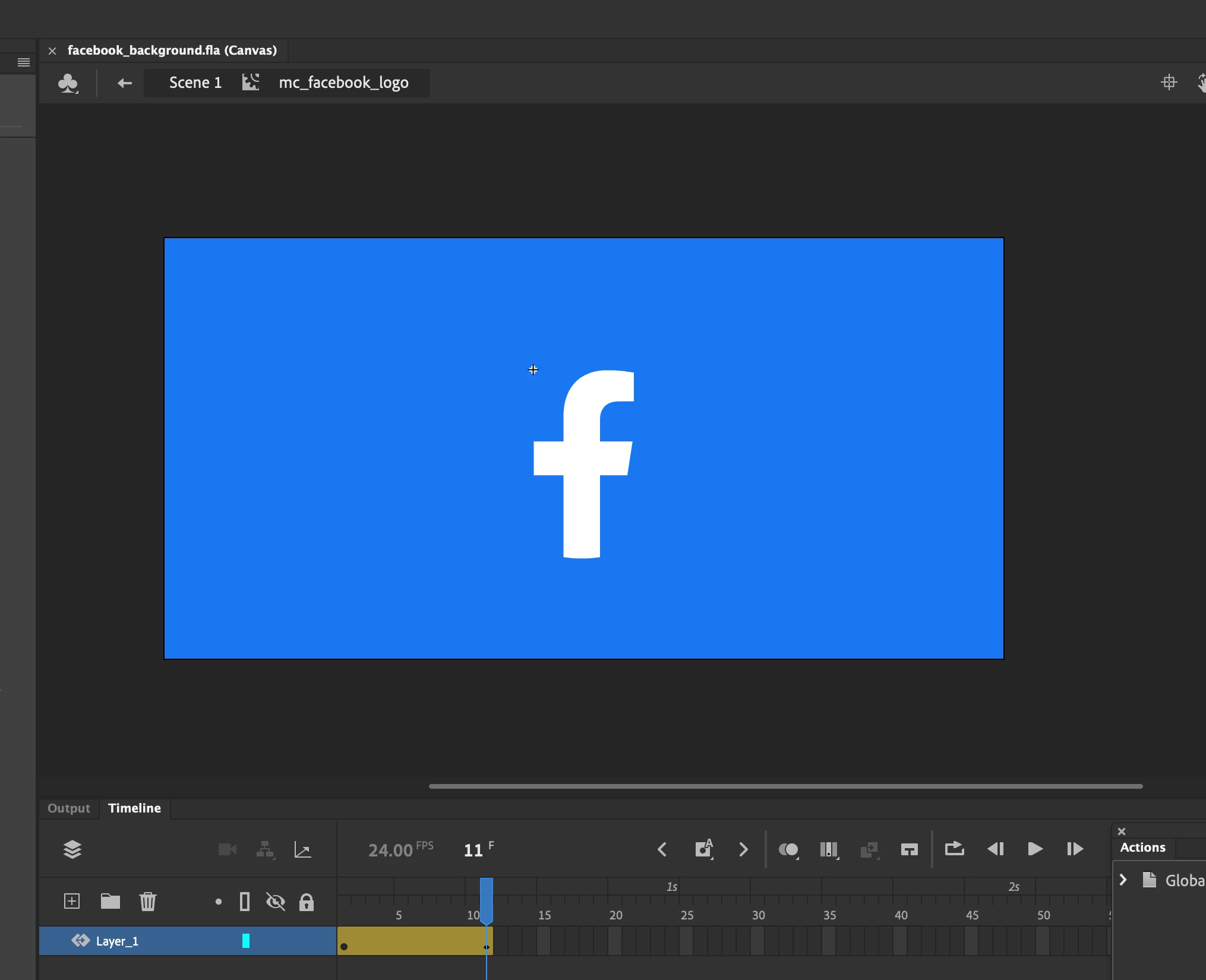
How can I make this happen? I've tried various settings but to no avail. The first image attached is what I want the outcome to be with the logo spinning (screenhot of stage). The second is what I'm getting when I try to export. Any help would be very much appreciated! 


Thank you in advance!


This topic has been closed for replies.
Correct answer Mario_CR

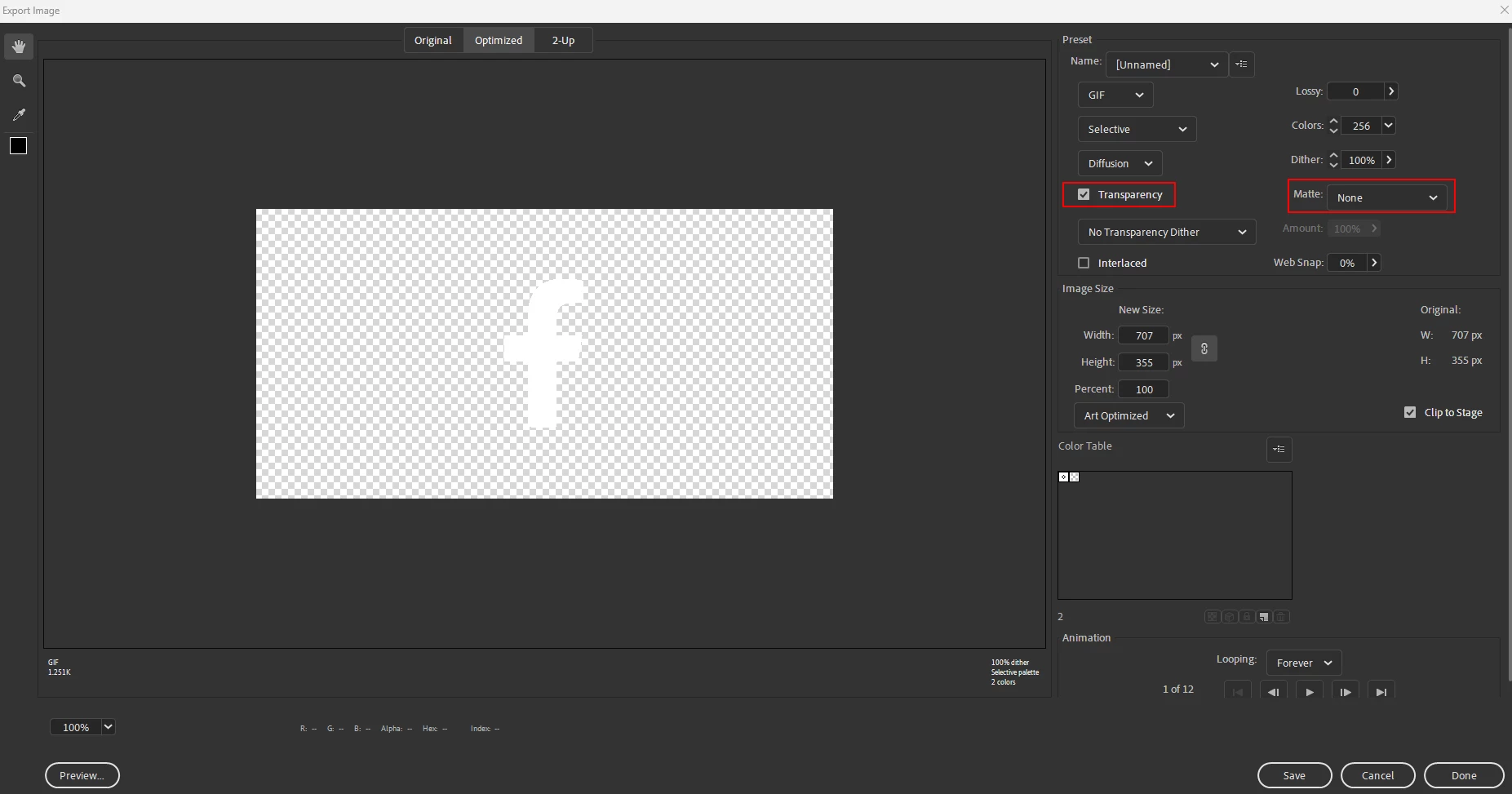
In the export window, tick "Transparecy" and choose None or White as Matte color:

If you need the logo with a blue background add a new layer on the main timeline and make a blue rectangle that covers the stage then try exporting again. You may want to untick Transparency in this case since it won't be needed.

1 reply

kglad
Community Expert
Community Expert
May 7, 2023

use transparent pixels surrounding the f, on the f timeline.

Inspiring
May 8, 2023

Thankd for the quick response! I'm not sure what you mean by that. Can you explain more? Is this an adjustment I make on the movie clip timeline or the main? I made both the movie clip background transparent and the main timeline transparent and get the same results.

Mario_CR
Community Expert
Mario_CRCommunity ExpertCorrect answer
Community Expert
May 8, 2023

In the export window, tick "Transparecy" and choose None or White as Matte color:

If you need the logo with a blue background add a new layer on the main timeline and make a blue rectangle that covers the stage then try exporting again. You may want to untick Transparency in this case since it won't be needed.