Trying to add new buttons to 'slider menu tutorial'
I am doing the tutorial listed below..
http://www.kirupa.com/developer/mx20...ith_slider.htm
And I am trying to save time by opening the source file and changing it to support my pictures/etc. instead of starting from scratch.
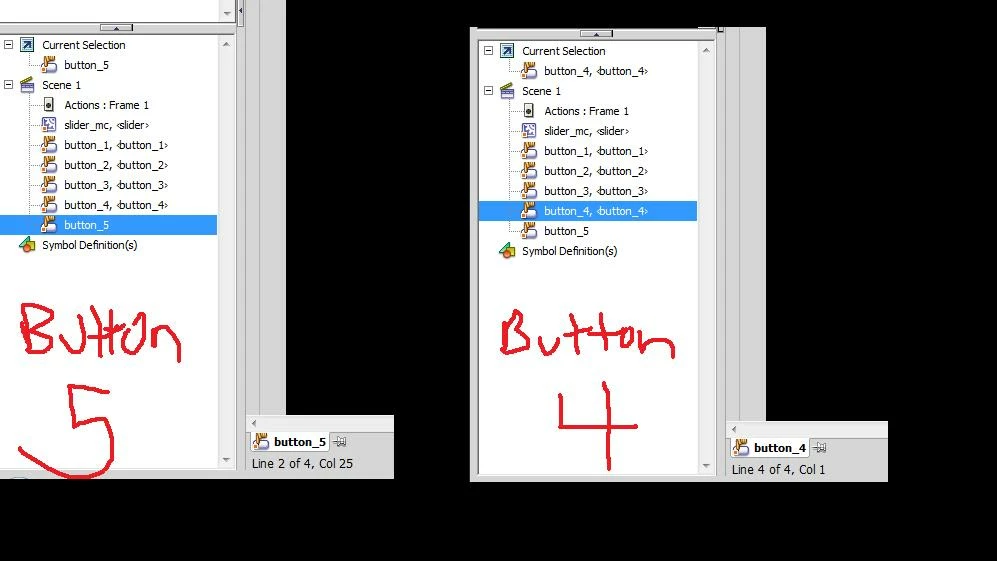
So my question is: How do I create more than 4 buttons? I have attached a picture scrn shot if what I see when i press F9// "actions" panel..
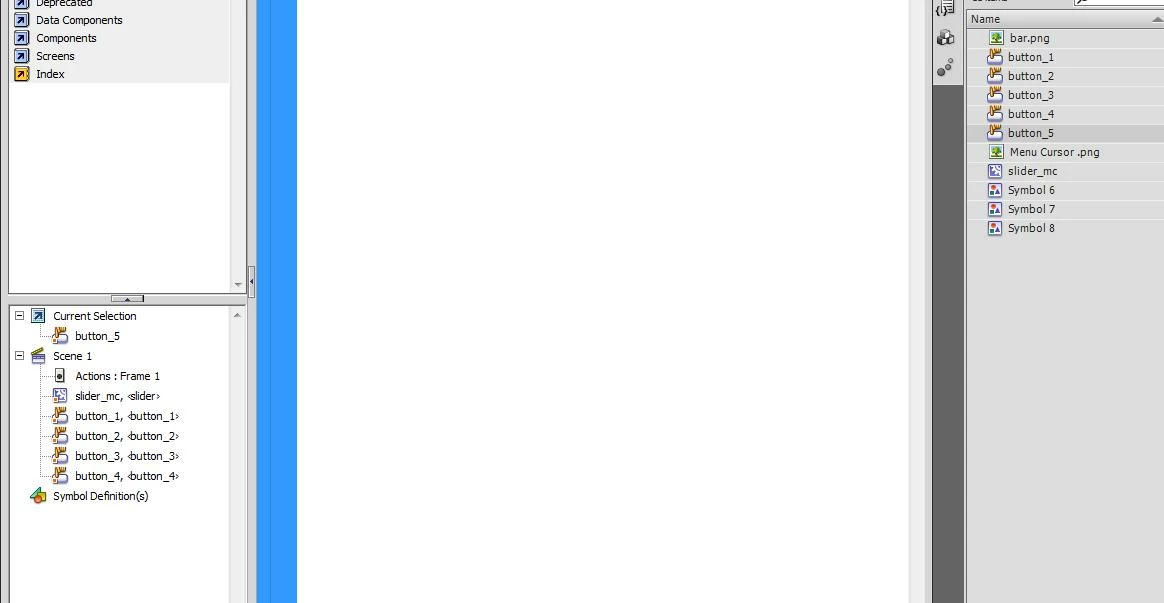
I think the problem is when I create a new button, in this case, button 5, it does not carry over to be a subdirectory under the Scene 1 > Actions things on the bottom left...
I've tried converting a rectangle on the buttons layer to a button symbol, and adding the appropriate code to it, but to no avail..
When I Ctrl+Enter to preview it, the slider moves 4 spaces but when I hover over the newly created 5th button the slider just moves back to button_1
Can anyone help me? it would be greatly appreciated 
check out the first graphic below.. notice how it says Line 4 of 4 / Col 1.. for each of the 1-4 buttons, and line 2 of 4 / Col 25 ??
Why is this doing this? I need to find out how to make the slider to go 7 spaces, (3 more than the source files )
 AdChoices