

Answered
Turn off Anti-aliasing for HTML5 Canvas Projects?
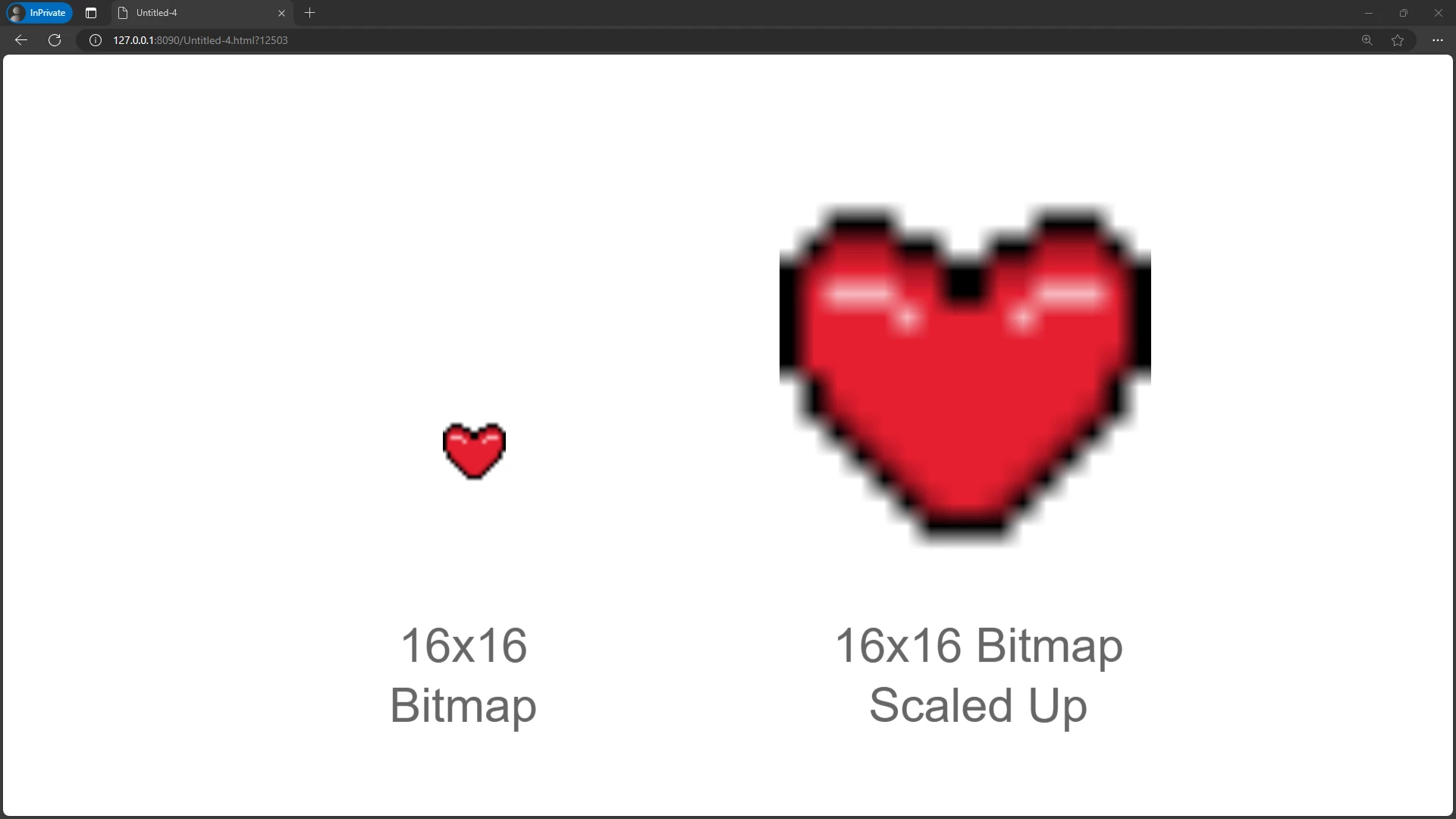
I would like to use pixel art in my HTML5 Canvas projects, but I'm unsure how I can disable the antialiasing or blurring that occurs when the bitmaps or the canvas itself is scaled up.
I know for ActionScript projects, I can turn off "Allow smoothing" from the Bitmap properties to prevent this. But that doesn't seem to work in HTML5 canvas projects, from what I've tested.
I've also tried adding the following CSS and JavaScript code to Animate's generated HTML file, but that did not seem to make any noticeable difference either.
<style>
    /*Set canvas to use nearest neighbor scaling algorithm*/
    canvas {
        image-rendering: pixelated;
    }
</style>


<script>
    //Get a reference to the canvas
    canvas = document.getElementById("canvas");

    // Get the canvas context
    var ctx = canvas.getContext("2d");

    // Attempt to disable smoothing
    ctx.imageSmoothingEnabled = false;
    ctx.webkitImageSmoothingEnabled = false;
    ctx.mozImageSmoothingEnabled = false;
</script>
Thank you for any help you can provide in fixing this issue.


 AdChoices