chenjil43641795
Legend
July 18, 2018
Answered

tweened graphics always blink.

  • July 18, 2018
  • 3 replies
  • 496 views

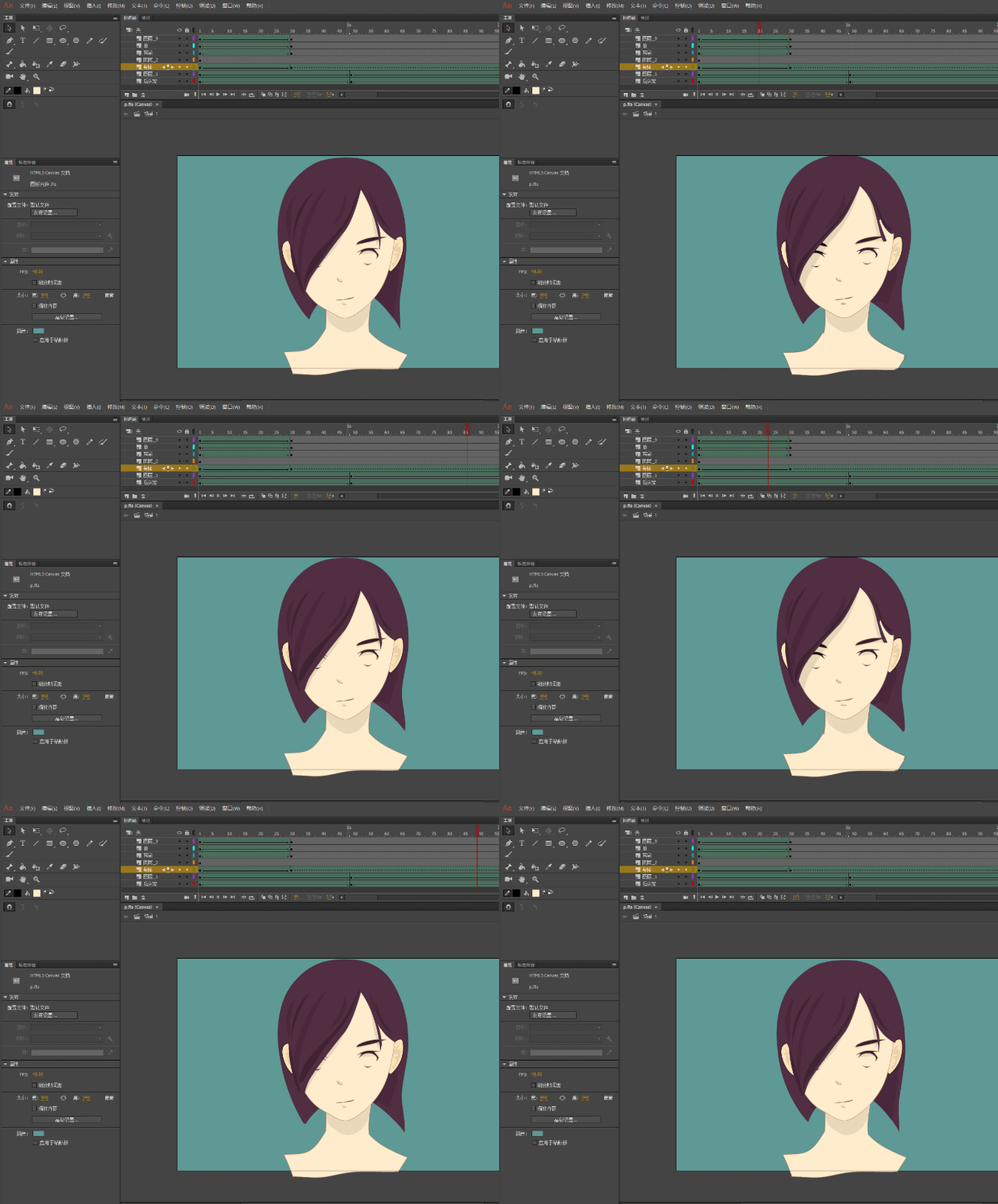
This time using a graphics tween to make an animation.

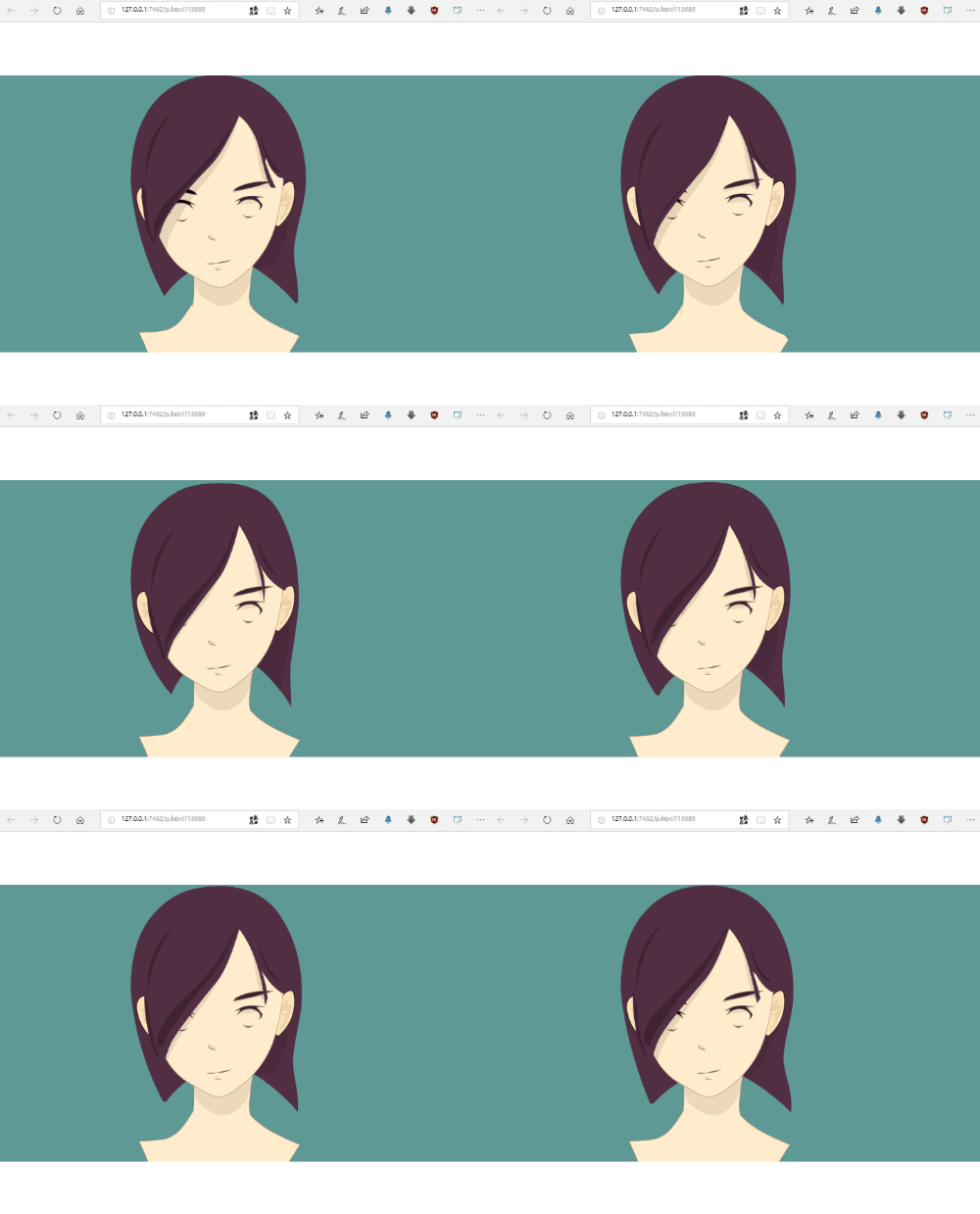
But H5 always flashes.

The test in production is fine.

Only the HTML5 test is problematic.

Know it's a neck problem,

I delete it and then do it again.

Problem still appears

I share files. Hoping to find out why.
p.fla - Google Drive

    This topic has been closed for replies.
    Correct answer ClayUUID

    The shape tween engine hates when you tween between shapes with different numbers of vectors. In your animation, the neck fill is disappearing at frame 29. This can be stopped by adding shape hints at the top two points and far left and right points, but then the tween looks odd on the left where the line goes away.

    Well, a disappearing fill shouldn't be happening anyway. You should submit this as a bug.

    3 replies

    ClayUUIDCorrect answer
    Legend
    August 13, 2018

    The shape tween engine hates when you tween between shapes with different numbers of vectors. In your animation, the neck fill is disappearing at frame 29. This can be stopped by adding shape hints at the top two points and far left and right points, but then the tween looks odd on the left where the line goes away.

    Well, a disappearing fill shouldn't be happening anyway. You should submit this as a bug.

    JoãoCésar17023019
    Community Expert
    Community Expert
    August 13, 2018

    Hi.

    Amazing drawing and animation. You're very talented.

    If you remove the strokes from the neck, the glitch is gone. Or you can think of another way of keeping them without causing this problem. Maybe moving the lines to another layer.

    Regards,

    JC

    Joseph Labrecque
    Community Expert
    Community Expert
    July 18, 2018

    I see it happening as well within the web browser. As a test, I converted to an ActionScript 3.0 document and it doesn't exhibit the blink behavior then... very odd. Maybe someone else has a better idea?

    chenjil43641795
    Legend
    August 12, 2018

    When I delete a line, it does not blink.

    I tested the line again.

    When the line node is reduced, it flashes.

    This means I can't use a line for shape tweens to animate.

    There is no such problem in AS3.

    And when  don't use a line, it means I have to use a brush, and the adjustment and change of contour will be very troublesome.

    I wonder if Adobe has a way to solve this problem.