
Two weird interface problems that have persisted forever - Show Frame and the Library pane
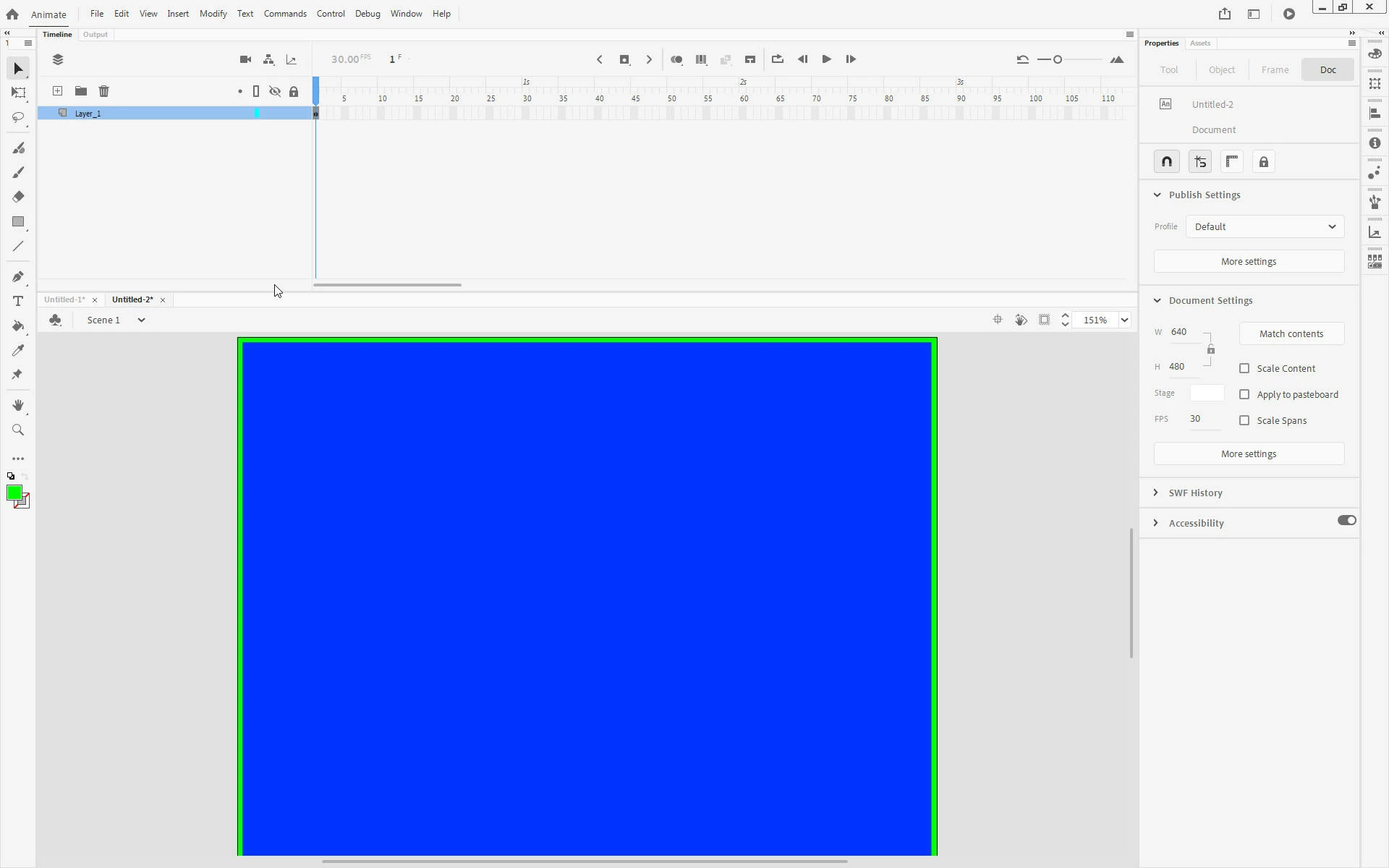
This first problem has persisted for as long as I can remember. When you select Ctrl+2 (View | Magnification | Show Frame), the app does *not* show the full frame. The bottom of the frame is cut off. Just a bit, about the height of the (often unnecessary) horizontal scroll bar. In the attached screen shot, I’ve created a blue box with a green outline, the same size as the document. You can see that Show Frame has chopped off the outline at the bottom.
Here’s a screen grab from a recent job. Again, the bottom of the outline is chopped off.
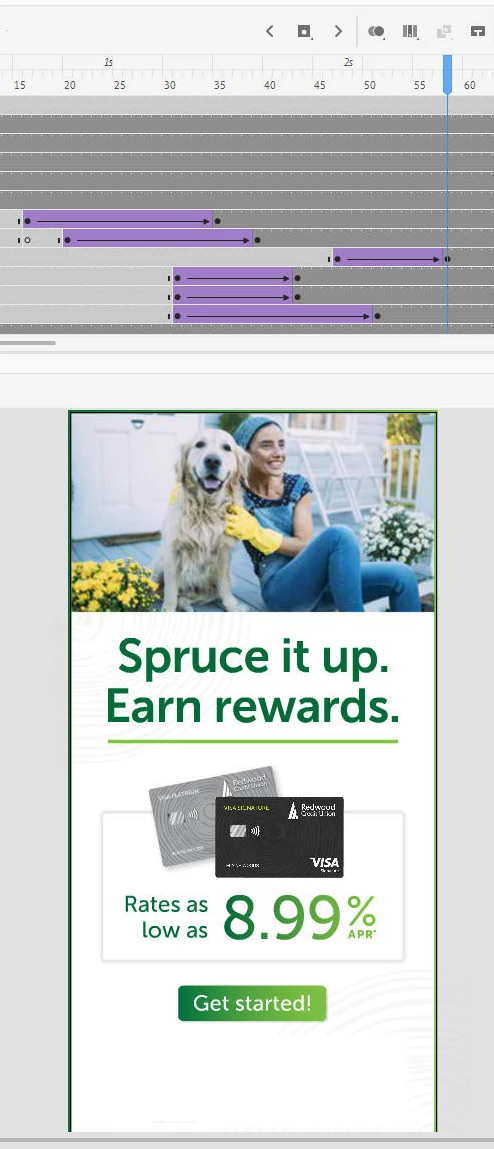
It’s not a deal-breaker, but it sure is annoying that it doesn’t work.
I used to think it was probably something weird about my setup, but I’ve completely changed computers, operating systems, and versions and it persists. Surely it can’t be just me.
The second issue is the Library. Once your project gets past 100-or-so named objects, the library dialog stops working properly.
For example, here I’ve selected the Graphic, “mailbox scene,” and chosen Show In Library. You can see that the thumbnail at the top of the library pane is correct; that’s the “mailbox scene.” You’ll also notice that “mailbox scene” doesn’t appear in the list of library objects. That list seems to stop at “lt green x.” It doesn’t continue into the m’s, even though we know at least one item, “mailbox scene,” is down there.
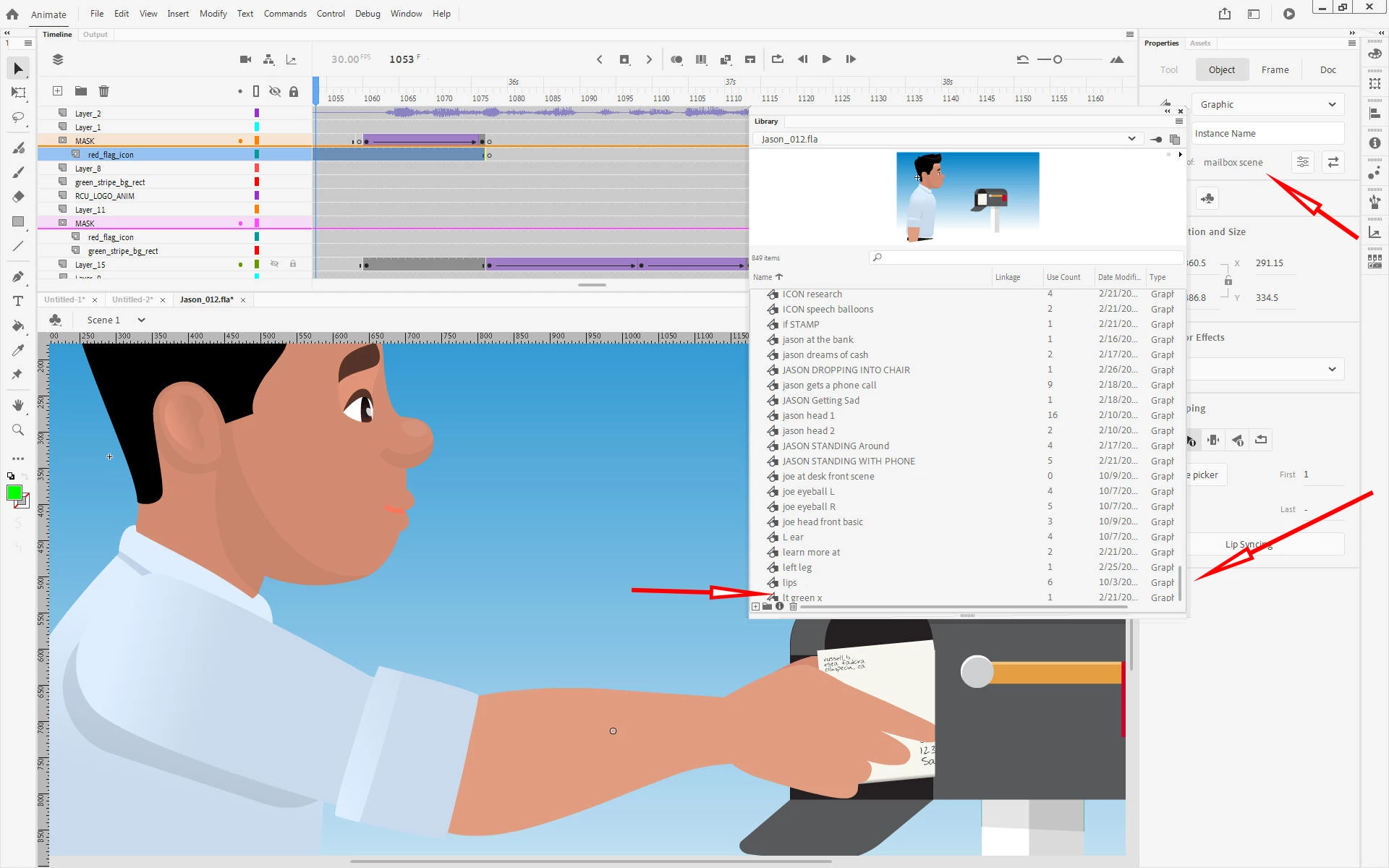
Notice the scroll bar, on the right side of the Library pane, is all the way at the bottom. I cannot scroll down further to reveal “mailbox scene.” To get to it at all, I have to use the search function.
Here’s another example from the same project, this time looking for “open envelope scene.” Again, the thumbnail is correct but we can’t see the item in the list. And again, the scroll bar has already scrolled as far as it's going to; we can’t scroll down further to reveal “open envelope scene.”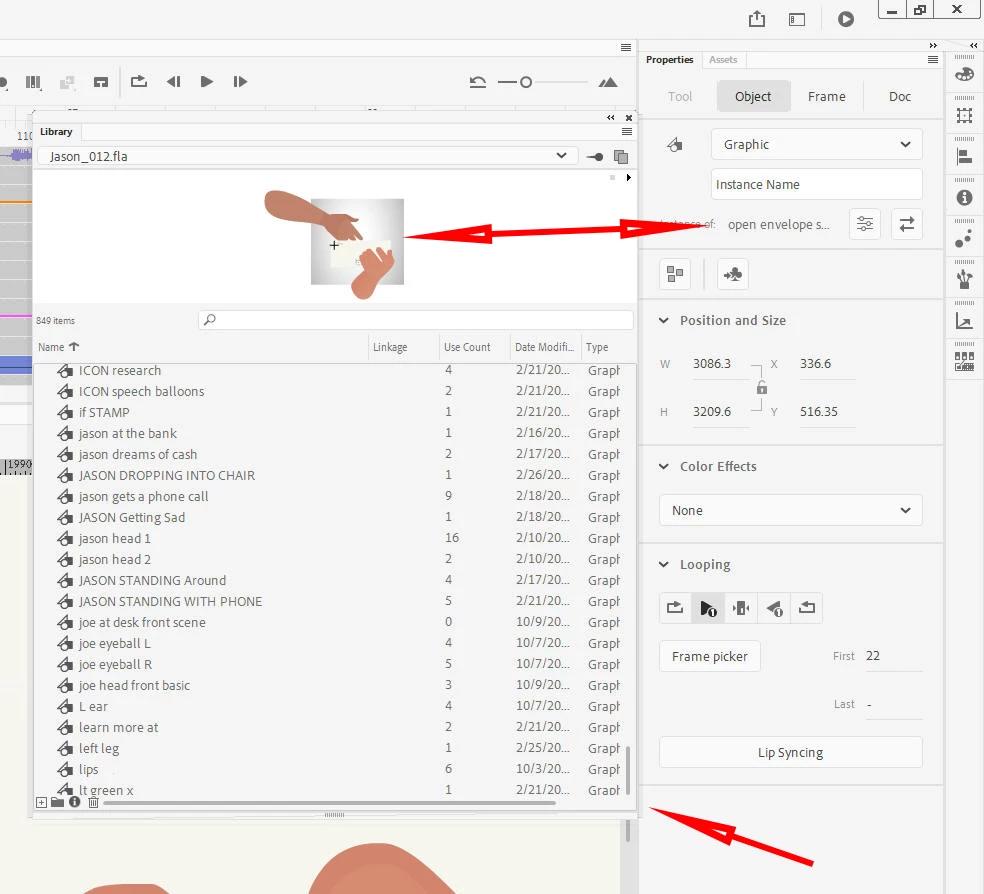
Anyone else experiencing this?


 AdChoices