Known Participant
Apr 7, 2023 9:14 AM UTC
Answered

Unable to add color to certain region of shapes

Video reference: 2023-04-06 17-59-32.mp4


Been stucked in here for days... Really wish to figure this out as soon as possible. Any reply will be appreciated.

This topic is closed to new replies. Start a new post to keep the conversation going.
kglad
kgladCorrect answer
Community Expert
Apr 8, 2023 1:39 PM UTC

Video: 2023-04-08 21-27-15.mp4

I managed to get some of them filled by drawing a box around. But how do I know they are not closed, it is visible to me that all of them are already closed from what I can see.


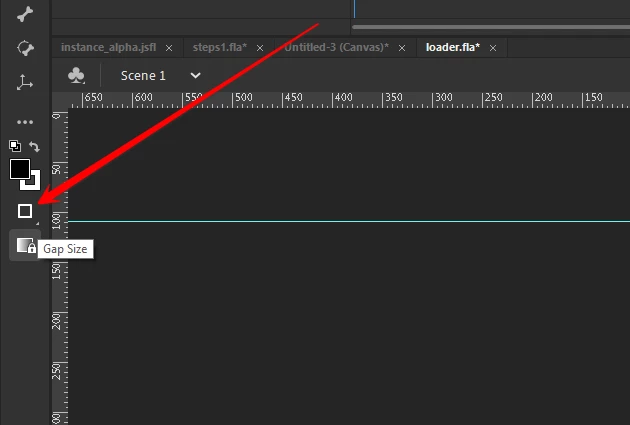
first, there are a paint bucket fill options that automatically close gaps:


that will probably help you avoid problems.


but to see small gaps, use the zoom tool to drag a rectangle around the shape (or parts of the shape):


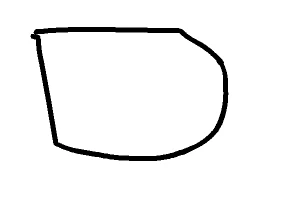
before zoom:


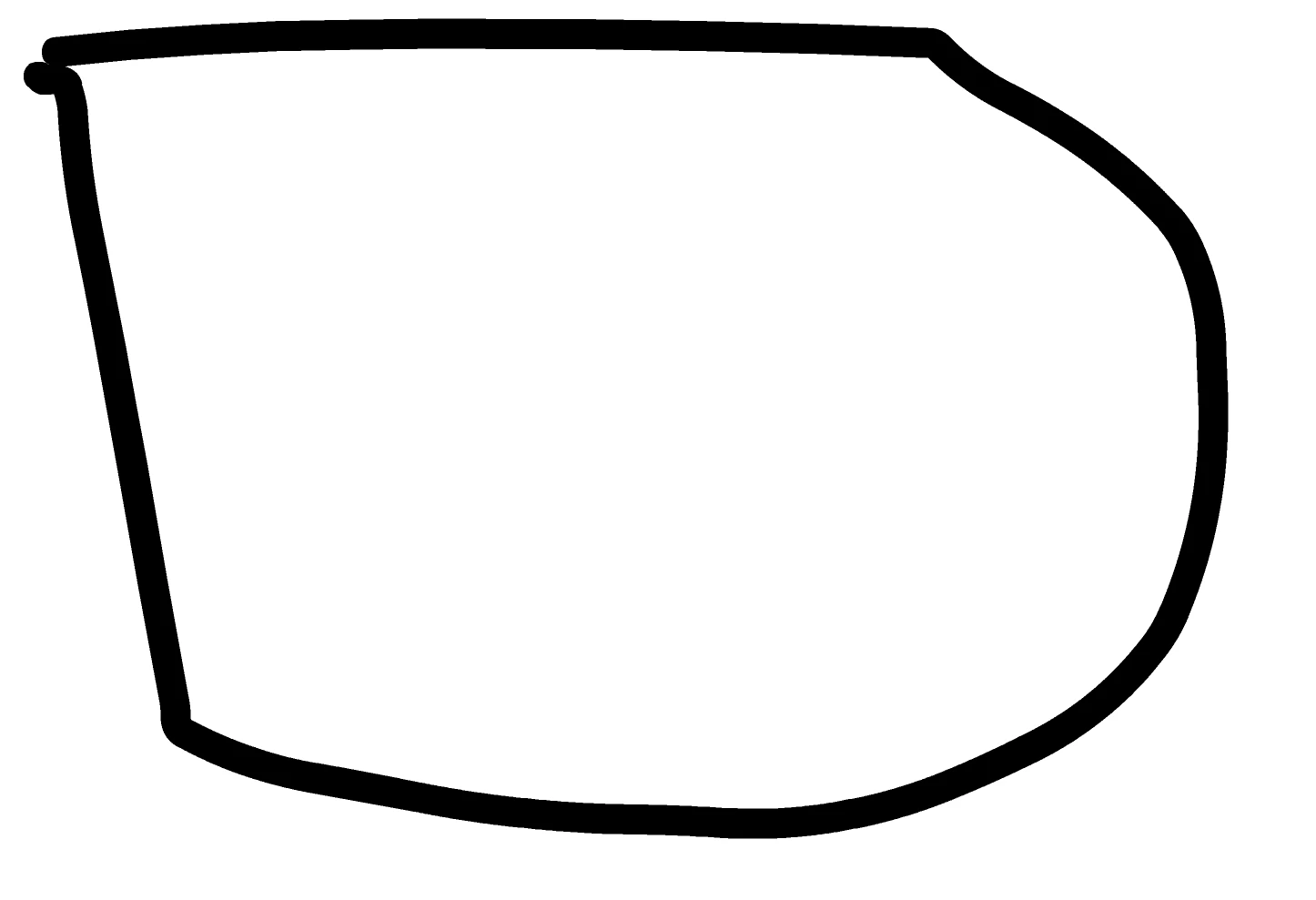
after dragging zoom tool magnifier:


now, this shape may look like it's closed, but it is not.  ie, it won't fill unless you select the close medium (or large gaps) option which surprised me.  i thought selecting close small gaps would be sufficient.


18 replies

kglad
Community Expert
Community Expert
Apr 7, 2023 2:35 PM UTC

upload your fla to a file server and post a link here.

Translate
Known Participant
Apr 7, 2023 2:37 PM UTC

Any recommended file server? Wasn't able yo upload to onedrive.

Translate
kglad
Community Expert
Community Expert
Apr 7, 2023 3:12 PM UTC

one drive would be ok, but maybe your fla is too large?


try dropbox.

Translate