Inspiring
January 23, 2019
Answered

Unable to import Video in Animate cc 2019 ActionScript 3

  • January 23, 2019
  • 2 replies
  • 2020 views

Hi Guys,

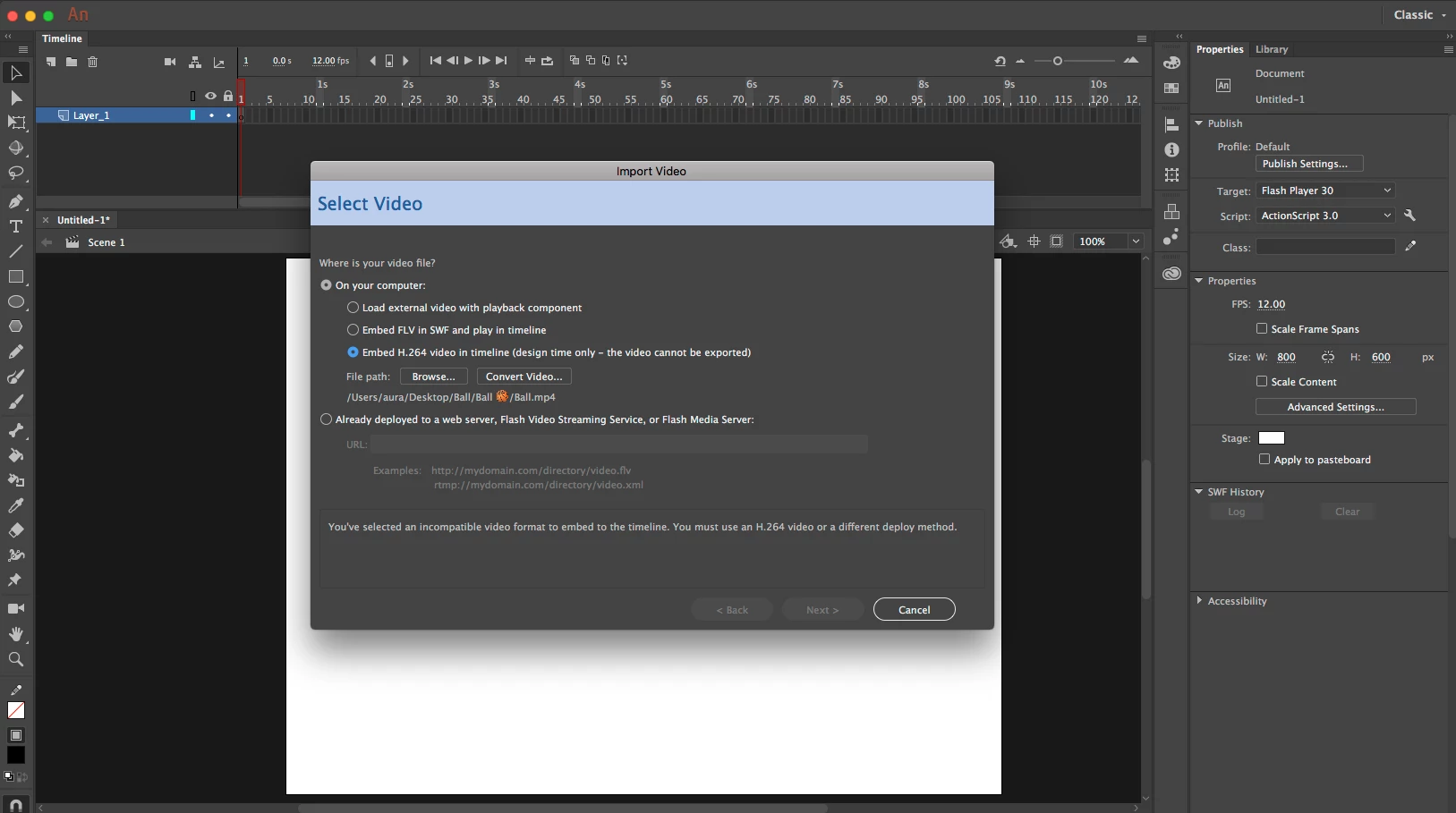
I am trying to import video in Ac3 as embed H246 (my video is already in H264 format) but is always shows Next option greyed out. (Image attached).

Plz, HELP guys!!!

This topic has been closed for replies.
Correct answer macklad

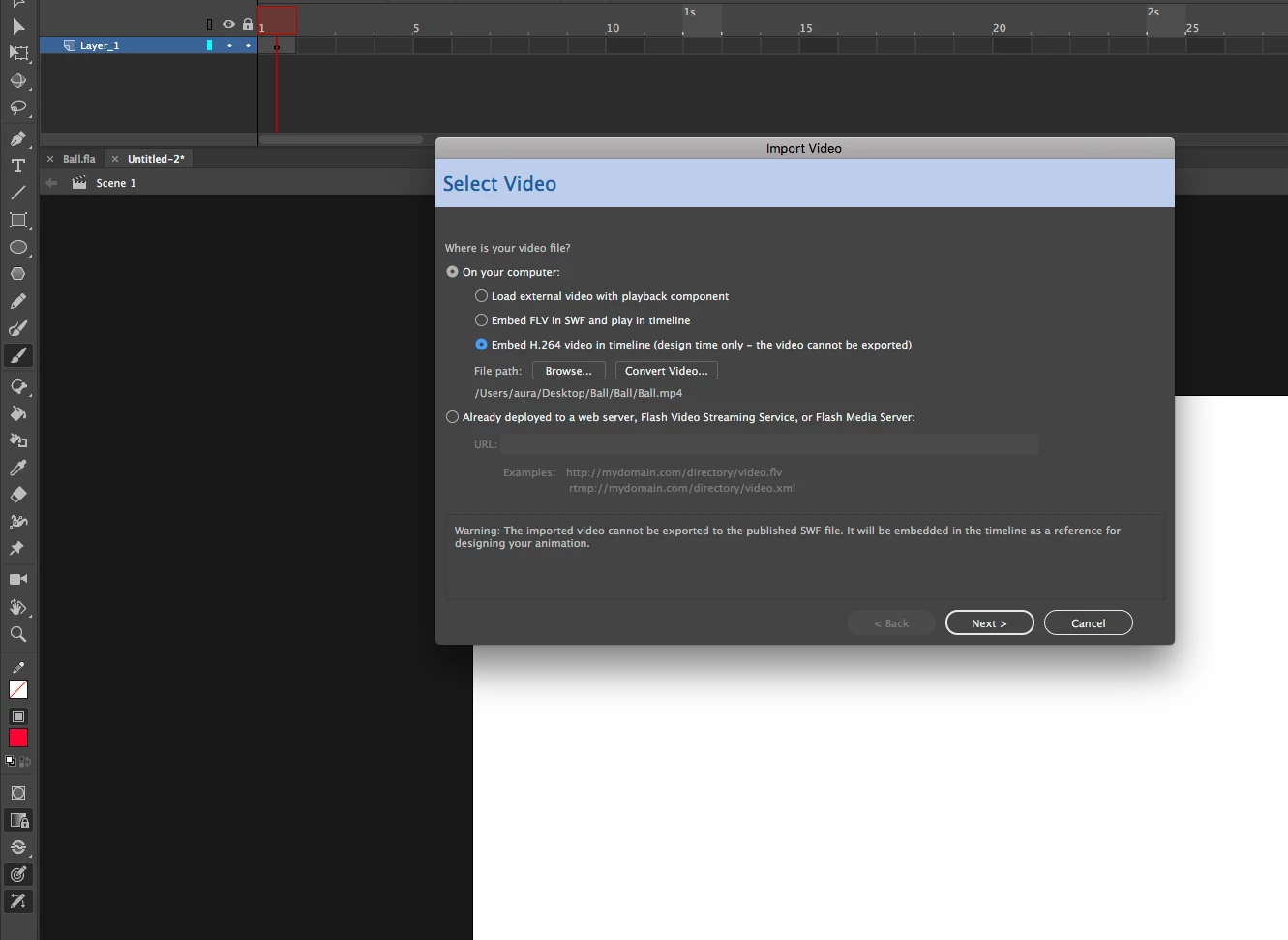
Thanks for pointing out the ball, it was happening because of that symbol ...animate cc is not compatible with symbols like that.

Now Fully working after removing the symbol.
2 replies

kdmemory
Inspiring
January 23, 2019

Hi Macklad

I presume you are aware that importing the video with this option (Embed H.264 in timeline) means, that it is only available at design time as a reference. You can't export it to a SWF.

Then, did you try an alternative video? Just to make sure that it not this particular video (Ball.mp4) that has a problem.

I also wonder what this odd visual symbol in the video path is:

/users/aura/Desktop/Ball/Ball >⚾︎< /Ball.mp4

Looks like a Sepak Takraw rattan ball to me. Is it usual on your computer that visual symbols appear in file paths?

Again, try another video - or try to Convert Video...

Klaus

mackladAuthorCorrect answer
Inspiring
January 23, 2019

Thanks for pointing out the ball, it was happening because of that symbol ...animate cc is not compatible with symbols like that.

Now Fully working after removing the symbol.

kglad
Community Expert
Community Expert
January 23, 2019

i'm not sure what you mean by Ac3 but your video's audio should be AAC

mackladAuthor
Inspiring
January 23, 2019

Sorry...It is AS3 Actionscript3