Participant
December 21, 2019
Answered

Underwater sounds for the entire video and quality drop after exporting from animate

  • December 21, 2019
  • 1 reply
  • 400 views

I have been attempting to export from adobe animate and using adobe media encoder to convert to mp4 but there is a quality drop in both the audio and visuals, 

This how the visuals look in adobe animate vs how they look after being exported:
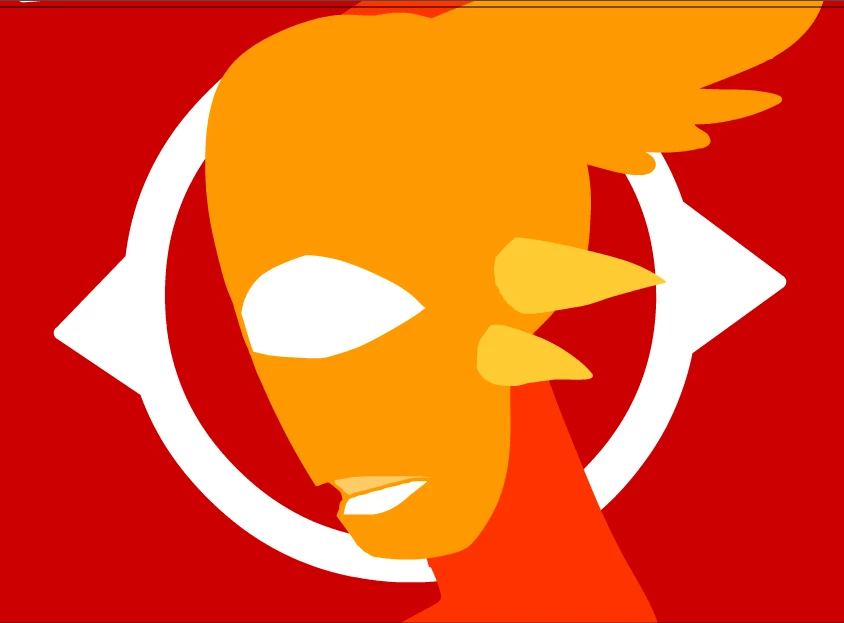
I vaguely remember how to fix the audio issue by changing the kbps to 128 on one of the options but I have tried that and it hasnt helped the audio quality.

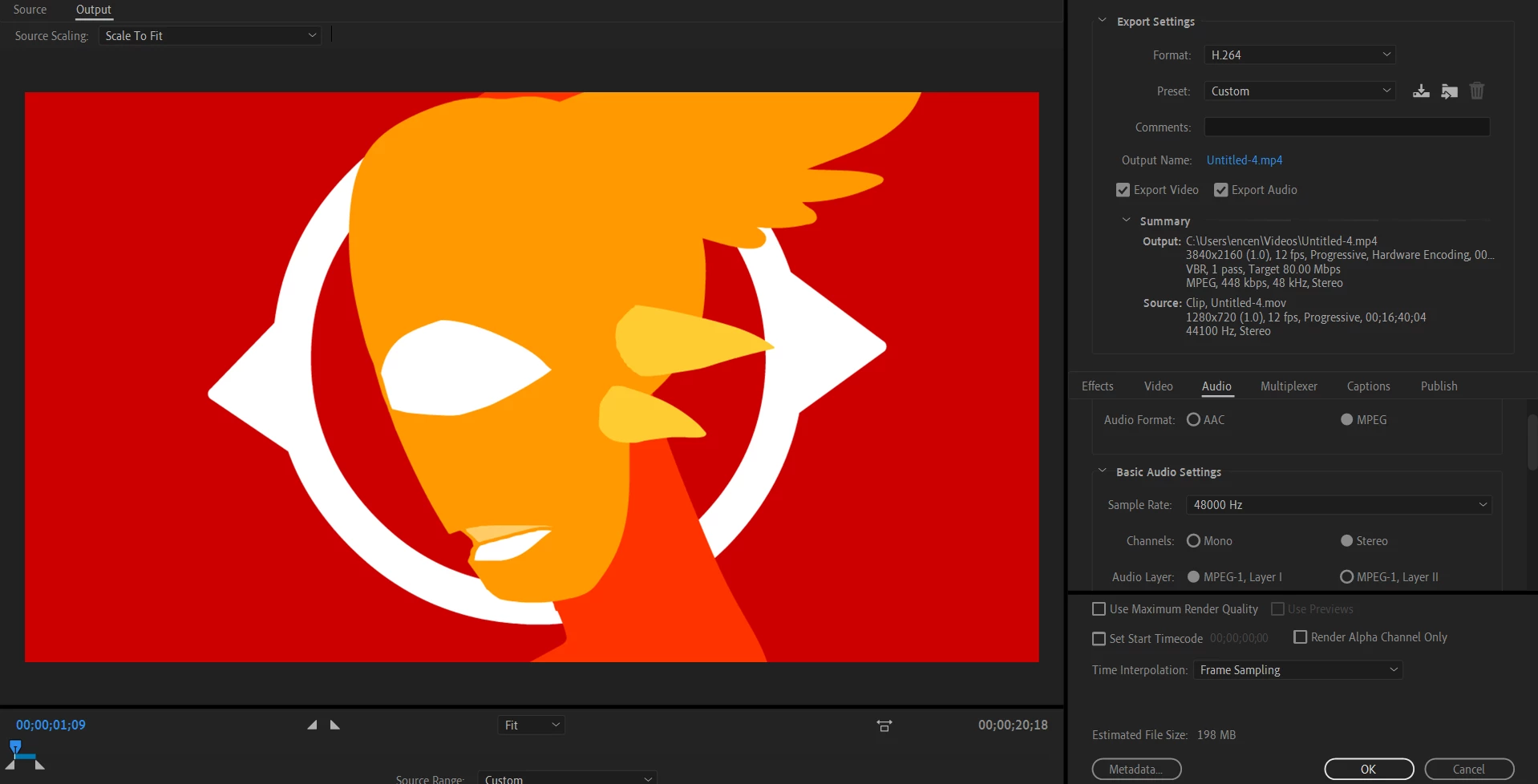
These are the settings i use on adobe media encoder, the art shows up fine on it before being exported.
This topic has been closed for replies.
Correct answer n. tilcheff

Hi mate,


Check out this topic: 

https://community.adobe.com/t5/animate/trouble-exporting-mov-amp-mp4-from-animate-2020/m-p/10823313#M200107


and follow Colin's advice on setting your audio to Raw, i.e. uncompressed to avoid any unnecessary audio transcoding.

You can add the proposed code as well to up the vector render quality to 16x16.


Also check the video settings in AME and choose higher bitrate for better quality H.264.


1 reply

n. tilcheff
n. tilcheffCorrect answer
Legend
December 31, 2019

Hi mate,


Check out this topic: 

https://community.adobe.com/t5/animate/trouble-exporting-mov-amp-mp4-from-animate-2020/m-p/10823313#M200107


and follow Colin's advice on setting your audio to Raw, i.e. uncompressed to avoid any unnecessary audio transcoding.

You can add the proposed code as well to up the vector render quality to 16x16.


Also check the video settings in AME and choose higher bitrate for better quality H.264.


Nick - Character Designer and Animator, Flash user since 1998 | Member of the Flanimate Power Tools team - extensions for character animation