felicitasn57658985
Participant
April 14, 2020
Question

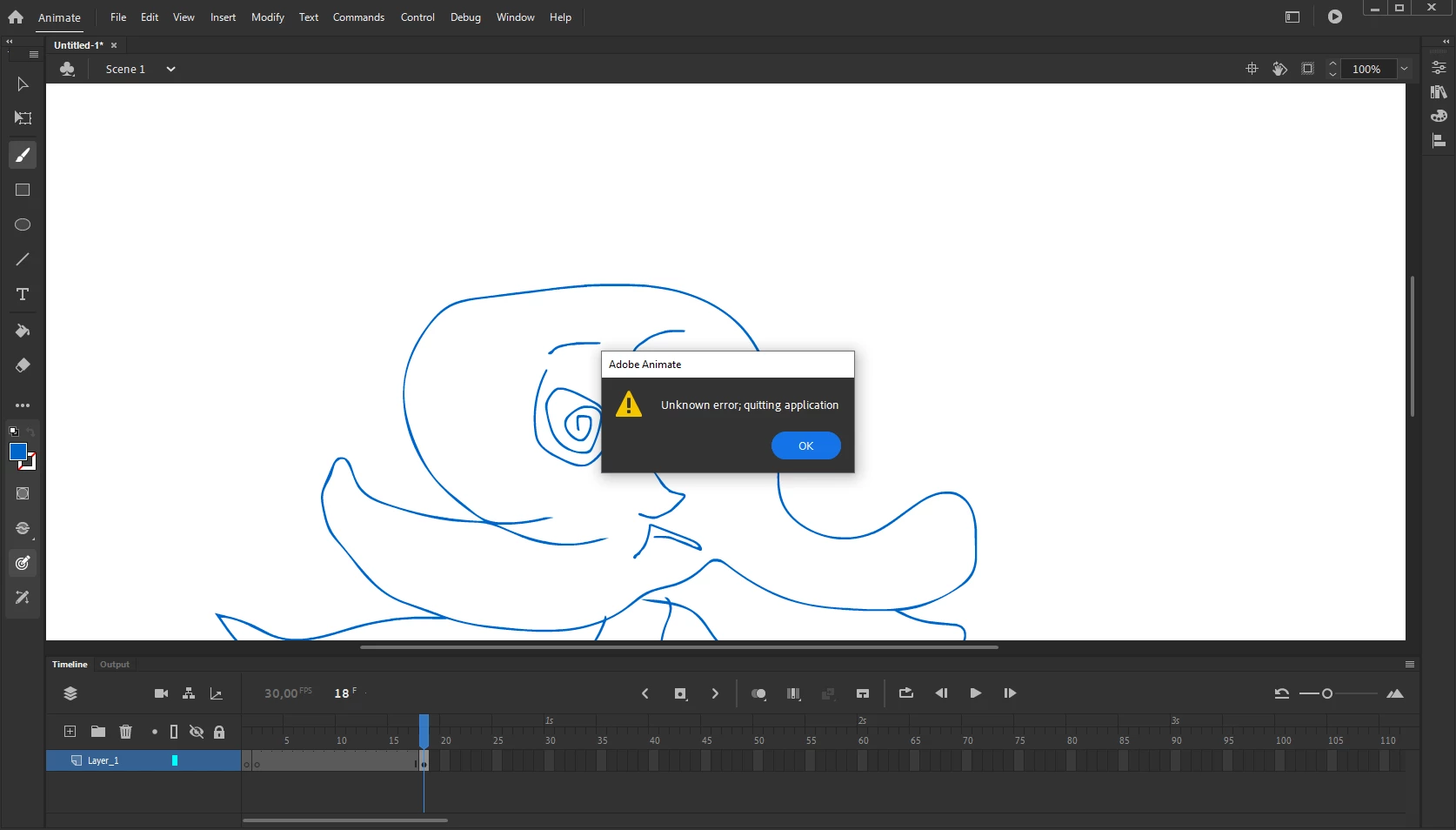
Unknown error - quitting application - Can't save any projects

  • April 14, 2020
  • 2 replies
  • 2523 views

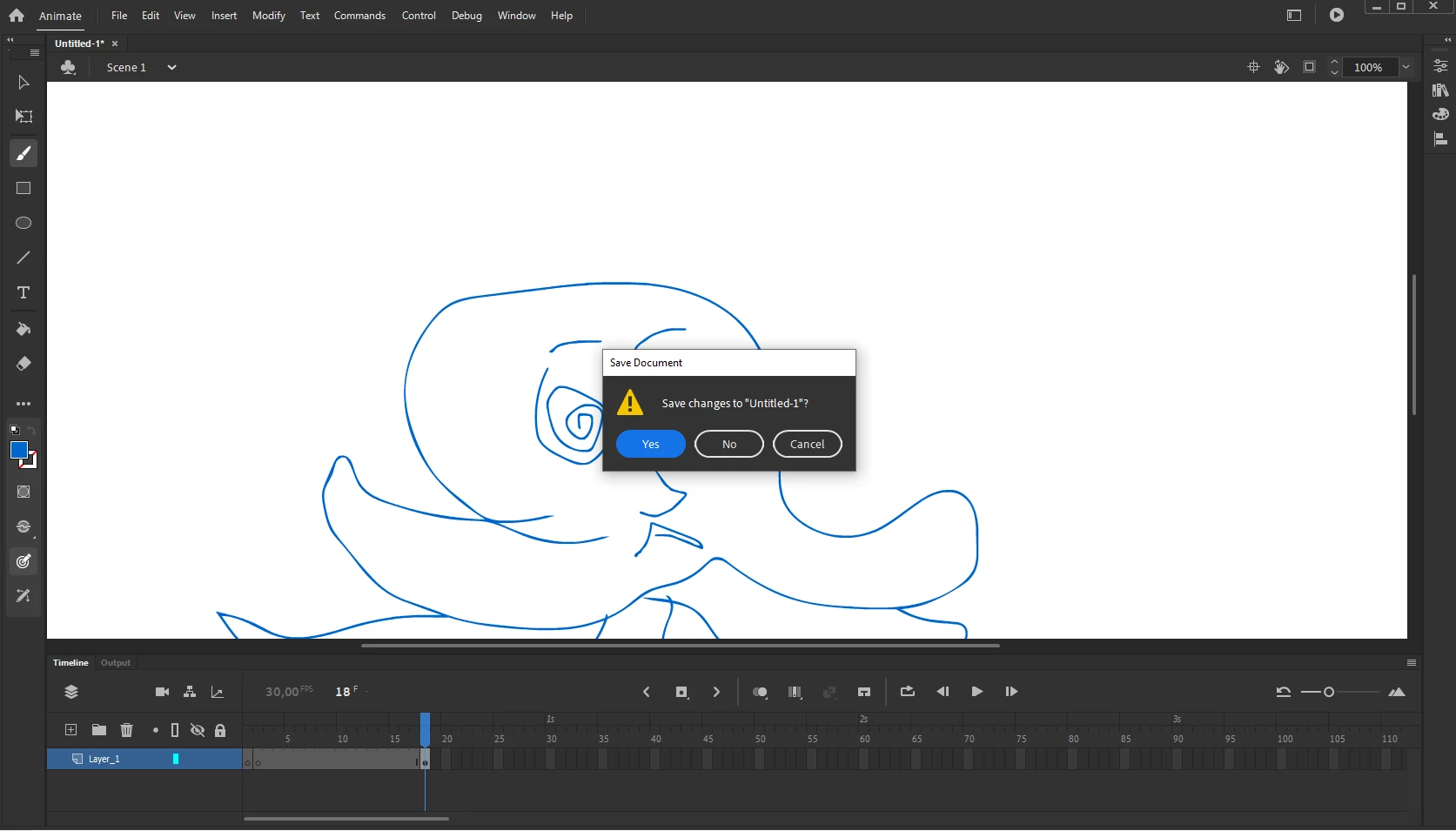
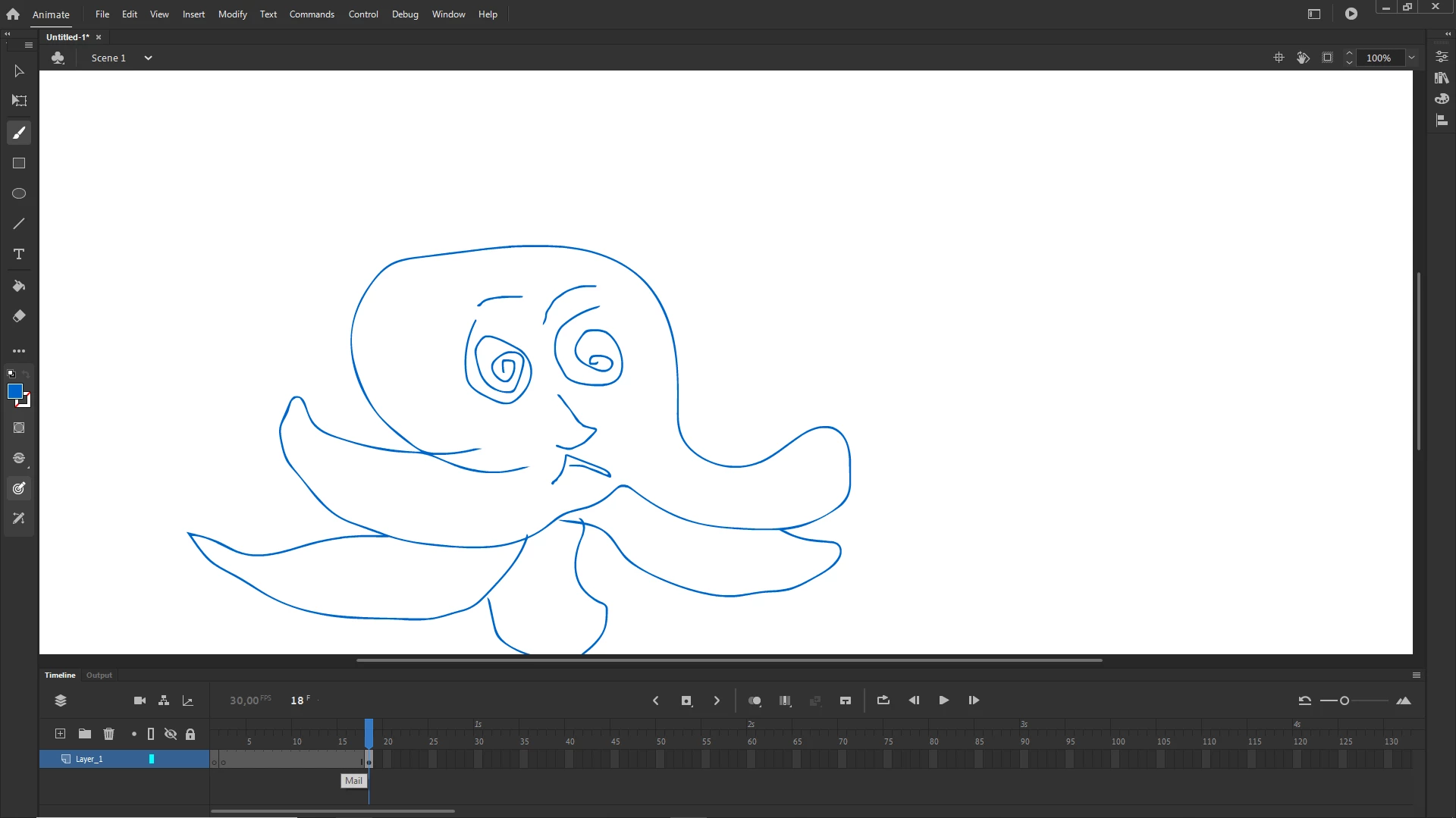
Hello 🙂 I can't save any project in Animate. I have reinstalled it many times, unplugged my graphic tablet and didn't change any presettings. As soon as I try to save it the following loop occurs as seen in he photos. I don't know what to do anymore 😞
 

    This topic has been closed for replies.

    2 replies

    Participant
    May 12, 2022

    Has anyone given an answer that works on this? I am having the same problem but do not have the file extensions listed below in the answer. 

    kglad
    Community Expert
    Community Expert
    May 12, 2022

    i have no idea by what you mean by "below" and there's no mention of file extensions except in your post (and now mine).

    Participant
    May 13, 2022

    Sorry, I thought it would post below the original question in the thread, first time using this. I am just wondering if there is an answer to the original post. Thanks anyhow, I should be able to figure it out on my own.

    kglad
    Community Expert
    Community Expert
    April 14, 2020

    reset your preferences - http://helpx.adobe.com/flash/kb/re-create-preferences-flash-professional.html


    or remove

    Win:

    C:\Users\\AppData\Local\Adobe\Animate CC \ and
    C\Users\\AppData\Roaming\Adobe\Animate\\


    Mac:

    /Users//Library/Application Support/Adobe// and
    /Users//Library/Preferences/Adobe/Animate//

    August 2, 2020

    I can't find Animate CC I can only find Animate 2020

    n. tilcheff
    Legend
    August 2, 2020

    That's the one, mate!


    They removed the 'CC' from the title with An 2020. It is no longer called Animate CC.


    Nick - Character Designer and Animator, Flash user since 1998 | Member of the Flanimate Power Tools team - extensions for character animation