
Question
Vector shapes overlapping opacity issue
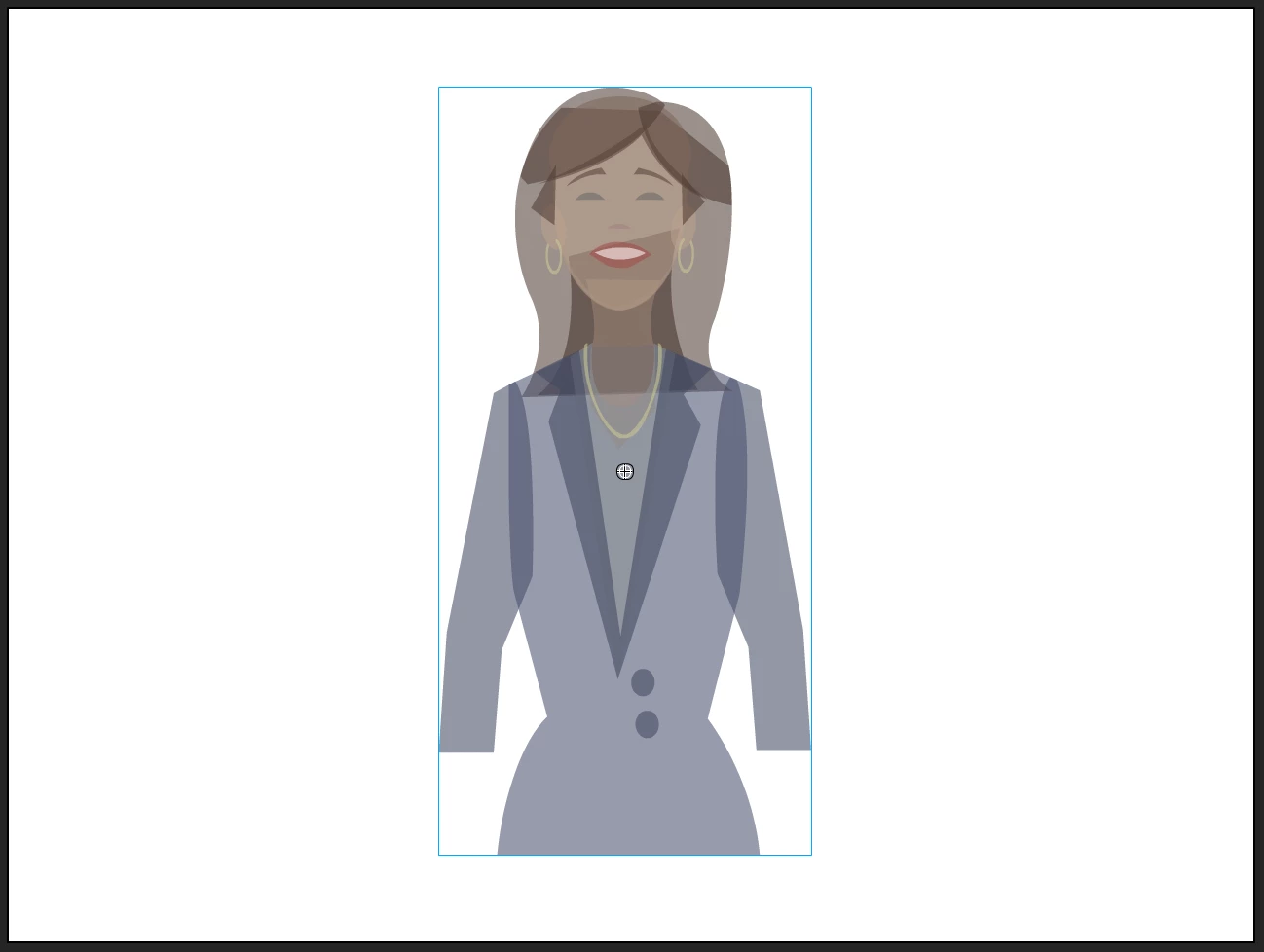
Issue with using opacity on vector shapes in newer versions of Animate. Before if you had a complex vector image and you wanted to make it transparent or animate opacity on it you could set it to Movie Clip and then adjust the blending mode to Layer and the transparency would work fine (no overlapping pieces showing). But Adobe seems to have gotten rid of that feature or changed it now?
Anyone know how I can reduce opacity on a vector image like the one below without having all the overlapping pieces showing?
Thanks



 AdChoices