sonn2501655
Participant
July 23, 2018
Answered

Video components not autoplay!

  • July 23, 2018
  • 2 replies
  • 2531 views

Hi all,

I have a issue with video components. I want video autoplay when I start banner but it not. I have checked autoplay in Components Parameters but it not play and I dont see any errors.
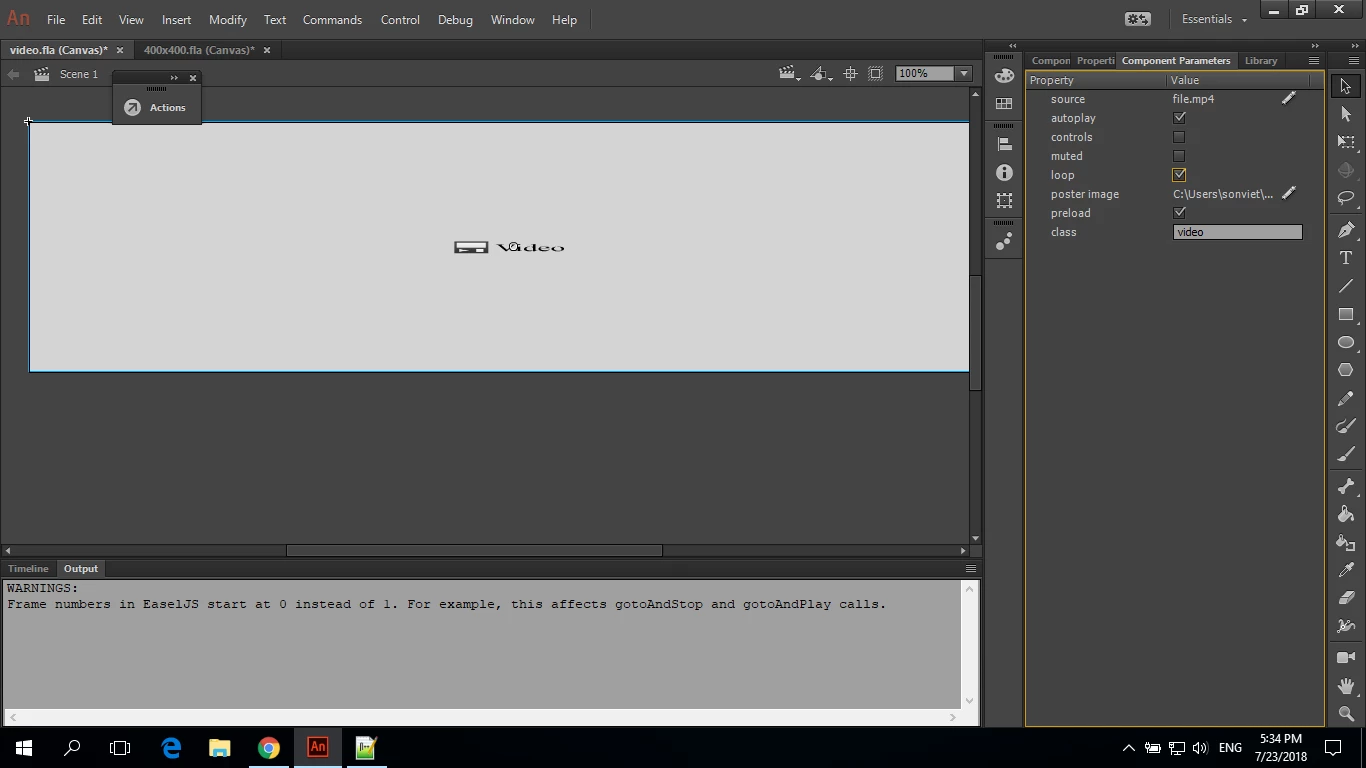
Please help me,Thank you.

This topic has been closed for replies.
Correct answer JoãoCésar17023019

Hi.

This is an issue related to Google Chrome.

Google has now a new policy on Chrome desktop to block unwanted autoplays.

Improving Autoplay in Chrome

If you test it in Firefox or some other browser, it will probably work.

Regards,

JC

2 replies

Participant
July 7, 2021

A better answer would be that autoplay is by default blocked. But you can go into your browser settings and enable it. So when you run the file it will autoplay as expected.

I just had this issue too and did this myself on the Safari browser (MAC OS). This is also allowed in Chrome and Edge.

Legend
July 7, 2021

No, expecting everyone in the world to change their browser defaults so your video will autoplay is not a better answer.

Participant
July 7, 2021

This is a security feature built in to the browser so users can opt out of having videos autoplaying without their choice. This setting can't be overriden by the component and it's up to the user to allow it or not.

JoãoCésar17023019
Community Expert
JoãoCésar17023019Community ExpertCorrect answer
Community Expert
July 23, 2018

Hi.

This is an issue related to Google Chrome.

Google has now a new policy on Chrome desktop to block unwanted autoplays.

Improving Autoplay in Chrome

If you test it in Firefox or some other browser, it will probably work.

Regards,

JC

sonn2501655
Participant
July 23, 2018

Thank you very much.

JoãoCésar17023019
Community Expert
Community Expert
July 23, 2018

You're welcome.