


Participant
April 1, 2020
Question

Wacom pen mapping issues and brush inconsistency

  • April 1, 2020
  • 2 replies
  • 425 views

Hi, recently I've been having a ton of issues with Animate and I'm trying to figure everything out. For some reason, Animate won't let me map my tablet to one monitor, despite all my other drawing programs letting me do so. This problem is fixed when I switch back to 19.2.1, but then I have issues with the line quality being extremely inconsistent.
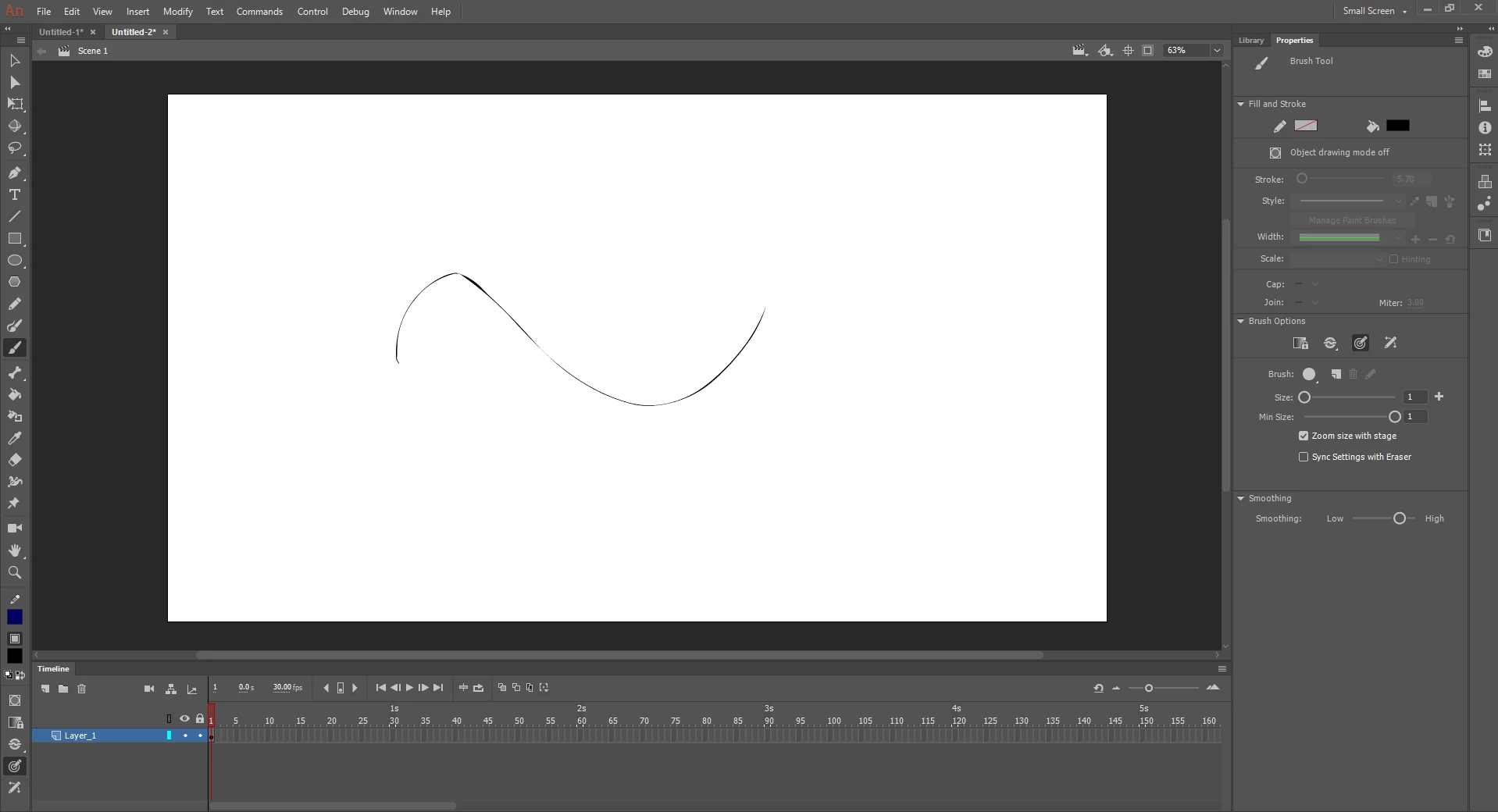
If there is a solution for the mapping issue or the line inconsistensy problem, either solution would work. Thank you.

This topic has been closed for replies.

2 replies

Adobe Employee
April 14, 2020

Hi,


There is a fix available for these mapping/drawing related issues in the recent update (v20.0.3) available in Creative Cloud Desktop app. After installing please follow below steps.


  1. Edit-->Preferences-->Edit Preferences-->Drawing-->Tablet Input-->Windows Ink(Beta)-->Press OK
  2. Open a new/created document for the changes to take place.


Note: Please be aware this option is a beta version and let us know if you face any issues with the same.


You can also join our Animate Prerelease beta program where you will have an early access to our developmental builds, features and bug fixes. You can sign up to the program using http://adobe.ly/20AEkbJ


Thanks!

n. tilcheff
Legend
April 1, 2020

Search the forum, mate.

There are a million threads already.

Current version is a mess. There are some replies by a dev called arvind_bv which may or may not help, but worth reading and trying out if you want to use 2020.


Nick - Character Designer and Animator, Flash user since 1998 | Member of the Flanimate Power Tools team - extensions for character animation