Participating Frequently
April 21, 2020
Answered

Weird masking error when exporting

  • April 21, 2020
  • 8 replies
  • 1373 views

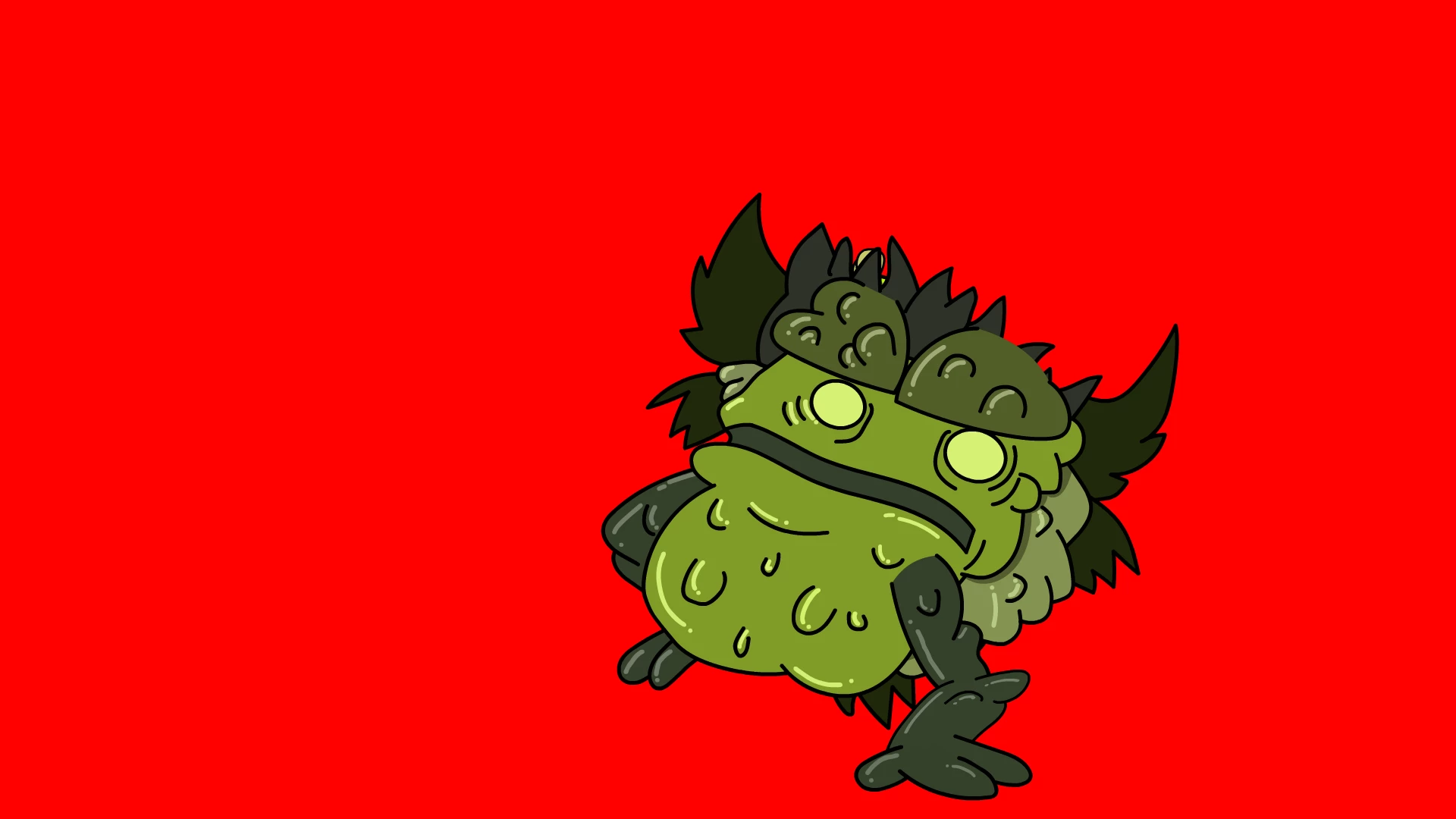
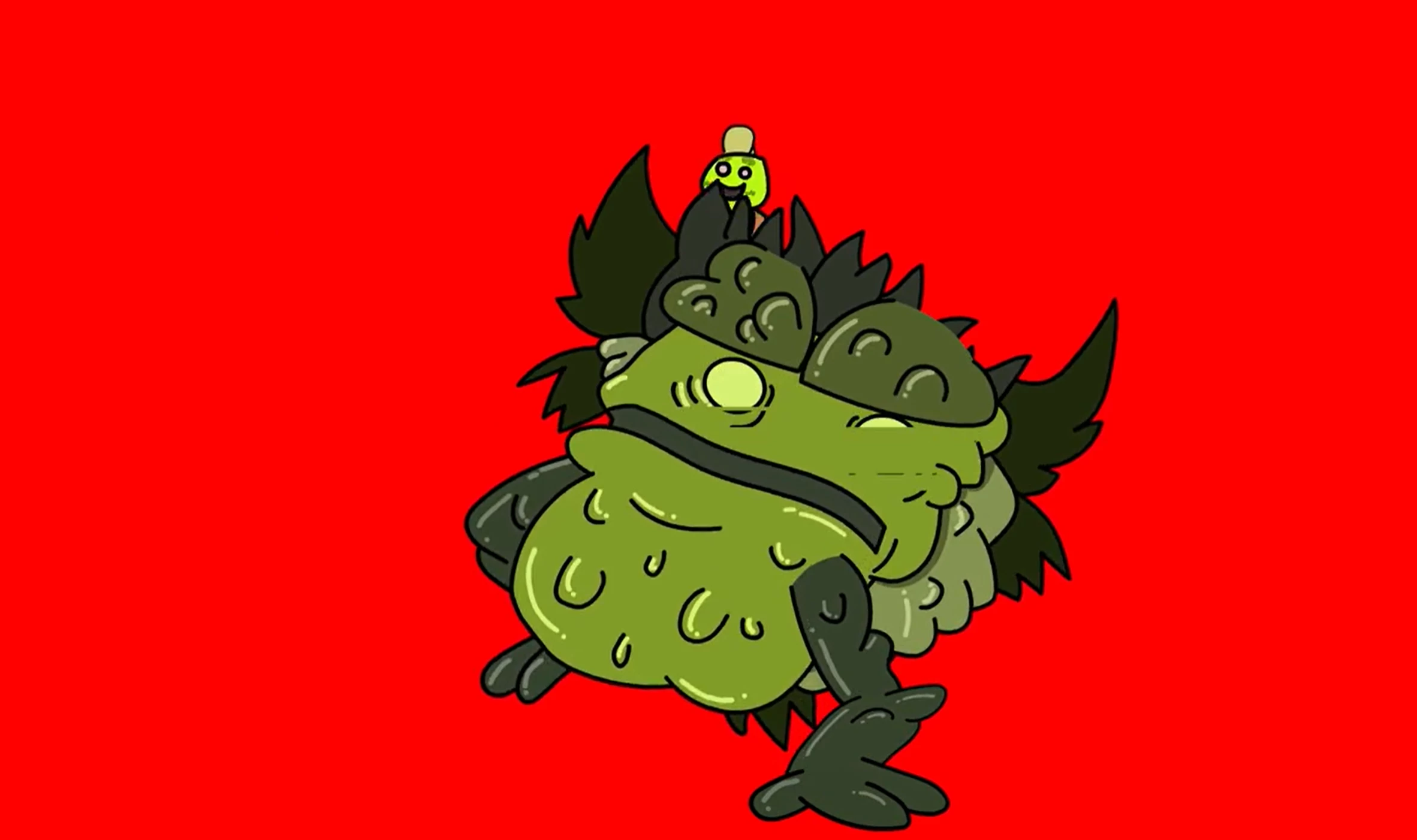
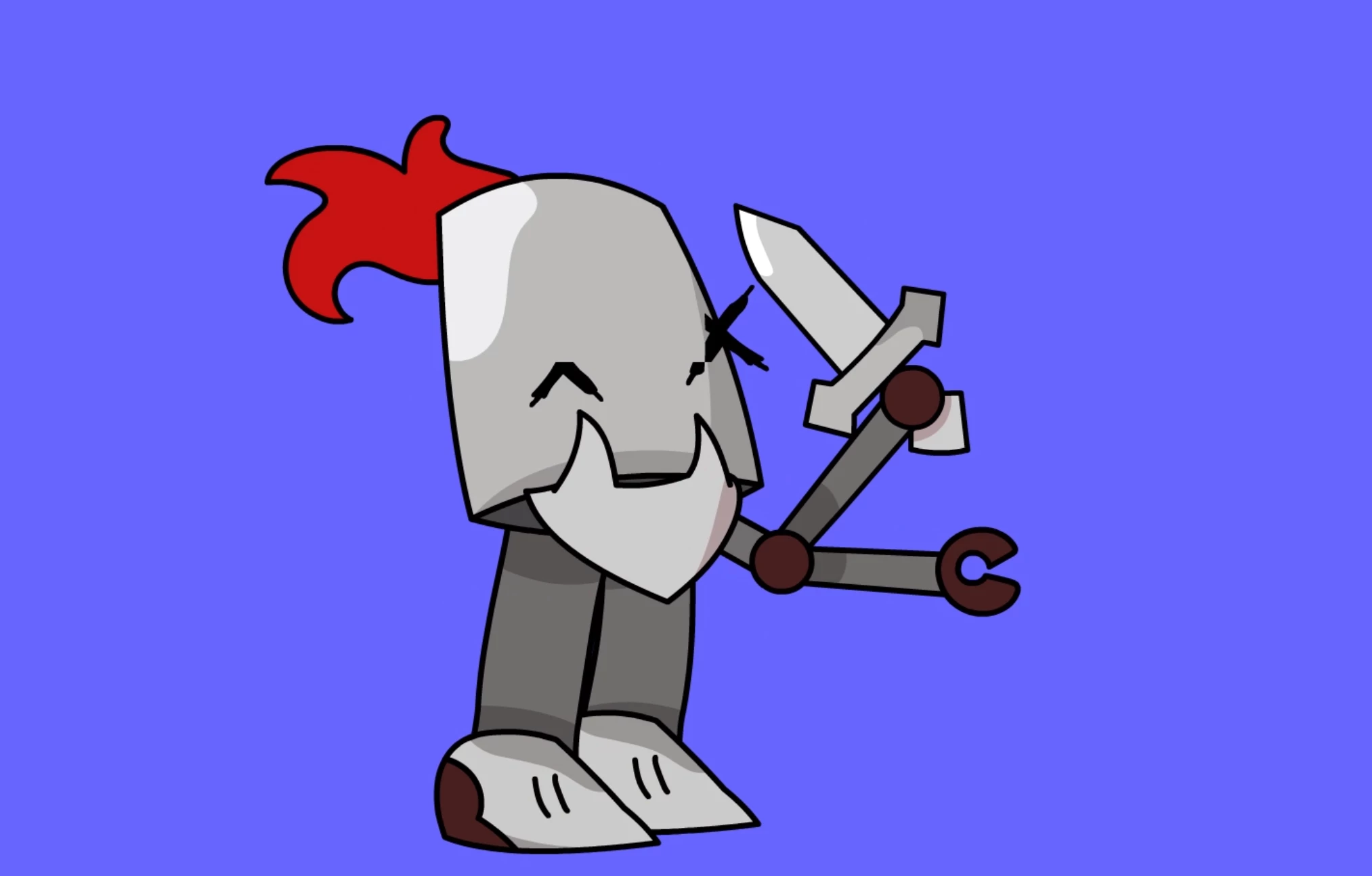
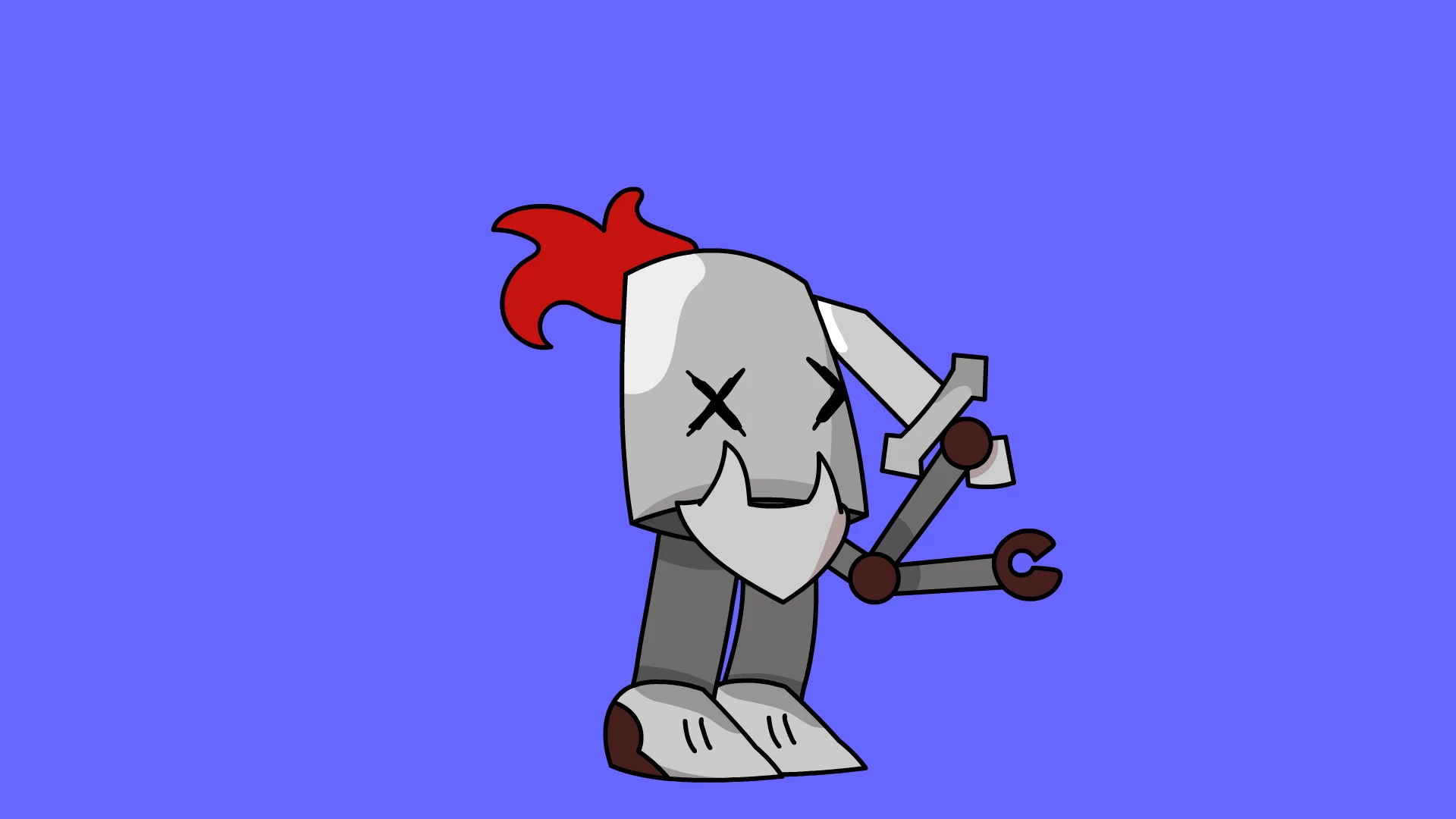
I use the 2019 Adobe Animate App, and for some reason, recently when I exported something, the eyes would be really weird, like clipping out of its mask. I'm assuming it's masking as this issue only occurs with the eyes, which are masked, so I apologise if it's wrong. Does anyone know how to fix this? I've talked about this in a previous post, and I apologise if that's against the rules, but I stupidly made a new post without realising I made the old one and I don't know how to delete them. 

    This topic is closed to new replies. Start a new post to keep the conversation going.
    Correct answer n. tilcheff

    Hi again, mate!


    Here is the fixed file:   https://drive.google.com/file/d/1_8AKEZZvarJSb89moiEdEe9QM_NREFef/view?usp=sharing


    The problem was that you are using Movie Clip Symbols as masks and these Movie Clips tend to loop like crazy during the runtime even though they have only one frame inside. So, for some reason, this creates those problems. Could be screen refresh or something else, I'm not sure exactly why.


    To fix the masks, the only thing I had to do was change the Instance Type to Graphic in all keyframes on the timeline.

    Then I stopped them, i.e. chose Single Frame from Looping Properties.


    The fastest way to achieve this was to unlock only the mask layer. Then I activated Edit Multiple Frames spanning All Frames; Selected All and from Properties changed the Instance type to Graphic; then chose Single Frame.


    That's all. Mask works as it should.


    --


    Just one more note: Never use Movie Clips in non-interactive projects. For character animation only use Graphic Symbols. They give a lot more control over what you do.


    Good luck!


    8 replies

    n. tilcheff
    Legend
    April 21, 2020

    Hi mate,


    It's impossible to know what is causing this behaviour if you don't post your FLA. 

    If you're worried about your artwork, delete most other elements from the documents, but the structure of your file has to be examined to find out what is going on.


    Nick - Character Designer and Animator, Flash user since 1998 | Member of the Flanimate Power Tools team - extensions for character animation

    Participating Frequently
    April 22, 2020

    Hi thanks for replying. I'd try to add the file in, but for some reason, it won't let me... And I just realised I could've just dropboxed it..


    https://www.dropbox.com/s/4dsdsn5teyk8805/Dadpole.fla?dl=0


    Hopefully this would work, and thanks so much for helping me.

    n. tilcheff
    Legend
    April 22, 2020

    Thanks for posting the FLA, mate!


    For now I can only say that I could see the problem and the behaviour is observable and consistent in 19.2.1, 20.0.3, 18, 15.2 and others where I quickly published a SWF to test. 


    I will try to get to the bottom of this, but will probably have the time for experimentation tomorrow.

    When I have some clarity will post again here.


    Will also send you a PM in a few minutes.


    Nick - Character Designer and Animator, Flash user since 1998 | Member of the Flanimate Power Tools team - extensions for character animation

    Mohanaraj
    Adobe Employee
    Adobe Employee
    April 21, 2020

    Hi,

    Can you please let us know the version and build number of Animate that you are using? Also, it would be helpful if you could share the fla file for us to take a look.


    Thanks!

    Mohan

    Participating Frequently
    April 22, 2020

    Hi, I use the 2019 version of Adobe Animate (Animate 19.2.1). Unfortunately, I don't know what a build number is, so I apologise. As for the fla file, it won't let me edit the file in, coming up with this message instead.


    Halfway through my second reply I realised I could've dropboxed it, so I apologise. Here. Thanks for helping me.


    https://www.dropbox.com/s/4dsdsn5teyk8805/Dadpole.fla?dl=0