
When I open Animate project (previously created on Mac) on my Windows PC, text elements changes
Hi everyone,
could you please help me with the following issue?
I have previously googled the topic, hoping to find the solution, but it seems to me that I am the first person ever to face this problem 🙂
Here is the problem:
My colleague works on Mac, while I work on PC with Windows. We both work with latest version of Adobe Animate.
When my Mac-colleague creates an Adobe Animate project, he can save it and open it again without a problem.
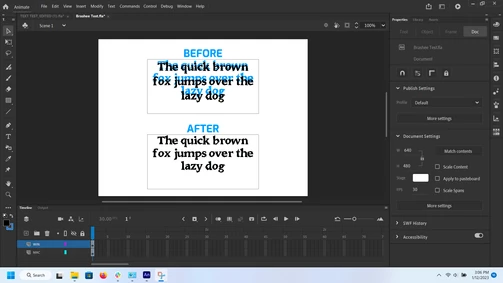
BUT: When I open the same project, I see that all text elements changed. It seems that text lines moved down and line spacing is bigger.
Here is an example.
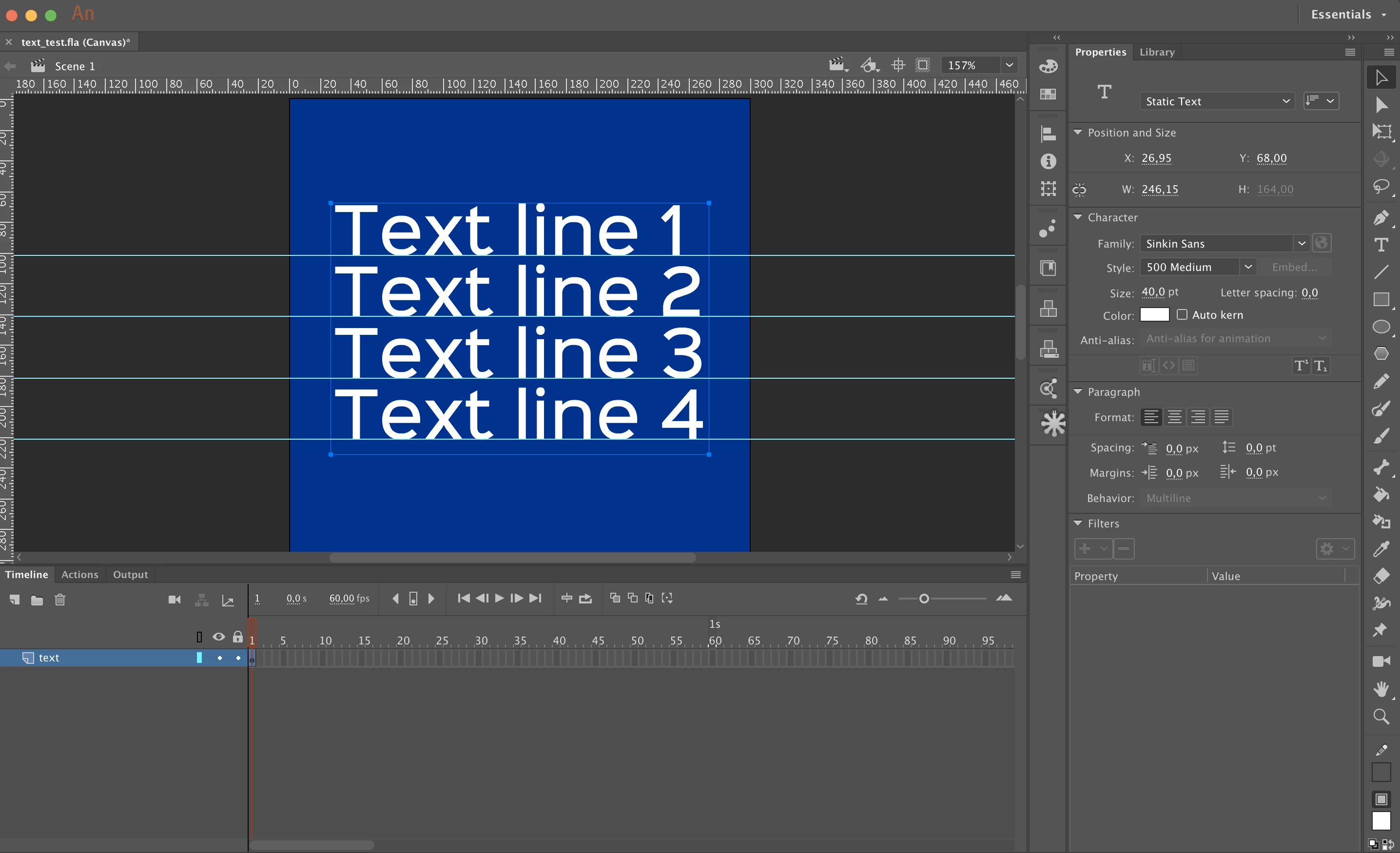
This is how the project looks like on Mac.
This is how the same project looks like, when it is opened on Windows.
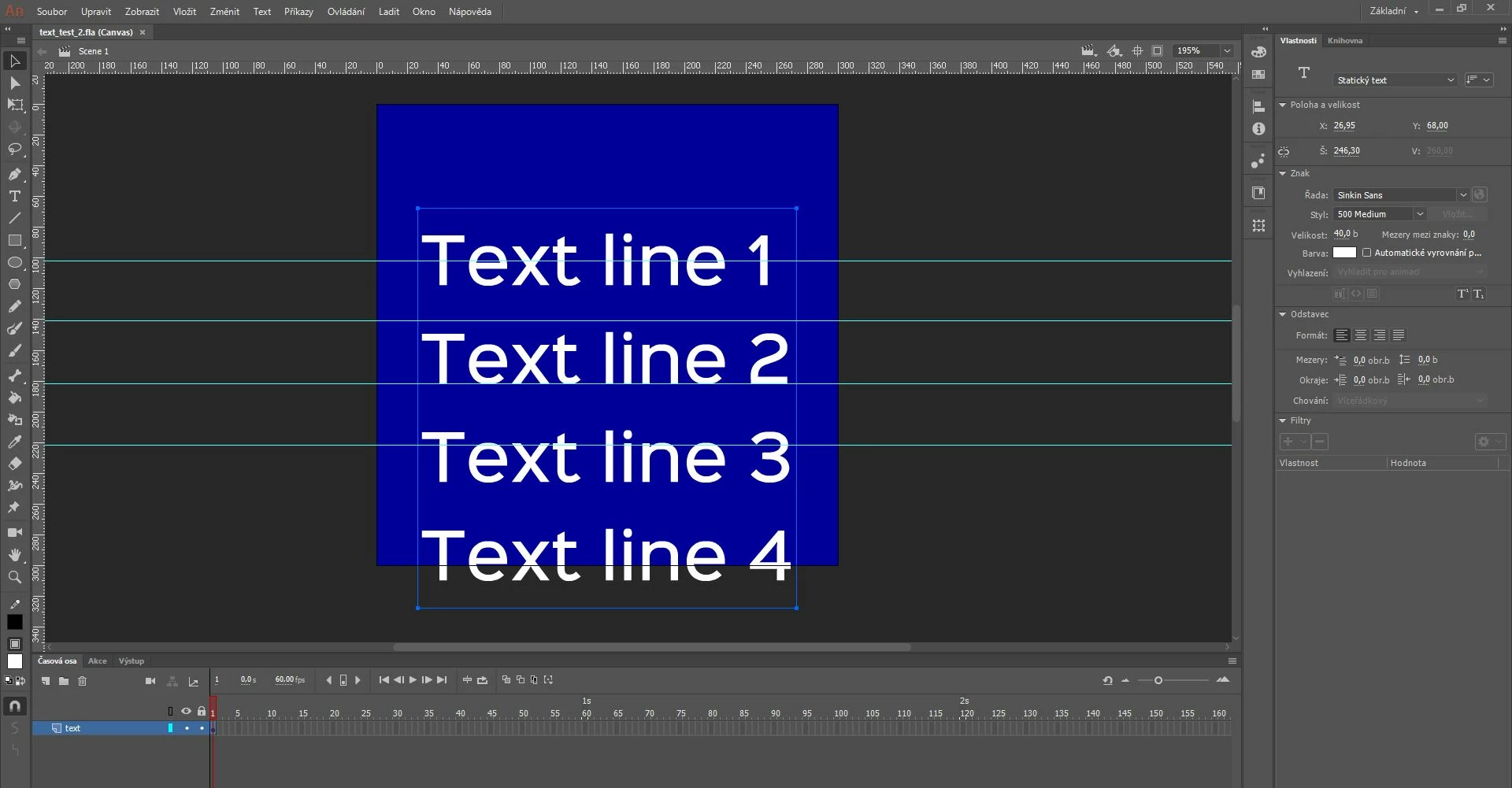
The problem remain swhen opening project both Mac→PC or PC→Mac. I mean, when my Mac-colleague opens Animate project previously created on my Windows PC, the text elements change aswell.
This issue is quite a big deal for us, since it makes any cooperation quite difficult...
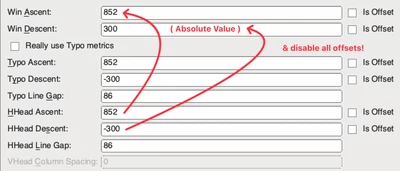
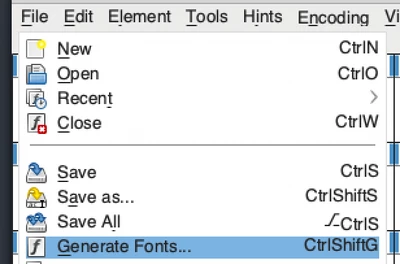
It could be caused by the font file, but we tried this with many different fonts and the problem remains. Only Arial seemed to be OK for both of us...
Has anyone ever faced the same problem? Are there any solutions?
Thank you for your help.


 AdChoices