


Participating Frequently
Mar 17, 2024 4:55 PM UTC
Question

Whenever i hover my mouse on workspace cursor disappears in Adobe Animate 2021

Whenever i hover my mouse on workspace cursor disappears.It happened randomly, i tried restarting my pc,but it didnt work,also i like to mention that when i screenshot, mouse doesnt appear, but when i record video, it appears, only in video obviously, heres the screenshots, second one is taken from a recorded video,
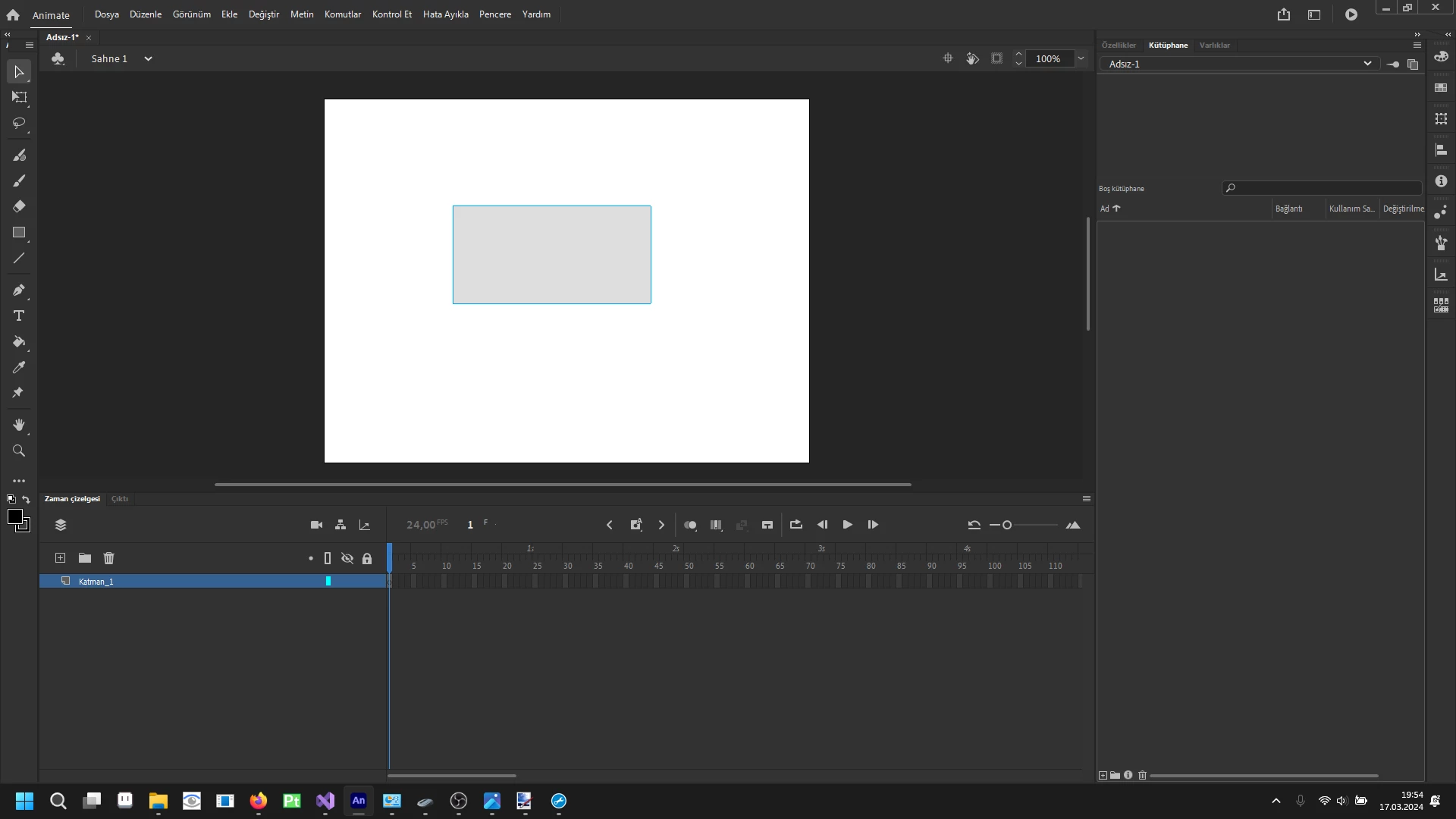
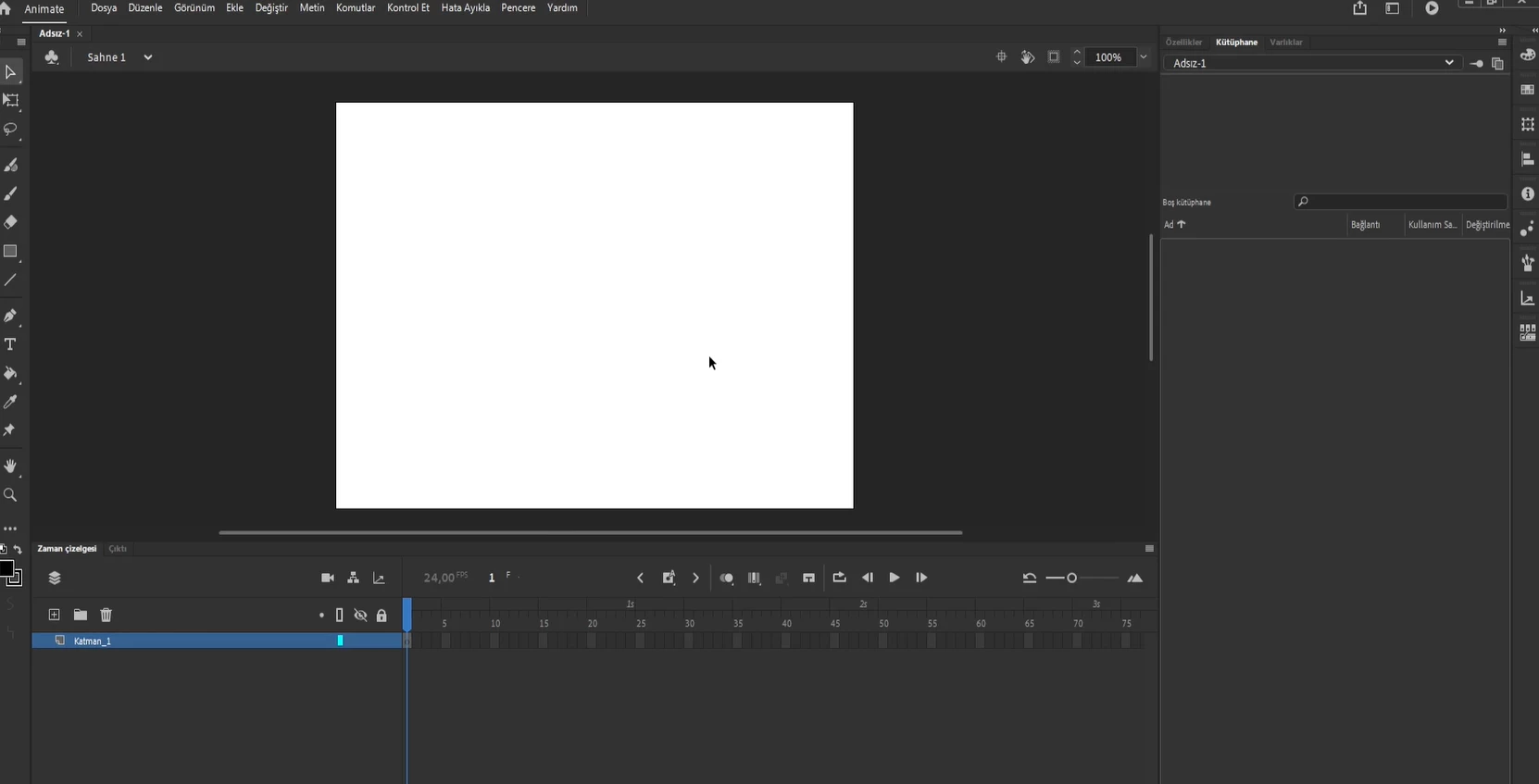
    This topic is closed to new replies. Start a new post to keep the conversation going.

    11 replies

    kglad
    Community Expert
    Community Expert
    Mar 17, 2024 5:29 PM UTC

    there's something on your computer causing the problem.  usually, that's another app.


    you can try uninstalling animate and its preferences and reinstalling, to confirm that.

    Translate
    NecipFGAuthor
    Participating Frequently
    Mar 20, 2024 1:06 PM UTC

    i did reinstall adobe animate. But issue still persists.

    Translate
    kglad
    Community Expert
    Community Expert
    Mar 20, 2024 2:16 PM UTC

    did you uninstall the preferences?  (ie, customizations were reset)

    Translate
    kglad
    Community Expert
    Community Expert
    Mar 17, 2024 5:27 PM UTC

    in the future, to find the best place to post your message, use the list here, https://community.adobe.com/

    p.s. i don't think the adobe website, and forums in particular, are easy to navigate, so don't spend a lot of time searching that forum list. do your best and we'll move the post (like this one has already been moved) if it helps you get responses.


    <"moved from using the community">
    Translate