


Generic_05
Participant
December 8, 2019
Answered

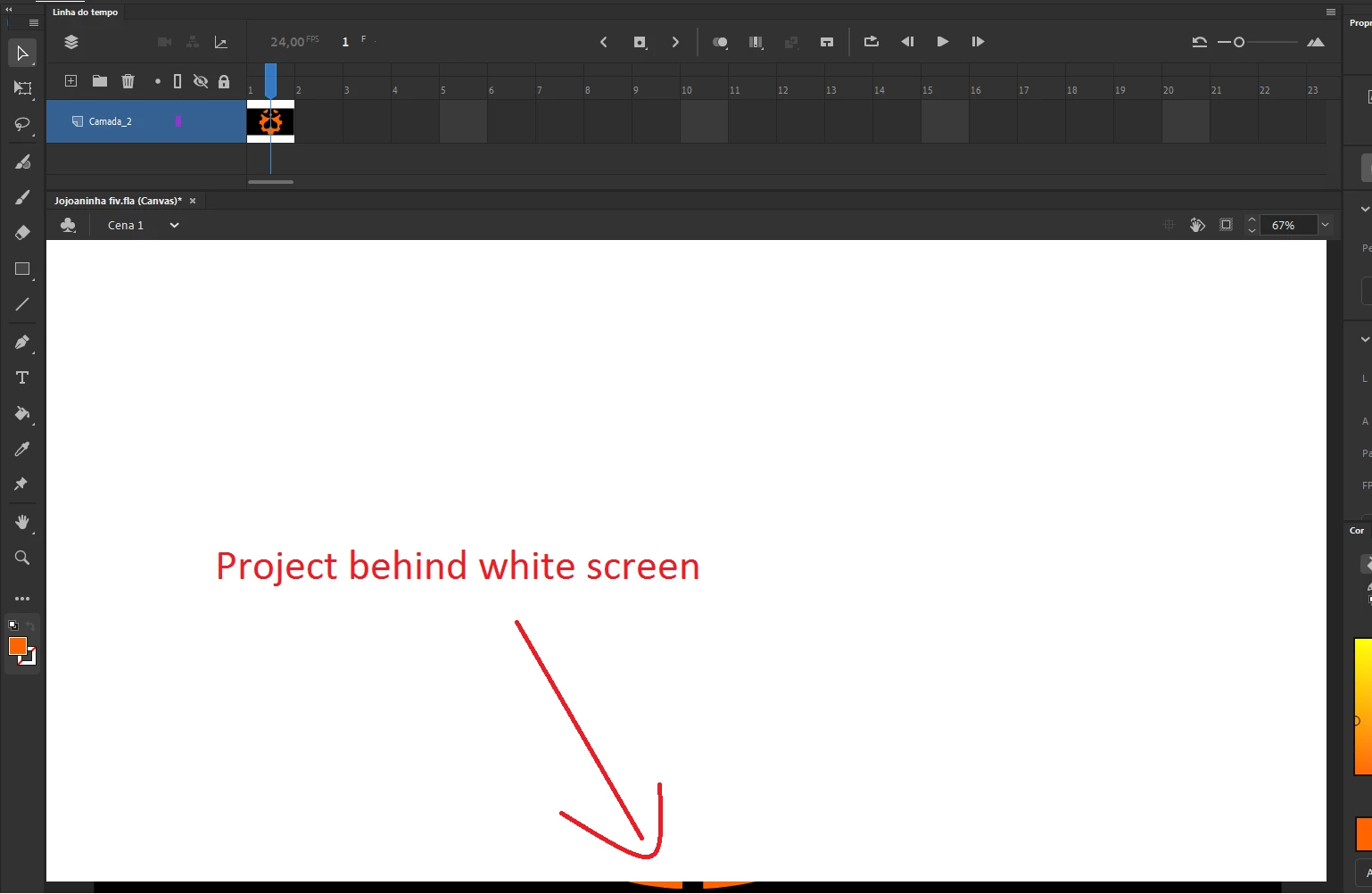
White screen in front of stage

  • December 8, 2019
  • 2 replies
  • 3601 views

I updated my Animate to the newest version, and when I open one of my old files, the stage is behind of a white screen...

 

This topic has been closed for replies.
Correct answer n. tilcheff

@kglad.


It's the way the new forum's 'lightbox' displays images, not how the user uploaded it.

If you click on the image to display the pop-up and then right-click that and open in new tab, you will see the full resolution.


2 replies

Participant
April 24, 2020

I am currently having the same problem and I don't know what I should do. It is driving me crazy I just want to create 😞


n. tilcheff
Legend
April 24, 2020

Hey Megan,


My suggestion is to try and install the previous version 2019. There is a chance it may work.

It's strange but there have been plenty of posts about this issue and the devs are ignoring it completely.


You can, of course, try to update your OS and video drivers too.


Nick - Character Designer and Animator, Flash user since 1998 | Member of the Flanimate Power Tools team - extensions for character animation
kglad
Community Expert
Community Expert
December 10, 2019

that image is too small.  can you upload a larger one?

and what do you see if you right click the white rectangle?

n. tilcheff
n. tilcheffCorrect answer
Legend
December 10, 2019

@kglad.


It's the way the new forum's 'lightbox' displays images, not how the user uploaded it.

If you click on the image to display the pop-up and then right-click that and open in new tab, you will see the full resolution.


Nick - Character Designer and Animator, Flash user since 1998 | Member of the Flanimate Power Tools team - extensions for character animation
kglad
Community Expert
Community Expert
December 10, 2019

that's not very helpful of adobe.
