
Participant
July 6, 2017
Answered

Why is Animate publishing at the wrong size?

  • July 6, 2017
  • 2 replies
  • 870 views

Hi everyone,

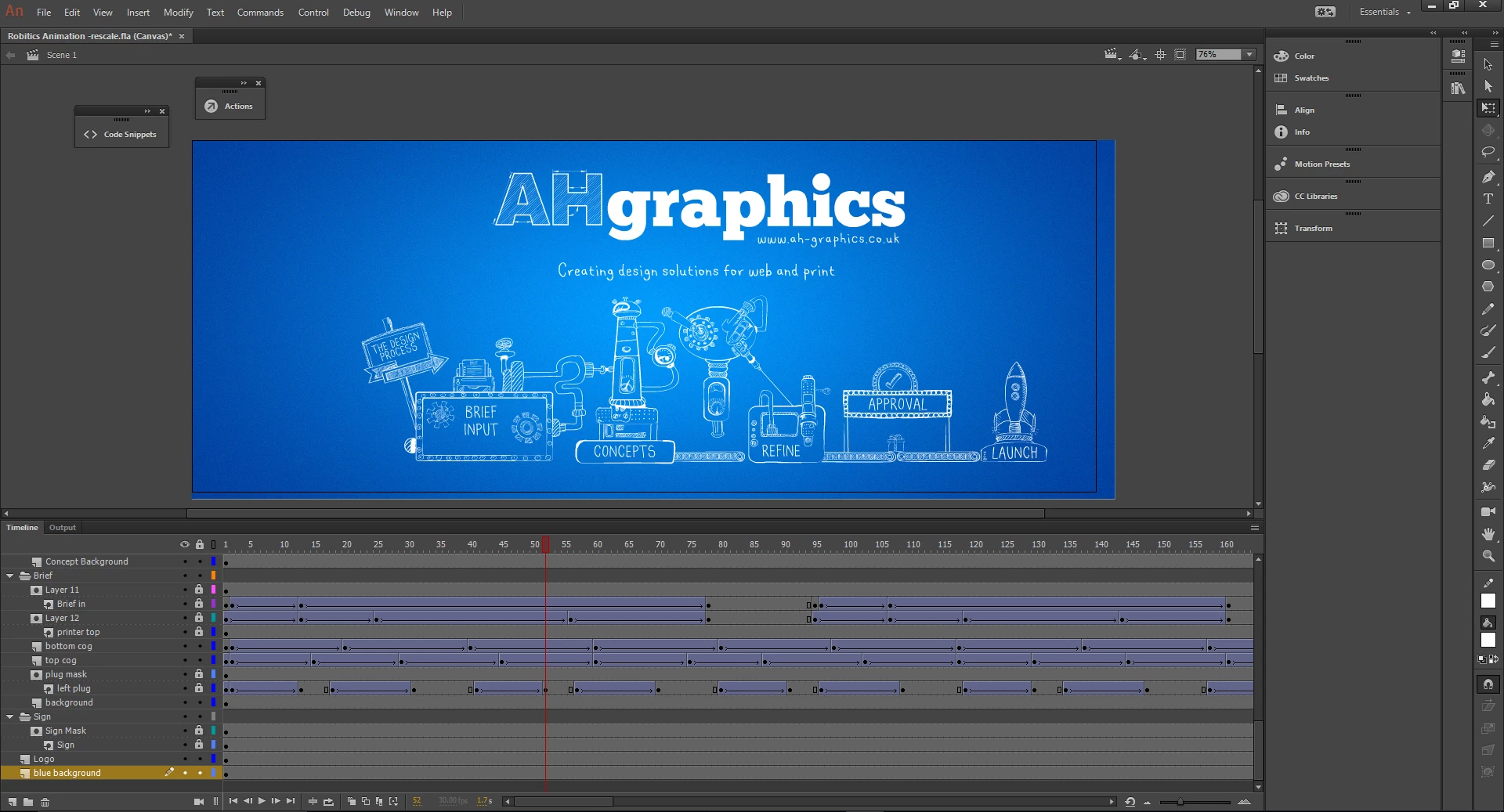
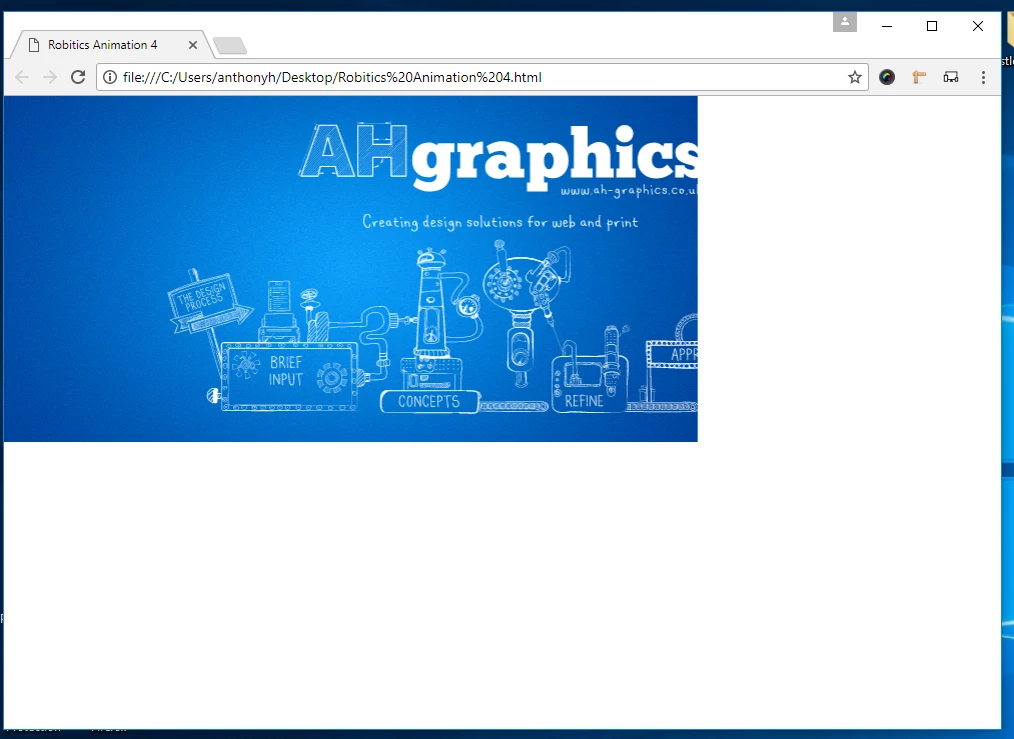
I've created an animation for a website in Animate. I publish the animation using the JS/HTML option and then open the final file in a web browser, the dimensions are wrong and it's cutting half of the animation off.  See Screenshot below.

Screenshot 1 - Full Animation in Adobe Animate
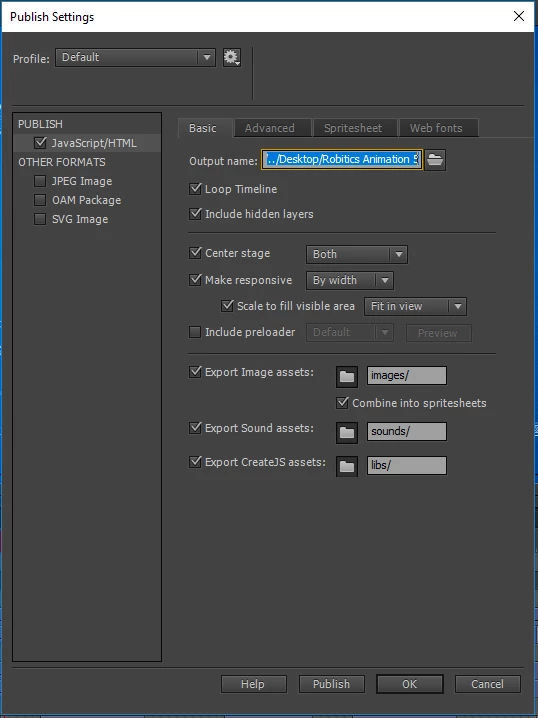
Screenshot 2 - Publish settings
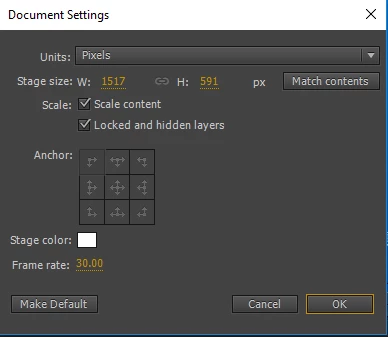
Screenshot 3 - Document Size settings
Screenshot 4 - Appearance after published in a web browser
Does anyone know why this is happening, I feel like tearing my hair out with this.

Thank you in advance

Anthony

This topic has been closed for replies.
Correct answer ClayUUID

The dialog options are really poorly and confusingly named here. For starters, Animate absolutely does not do responsive anything. It just does scaling. "Responsive" specifically describes sites that change their layout depending on the screen size.

2 replies

Jackson Leech
Participant
August 16, 2021

Hi,

I want to ask about that i want to used animated pictures in my website. Kindly tell me which size of animated pictures are siutable for my website.

Thanks!

Regards,

Jackson Leech

Legend
August 16, 2021

You should make them the size they need to be.

Jackson Leech
Participant
August 17, 2021

Sure!

Colin Holgate
Inspiring
July 6, 2017

It sounds like it would be a bad thing, but it's Stretch to Fit that you want, not Fit in view.

ClayUUIDCorrect answer
Legend
July 6, 2017

The dialog options are really poorly and confusingly named here. For starters, Animate absolutely does not do responsive anything. It just does scaling. "Responsive" specifically describes sites that change their layout depending on the screen size.