Inspiring
October 9, 2022
Answered

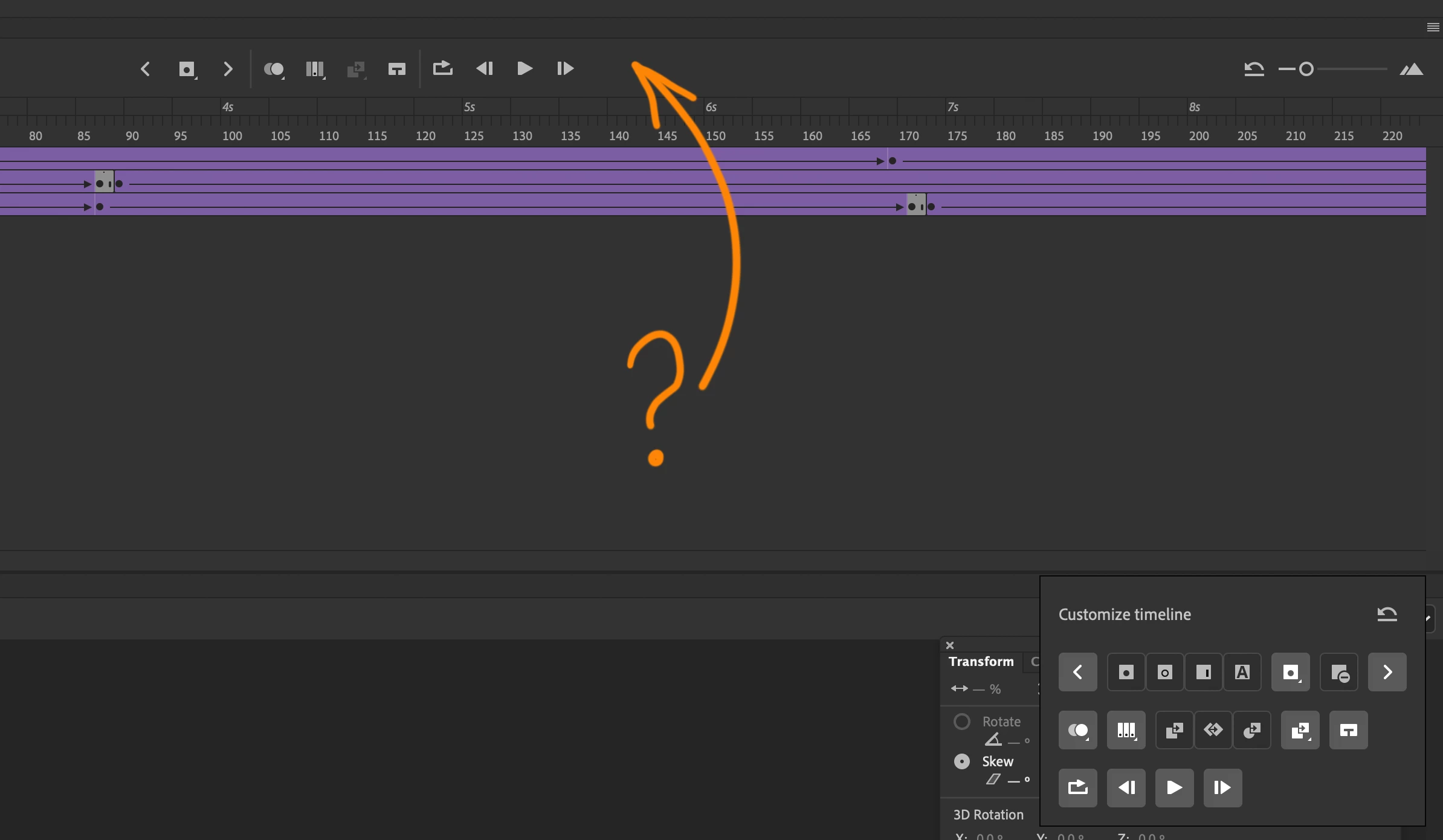
Why there is no "REWIND" button? Isn't it obvious that every media player need it?
  • October 9, 2022
  • 4 replies
  • 1201 views

    This topic has been closed for replies.
    Correct answer Mario_CR

    Yes I know many tricks how to deal with inperfection of this piece of software, thanks 
    Working with flash for 20 years
    But can I suggest here easy solutions for developers?


    Adding a layer is a workaround. Did you try click and holding the white arrows? If you think it slowly goes to the first frame it does not. There is a built-in behavior in there to jump to the first frame.

    4 replies

    Joseph Labrecque
    Community Expert
    Community Expert
    October 9, 2022

    Do you mean to jump to the beginning or actually play in reverse?

    SamolegAuthor
    Inspiring
    October 10, 2022

    Just lump to beginning!
    Example- you got sky movie clip and its long because of a slowly moving clouds
    You wanna get to the first frame. Not you have to SCROLL WITH A SLIDER
    to the beginning. Its so ridiculous.
    I guess to add this button to the code takes less time then writing this comment


    kglad
    Community Expert
    Community Expert
    October 10, 2022

    again, add a layer, click move to first keyframe.


    no scrolling needed.  

    Mario_CR
    Community Expert
    Community Expert
    October 9, 2022

    Not a button, but you can customize a keyboard shortcut for that.

    Default is Shift+, to rewind and Shift+. to go to the end of the timeline.


    Edit: Seems that click and holding the arrow buttons like @Nick Gioia suggested does work too, I didn't know that.

    Community Expert
    October 9, 2022

    If you click and hold on the arrows with the mouse it will rewind and fast-forward the timeline as well as use the keyboard shortcuts period/arrow forward key on the keyboard to fast-forward and the comma/arrow back key on the keyboard to rewind. Make sure the timeline is selected. 


    kglad
    Community Expert
    Community Expert
    October 9, 2022

    i guess not.  no one else has ever brought it up, afaik.


    to work around the problem, you can add a layer with only the initial keyframe and use the previous keyframe button (on the far left).


    and you can make a request here, https://www.adobe.com/products/wishform.html
