christophem71423201
Known Participant
October 19, 2018
Answered

Why your HTML5 conversion/publish is so ugly?

  • October 19, 2018
  • 1 reply
  • 392 views

Hello,

How it's possible that you publish my simple circles to this ugly thing ?

2018-10-19-083120.jpg

Just why ? Why it's so ugly ?

What it look like before publishing :

2018-10-19-083438.jpg

And what I'm in right to expect in 2018 :

2018-10-19-083504.jpg

And why your are unable to convert a color effect (for exemple here to make all the circle in red color) into html5 ? Is that so hard to make a bitmap of the colored clip ?

I just can't work with such a bad quality result.
    This topic has been closed for replies.
    Correct answer JoãoCésar17023019

    Hi.

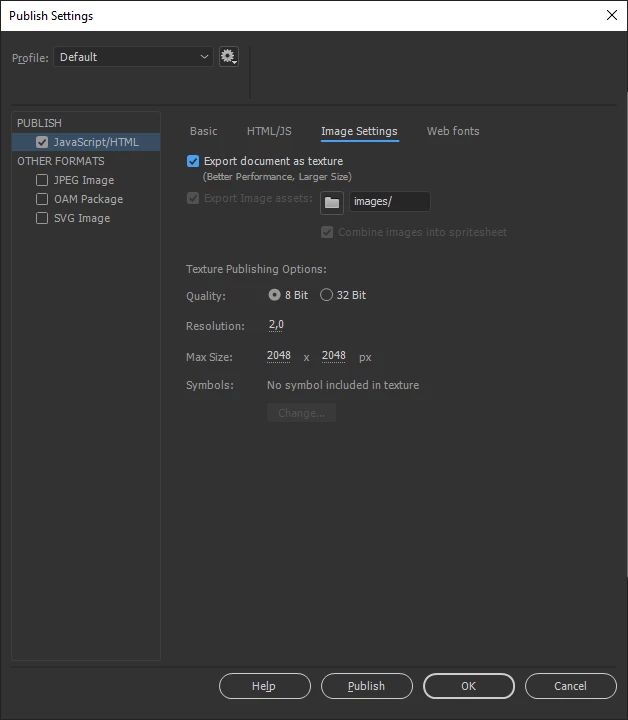
    Have you tweaked the image quality in the Publish Settings?

    Also, if you're using bitmaps, have you tweaked the bitmap quality settings in the Library?

    Please let us know.

    About the effects, yeah, you can apply color effects and other FX to objects and even to layers if you're using the 2019 version. Just keep in mind that these FX may cause incompatibility and perfomance issues on browsers. Not because of Animate CC itself, but because of browser/html standards.

    Regards,

    JC

    1 reply

    JoãoCésar17023019
    Community Expert
    JoãoCésar17023019Community ExpertCorrect answer
    Community Expert
    October 19, 2018

    Hi.

    Have you tweaked the image quality in the Publish Settings?

    Also, if you're using bitmaps, have you tweaked the bitmap quality settings in the Library?

    Please let us know.

    About the effects, yeah, you can apply color effects and other FX to objects and even to layers if you're using the 2019 version. Just keep in mind that these FX may cause incompatibility and perfomance issues on browsers. Not because of Animate CC itself, but because of browser/html standards.

    Regards,

    JC

    christophem71423201
    Known Participant
    October 19, 2018

    Okeyyy, that's better in x1 res!

    Strangely now my static graphic disapear, I will take a look...

    For the color effect, it's not working, but it is with an interpolation... Animate should integrate the fx to the png to make it compatible...