Question
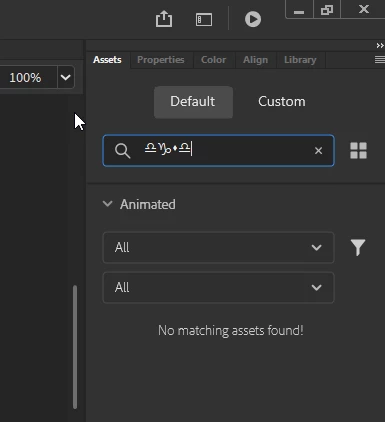
WIngdings appearing Assets search box
I'm new to Animate, can anyone advise me on how to change this back to the normal font?
I had Animate installed on my old computer and this was not an issue, I've tried uninstalling and reinstalling.

I'm new to Animate, can anyone advise me on how to change this back to the normal font?
I had Animate installed on my old computer and this was not an issue, I've tried uninstalling and reinstalling.
Already have an account? Login
Enter your E-mail address. We'll send you an e-mail with instructions to reset your password.


 AdChoices