

Workaround for manipulating internal symbol's animations without re-doing main timeline animations?
I often work from larger body movements to finer details when animating an object. This means I usually animate a symbol on the main timeline before I animate individual parts inside the parent symbol. Unfortunately, adding keyframes as a result of animating on the main timeline restarts the parent symbol's own timeline, making it hard to have specific animations show between keyframes. For instance
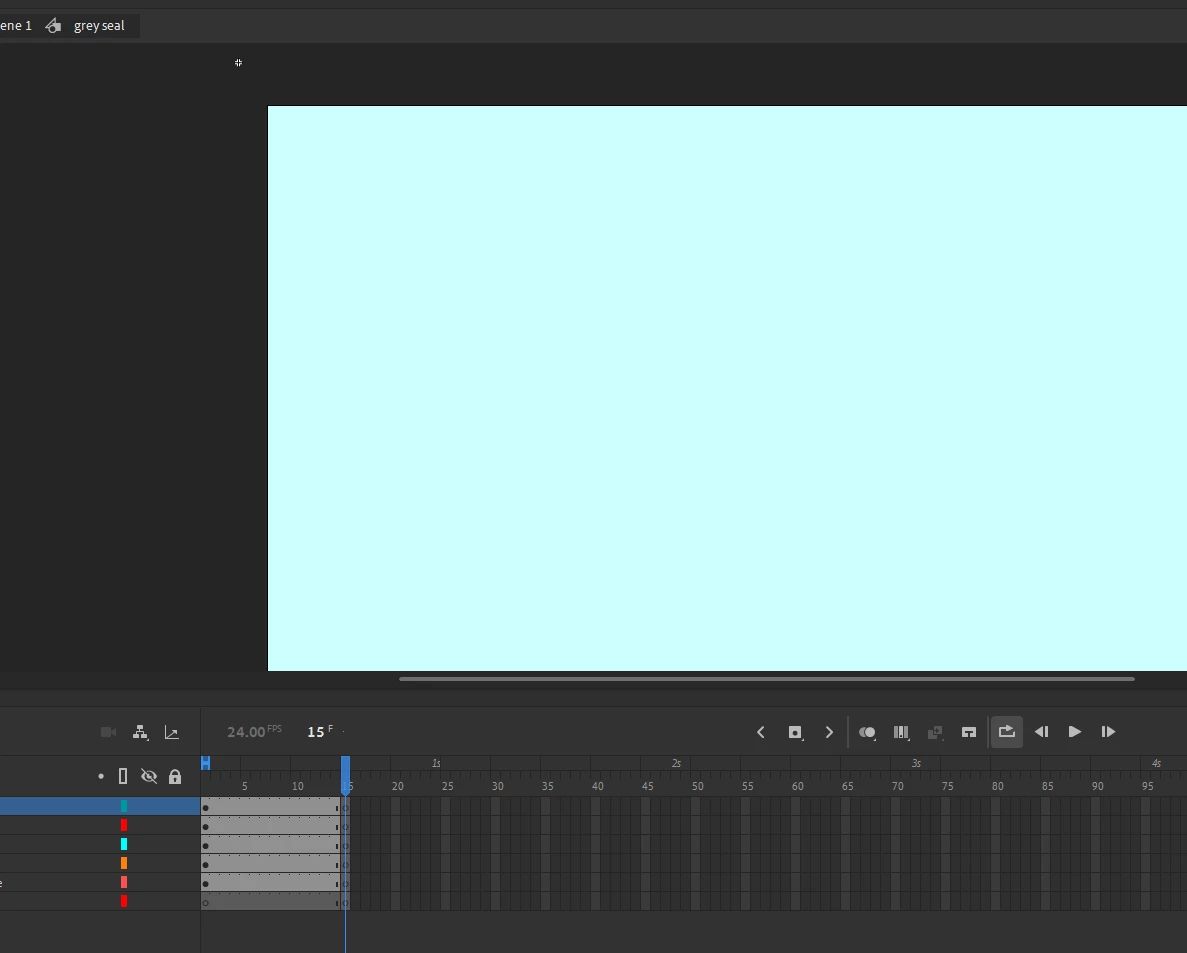
I have a symbol on the main timeline called 'grey seal'. The symbol's internal drawings would appear onscreen for 14 frames before disappearing for a frame, then loop. 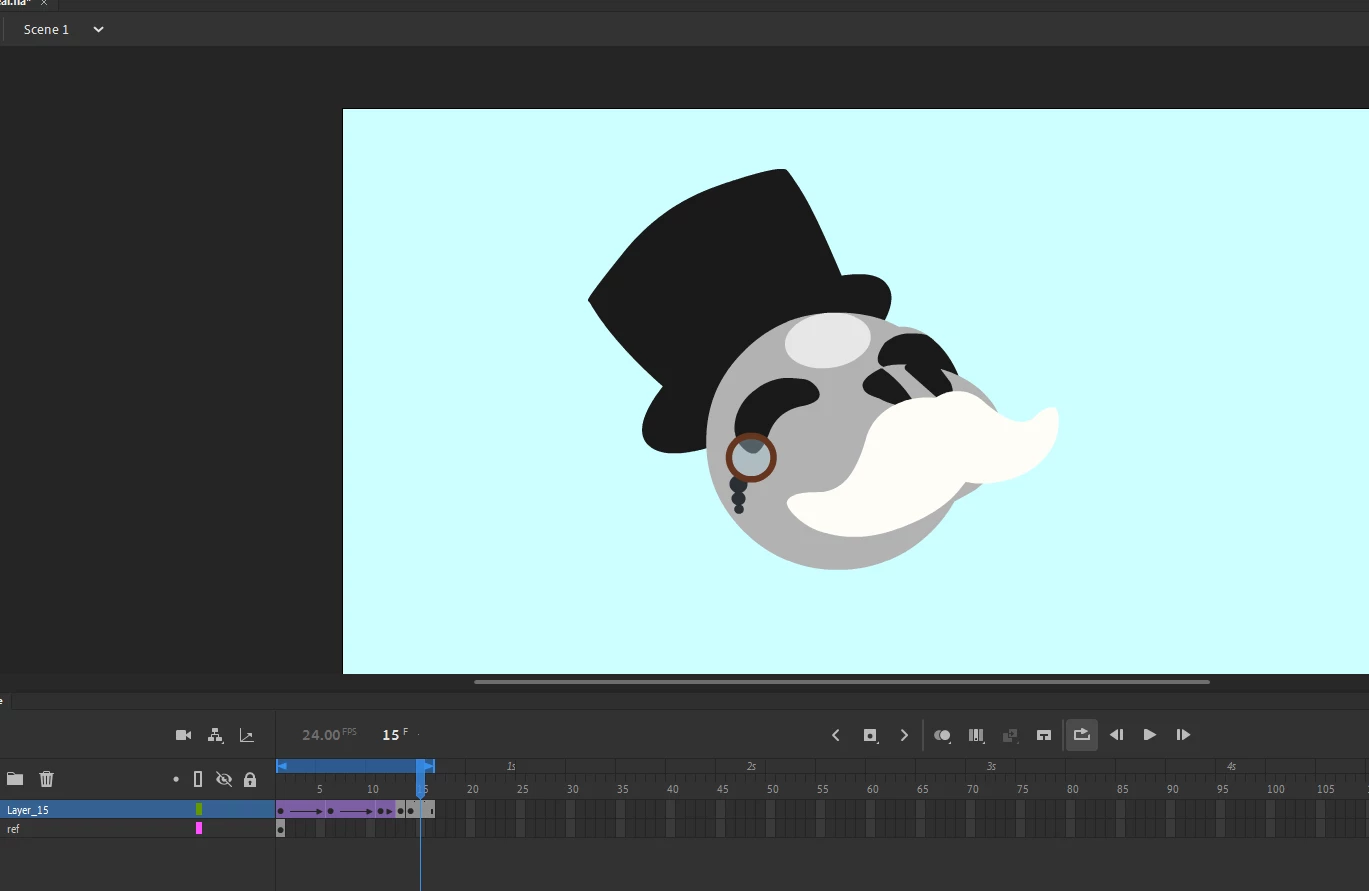
On the main timeline, the symbol is still on screen due to a previous keyframe resetting the symbol's internal timeline's placement.
I know this issue is caused by placing a keyframe and essentially a new instance to the graphic, but are there any workarounds so that a symbol's internal timeline will play, ignoring the main timeline's keyframes?



 AdChoices