


A strange question: After upgrading, I can't see the Camera Raw window in Photoshop anymore.
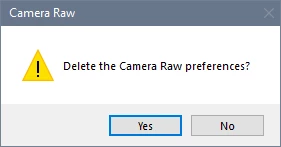
Everything was fine with the old version, but after Cloud automatically upgraded my Camera Raw to version 15.0, when I select Camera Raw in Photoshop, I can't see the related pop-up window anymore. At this point, clicking the left mouse button produces a "ding" sound, indicating that it cannot be selected. Then, except for pressing the Enter key or ESC key to exit this state, no other keys work. It feels like the actual window has popped up and the "Cancel" option is highlighted, but I just can't see it. Now, Camera Raw has been upgraded to 15.3, but my problem still exists. Reinstalling Photoshop doesn't solve the issue; only downgrading and installing Camera Raw 14.5 can make the related window reappear.
Could an expert please help me understand what's causing this situation?

 AdChoices