HooliganImages
Inspiring
December 24, 2023
Answered

ACR does not show all pixels - some cut off

  • December 24, 2023
  • 3 replies
  • 802 views

Possible Bug.  


ACR 16.1

Mac OS Sonoma 14.2.1

Happens in both LRc and PS - no surprise there.

Profile Corrections turned OFF 

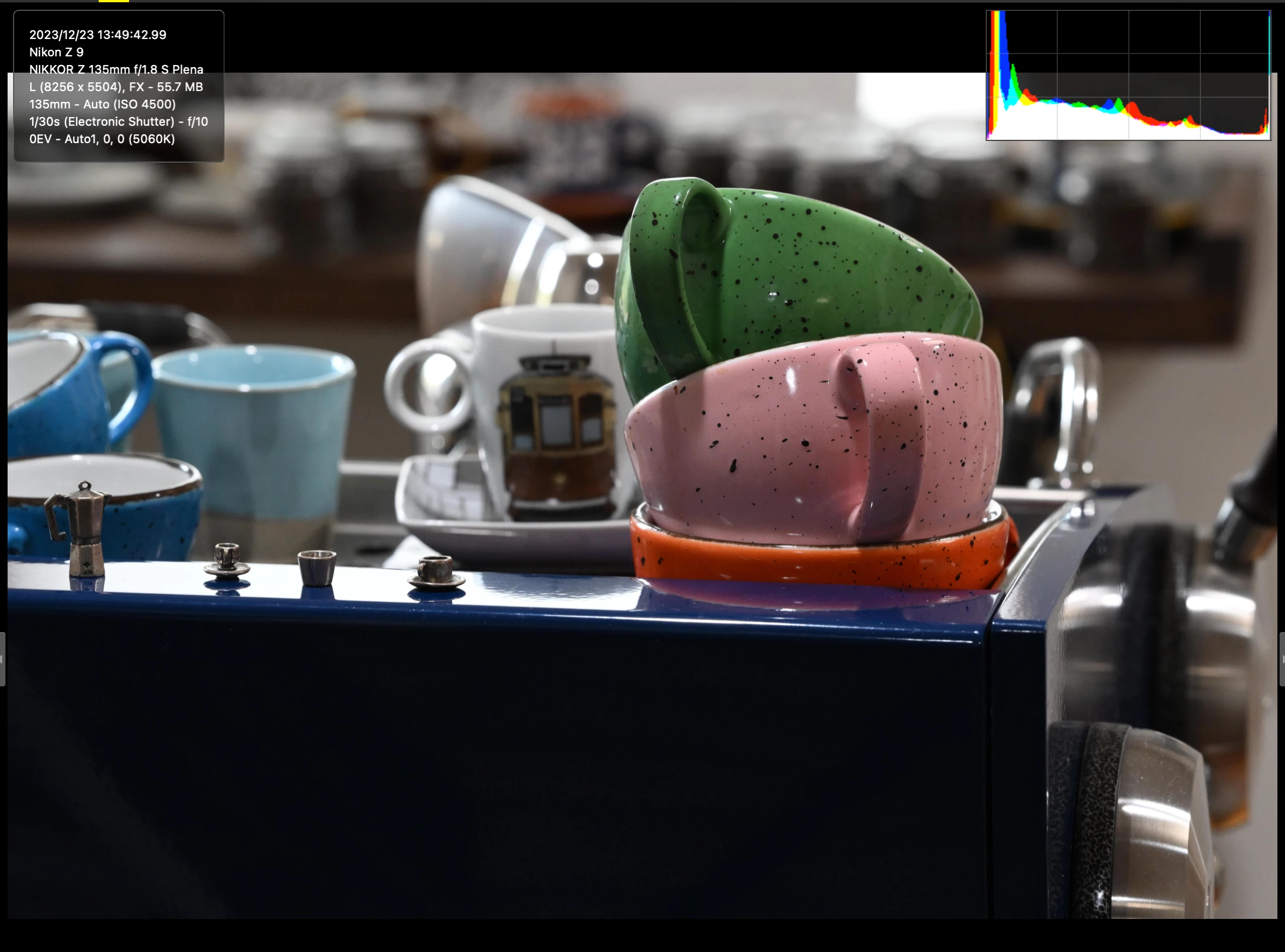
Following images taken with a Nikon Z9.  

Look on left and right side for differences.

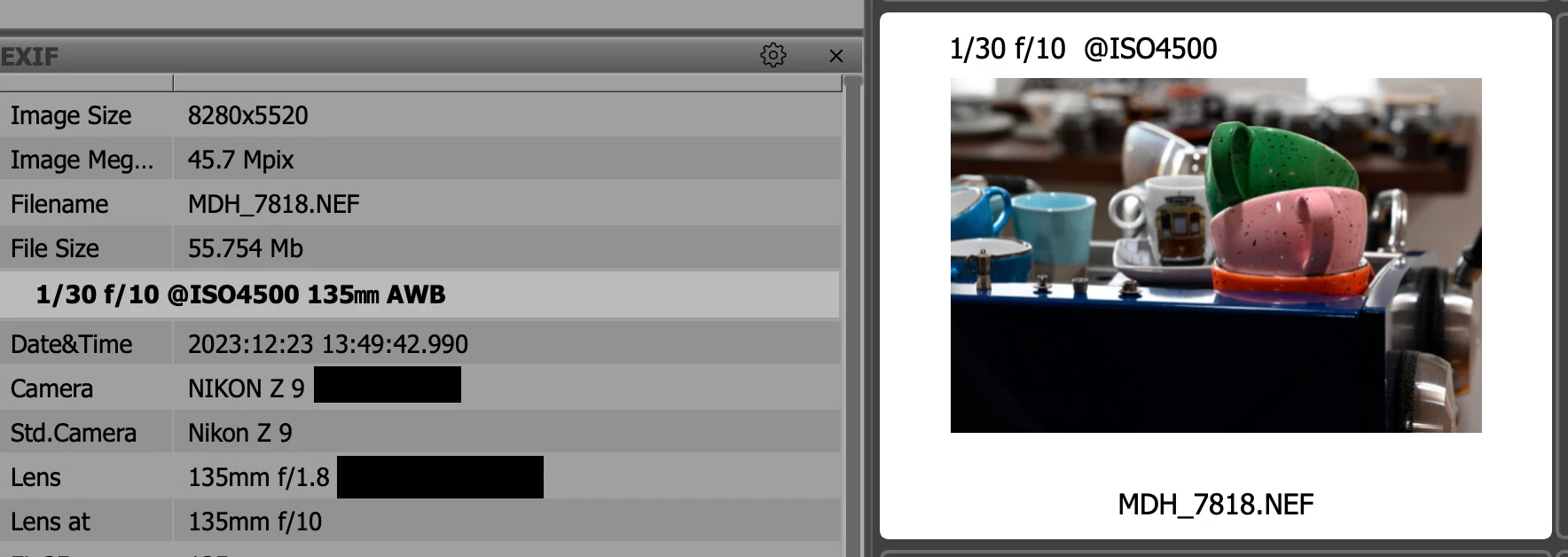
NX Studio first shows correct file size per Nikon 8256x5504.

Next image is Fast Raw Viewer which shows file size as larger 8280x5520

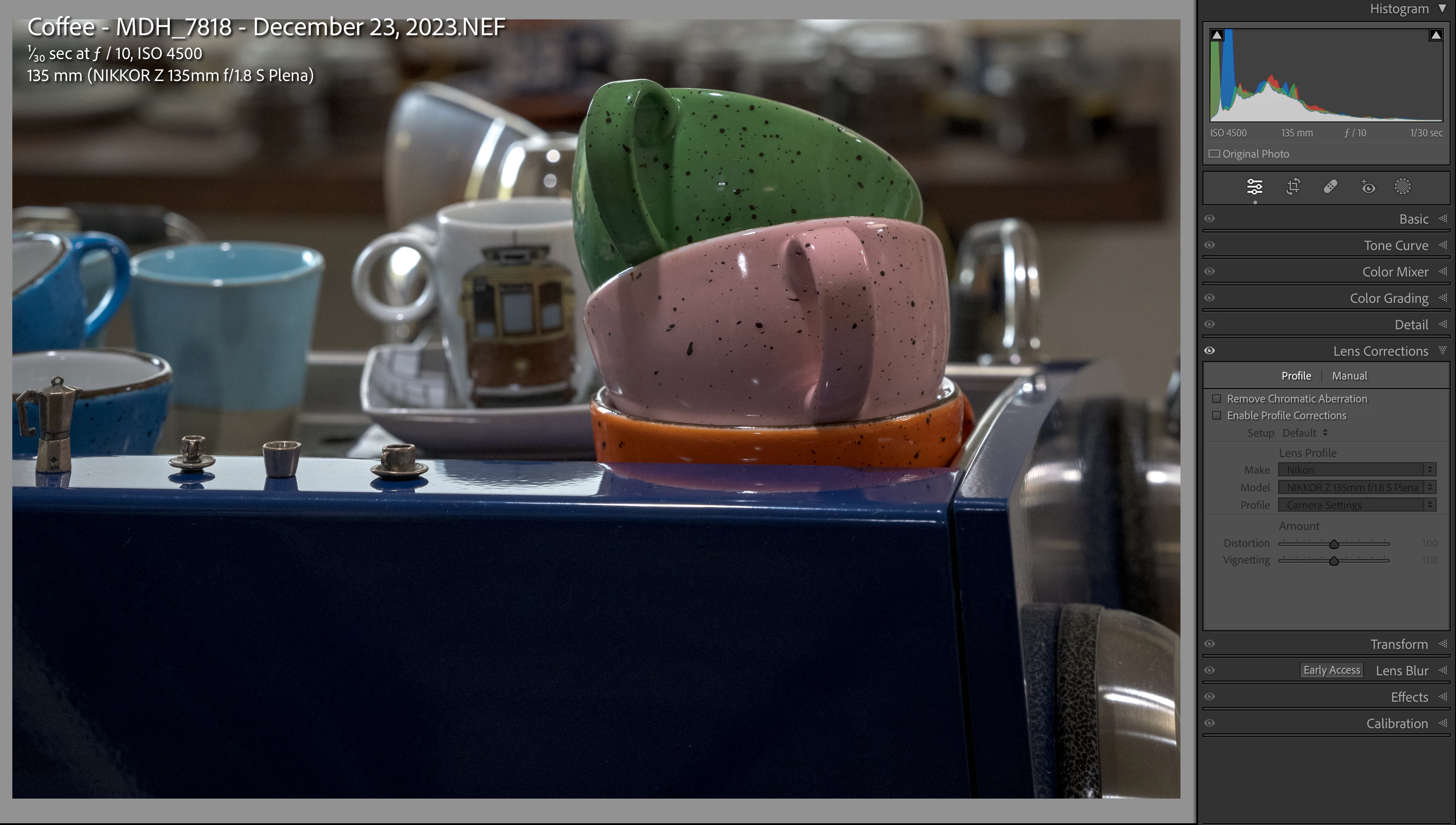
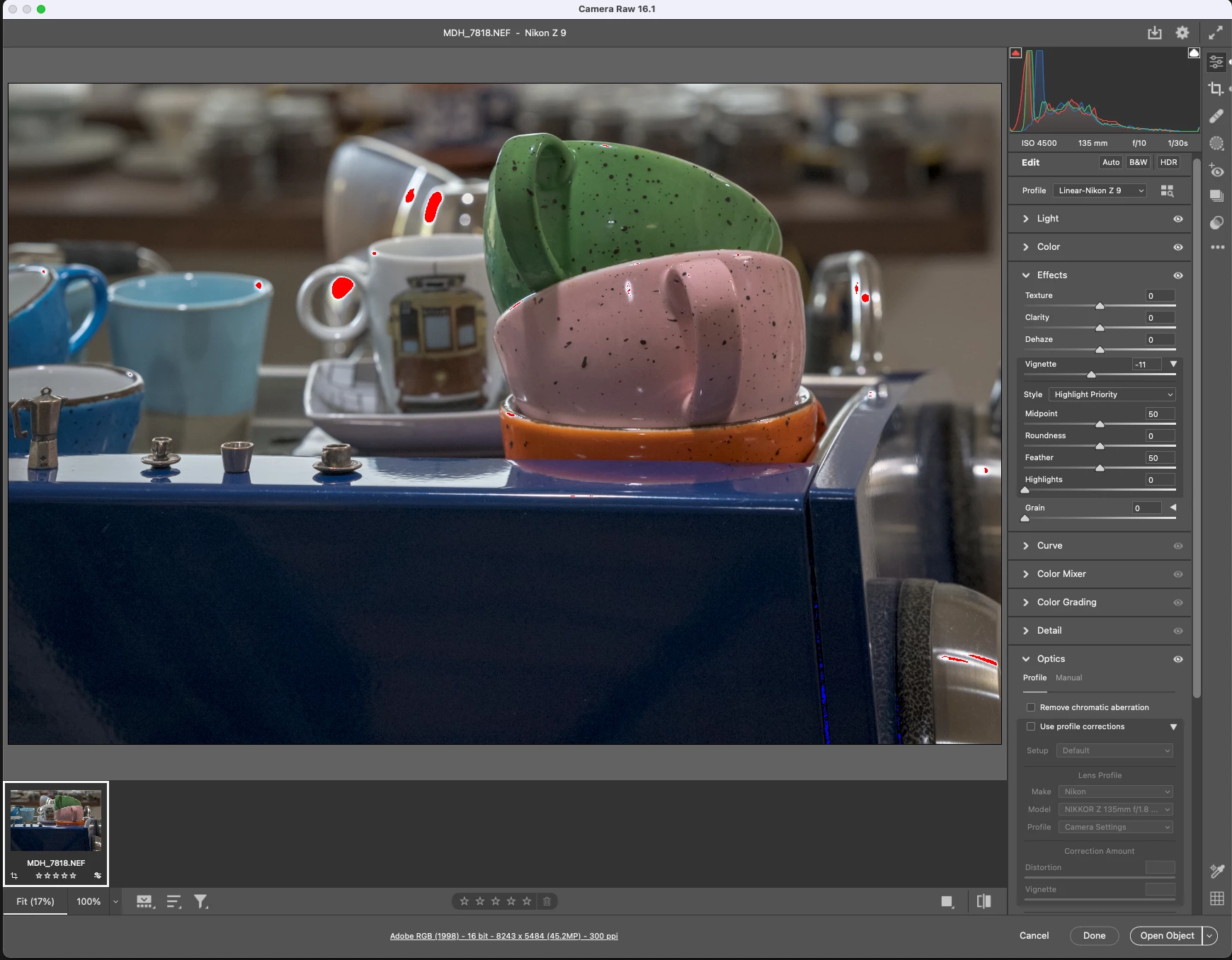
Here's the rub though - look at the left side first and see how pixels to the left of small silver Bialetti are missing.  It's not the proflie/lens correction that is off and I tried the different crop modes.  Also looks at the right sixe and you see a brown wood handle in the NX Studio and FRV image that is missing from ACR.  

ACR with no profile correction.


LRc with no lens correction
This topic has been closed for replies.
Correct answer HooliganImages

SOLVED - but not without help from a number of sources including the great people at FRV.  

When I made a preset for Linear profile with Auto applied, I must have also used Auto for Geometry and that is what was happening.  

3 replies

jane-e
Community Expert
Community Expert
December 24, 2023

@HooliganImages 


Note that today is Christmas Eve Day and Adobe has an official holiday until after the New Year. If you don't get a reply by the first few days of January, tag me and I'll tag staff for you. (Type @ then click my name from the shortcut menu.)


Possibly a volunteer will be able to assist before then.


Jane


HooliganImages
HooliganImagesAuthorCorrect answer
Inspiring
December 25, 2023

SOLVED - but not without help from a number of sources including the great people at FRV.  

When I made a preset for Linear profile with Auto applied, I must have also used Auto for Geometry and that is what was happening.  

jane-e
Community Expert
Community Expert
December 25, 2023

Thank you for letting us know @HooliganImages . 😊 This will be useful to others who search the forums!


Jane


HooliganImages
Inspiring
December 24, 2023

After further testing, I think this may be an issue caused by Fast Raw Viewer.  I will report it to them as well.  

jane-e
Community Expert
Community Expert
December 24, 2023

@HooliganImages 


I've moved your post from Photoshop to Adobe Camera Raw where you are more likely to get help


Jane

HooliganImages
Inspiring
December 24, 2023

I recalled that I had an old version of Elements and it has ACR 15.4 and that rendered the complete RAW file.  I think something is up with ACR 16.1 maybe.