


Question
ACR GUI changes
macOS Big Sur; ACR 11.4.1; Bridge 2019
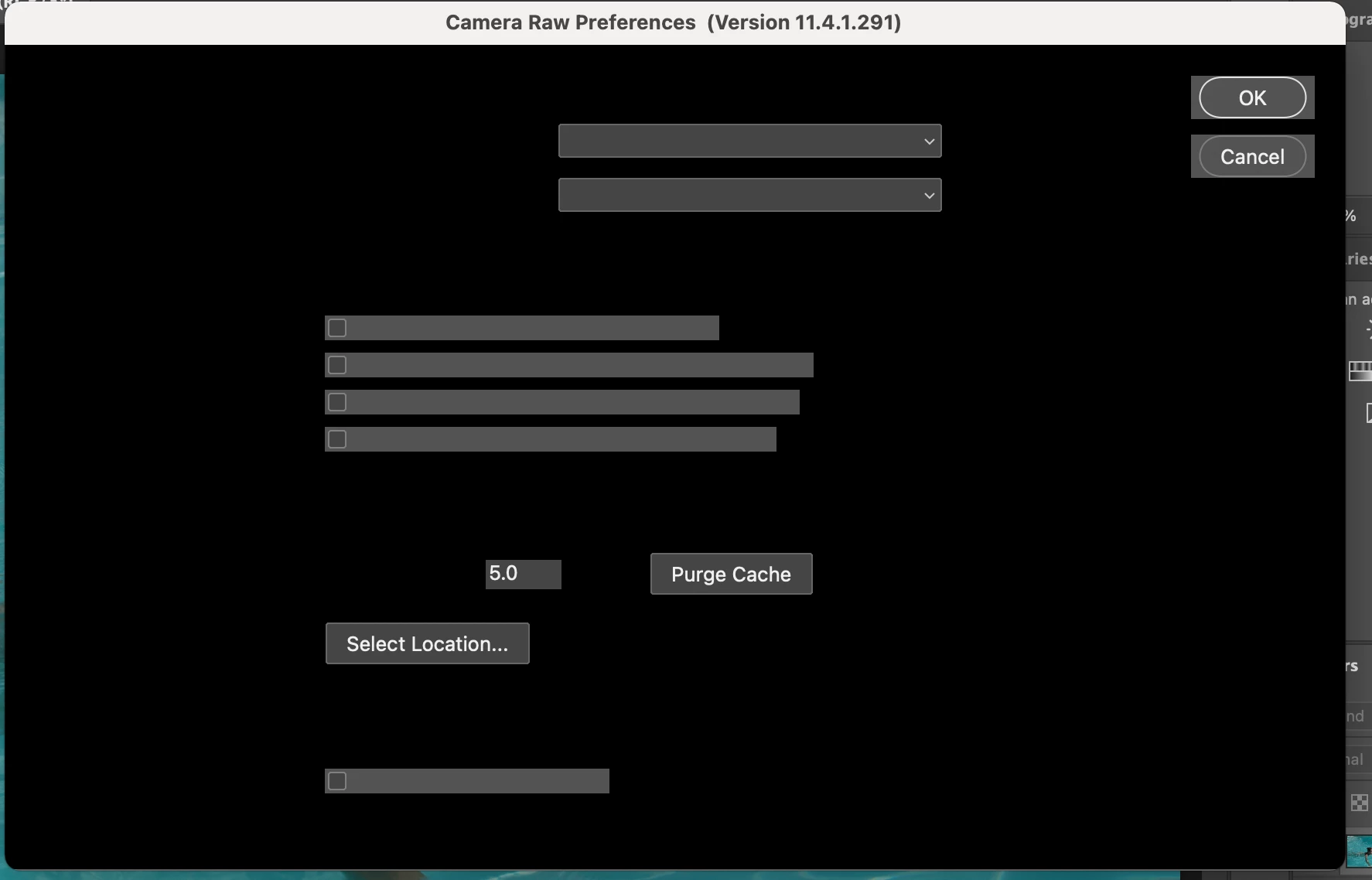
The ACR GUI changes depending on how I open it.
If I select 'Open with Camera Raw' from within Bridge, I get the normal interface.
But if I double click an image in Bridge, ACR opens looking like this:
I have uninstalled, cleaned and reinstalled everything several times.
It is annoying but not fatal as I can still get to the 'usable' interface.
Advice would be welcome......
 AdChoices