


Adobe Camera Raw 14 issue with Bridge and Photoshop Elements
Using Windows 10. I installed Bridge ver 11.1.0.175 (updated today), Photoshop Elements (PSE) 2021 (properly registered on Adobe), and Adobe Camera Raw 14 (ACR). When I attempt to open a photo in Bridge using ACR, I get the message, "Camera Raw editing is not enabled... requires qualifying product has been licensed." I have read on this forum and elsewhere that Photoshop Elements is a 'qualifying product', so that is puzzling.
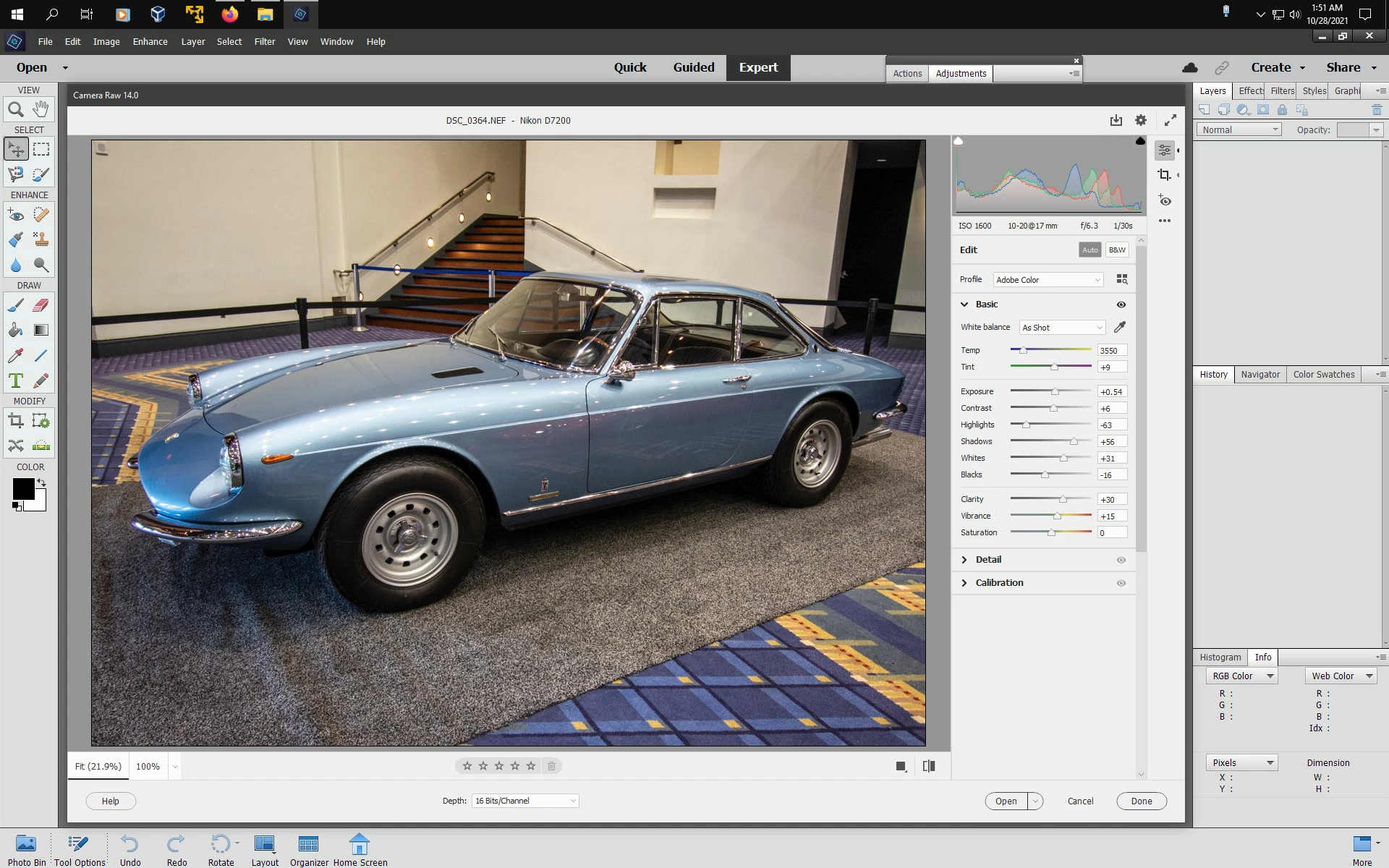
If I double click in Bridge to open the photo in PSE, it opens in ACR 13. If I go into PSE first, and click on 'Open in Camera Raw', it opens in ACR 13. How can I get it to open in ACR 14 from either PSE or Bridge? (Preferably Bridge if I have to choose between the two!)
I've looked at numerous posts on the "Camera Raw editing is not enabled" theme, but didn't see this particular issue. Appreciate any assistance!

 AdChoices