


Adobe Camera Raw 17.2 loses vertical filmstrip, in Bridge and Photoshop
I recently updated the latest versions of Photoshop 2025, 26.3.0, which includes Adobe Camera Raw 17.2.0.2155. I am also running Bridge, version 15.0.2. Today when I opened multiple images, either from Bridge or from the desktop, into Adobe Camera Raw, after a few images, the vertical film strip disappears, and through it I can see whatever program I was last in. If I click in that area where the vertical film strip should be, I go to that last program. So if I open the images from Bridge, I see Bridge, but if I open them from the desktop, I see the Photoshop home window.
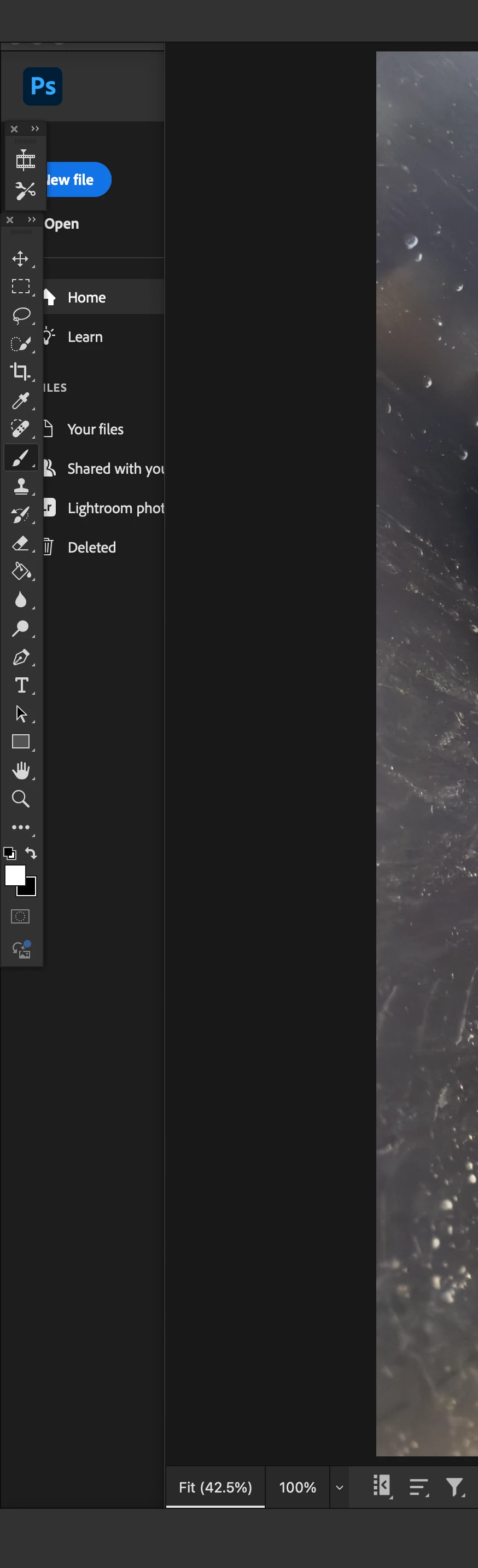
I can switch to the horizontal film strip, and it appears below, but when I switch back to the vertical, that whole side of the window is missing, again allowing me to see through whatever is underneath it.
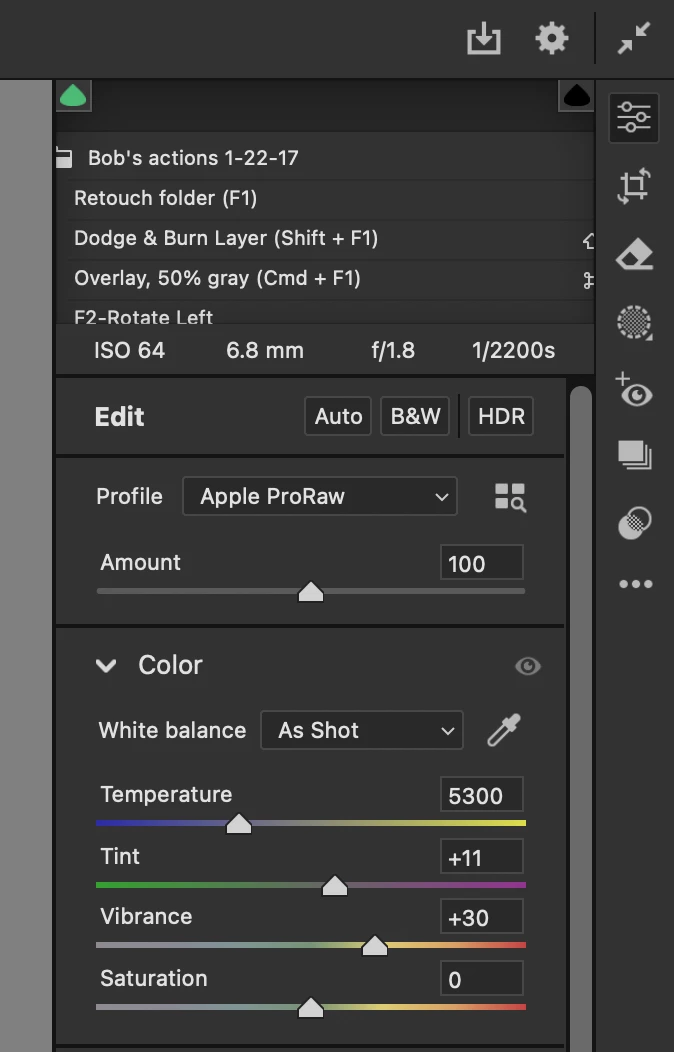
I restarted bridge, and that solved the problem briefly, but then the film strip disappeared again, and subsequent restarts did not cause it to return. I then quit Bridge, and re-launched Photoshop, the vertical strip appeared, but then after opening a few images, it again disappeared showing the Photoshop home screen on that left side. In addition to losing the vertical film strip on the left, I am seeing through part of the adjustment panels on the upper right side of the ACR window. And now, I am not seeing the images in the main part of the window, just a blank gray area where the image would be.
macOS 14.7.2, Mac Studio
 AdChoices