Jeff Arola
Community Expert
Community Expert
October 7, 2025
Answered

Adobe Camera Raw Crash

  • October 7, 2025
  • 3 replies
  • 148 views

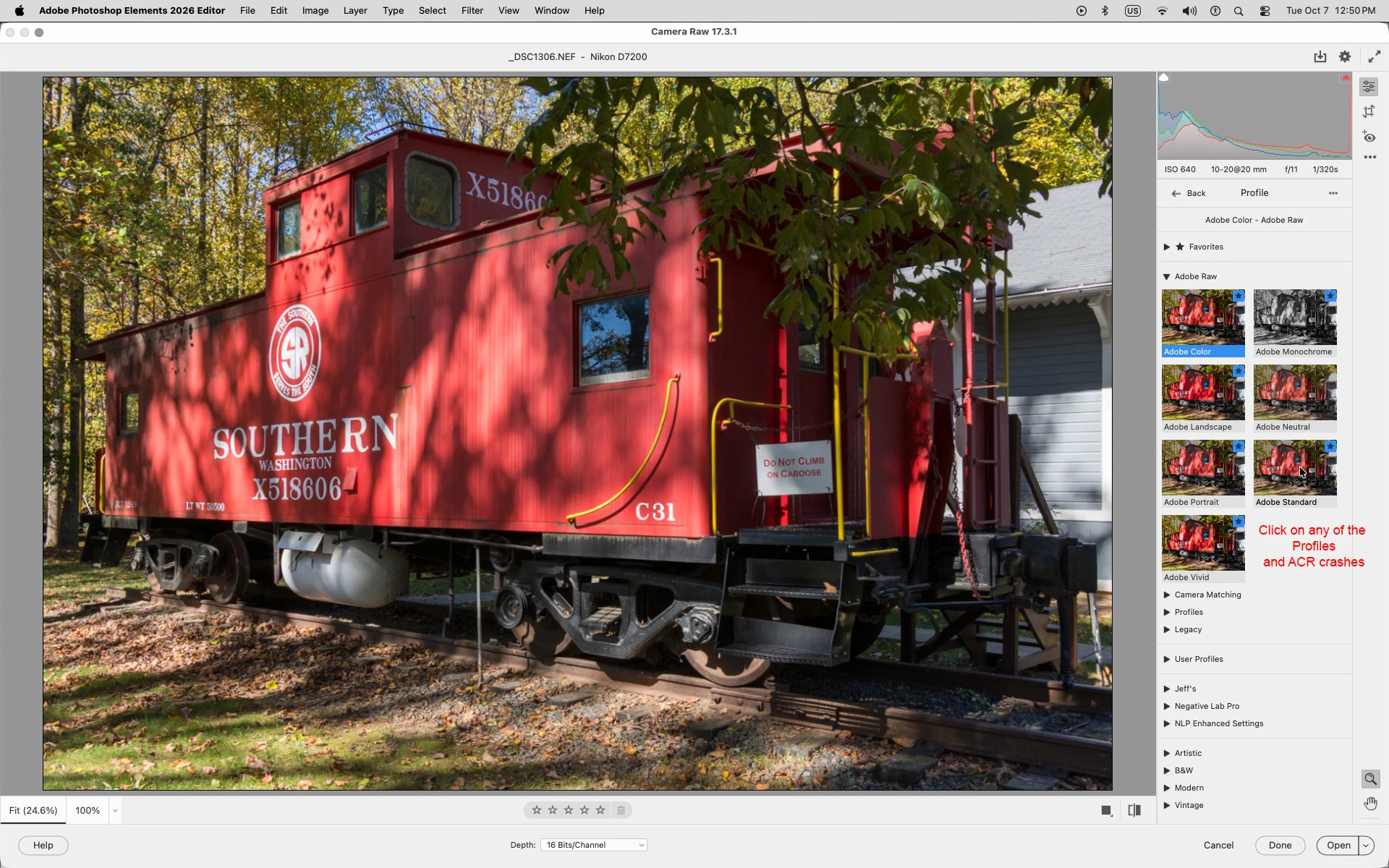
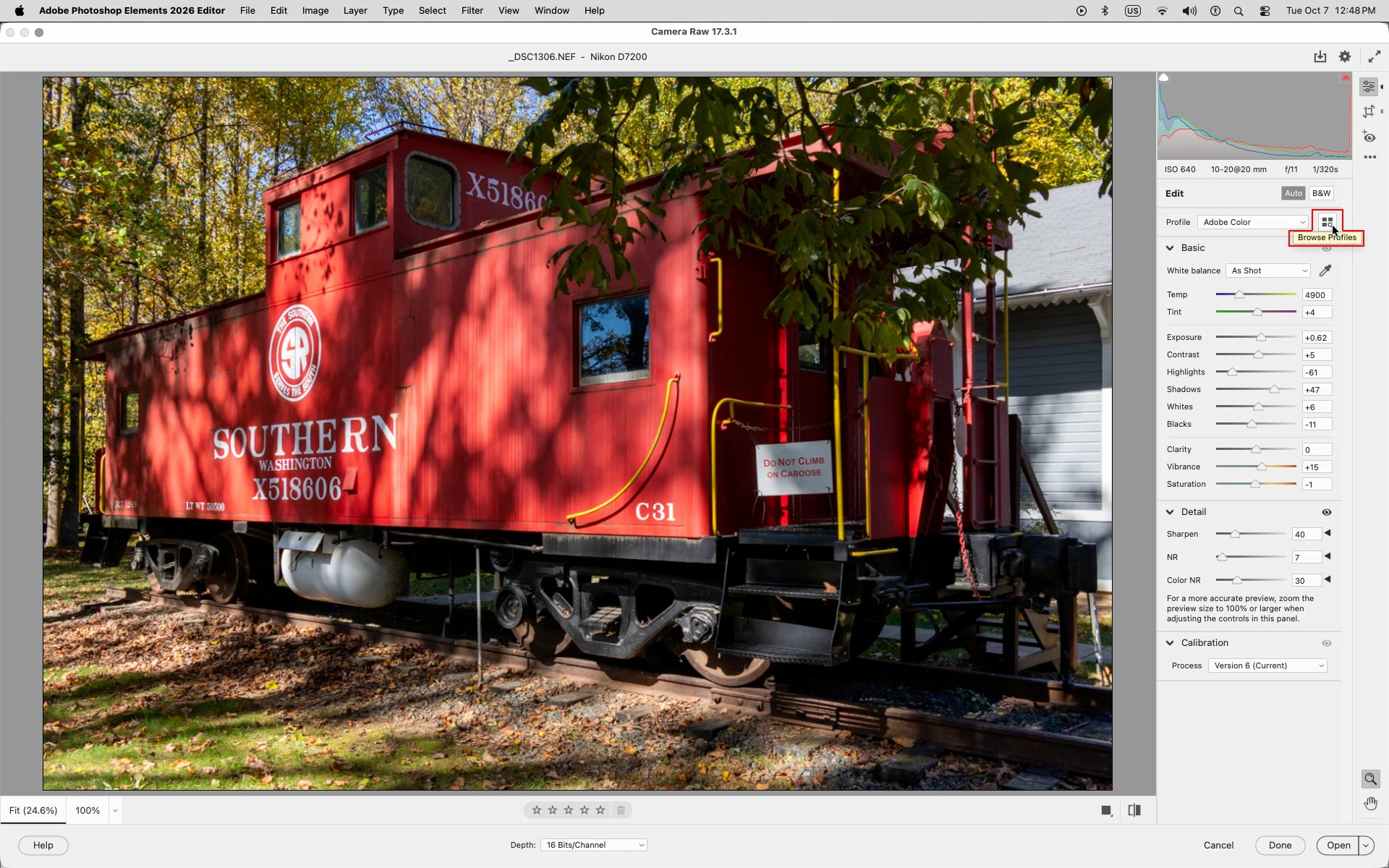
On the Mac side, when using the Adobe Photoshop Elements 2026 Editor and the installed Camera Raw 17.3.1 using Help>Install Camera Raw, if you open Camera Raw click on Browse Profiles, then click on any of the available profiles, both Camera Raw and the Photoshop Elements 2026 Editor immediately crash


On the Windows side Camera Raw freezes and has to be forced quit using the Windows Task Manager.


Correct answer Jeff Arola

Yes I can confirm that it's fixed on both Windows and Mac.


Thank you for fixing the issue and letting us know.

3 replies

Jeff Arola
Community Expert
Jeff ArolaCommunity ExpertAuthorCorrect answer
Community Expert
November 10, 2025

Yes I can confirm that it's fixed on both Windows and Mac.


Thank you for fixing the issue and letting us know.

Adobe Employee
November 10, 2025

Hi,

The issue is fixed in latest ACR 18.0 update. Please download the latest ACR 18.0. Please refer to article for steps to uninstall & then re-install from Help > Install camera raw.  

Thanks
Shaileja

Participant
October 12, 2025

i have exactly the same issue what are adfobe doing about it?

Jeff Arola
Community Expert
Community Expert
October 12, 2025

It would be of help to Adobe in finding the problem if you were to list your version of Photoshop Elements, Camera Raw and operating system.