
Adobe Camera Raw Missing camera Profiles!!!
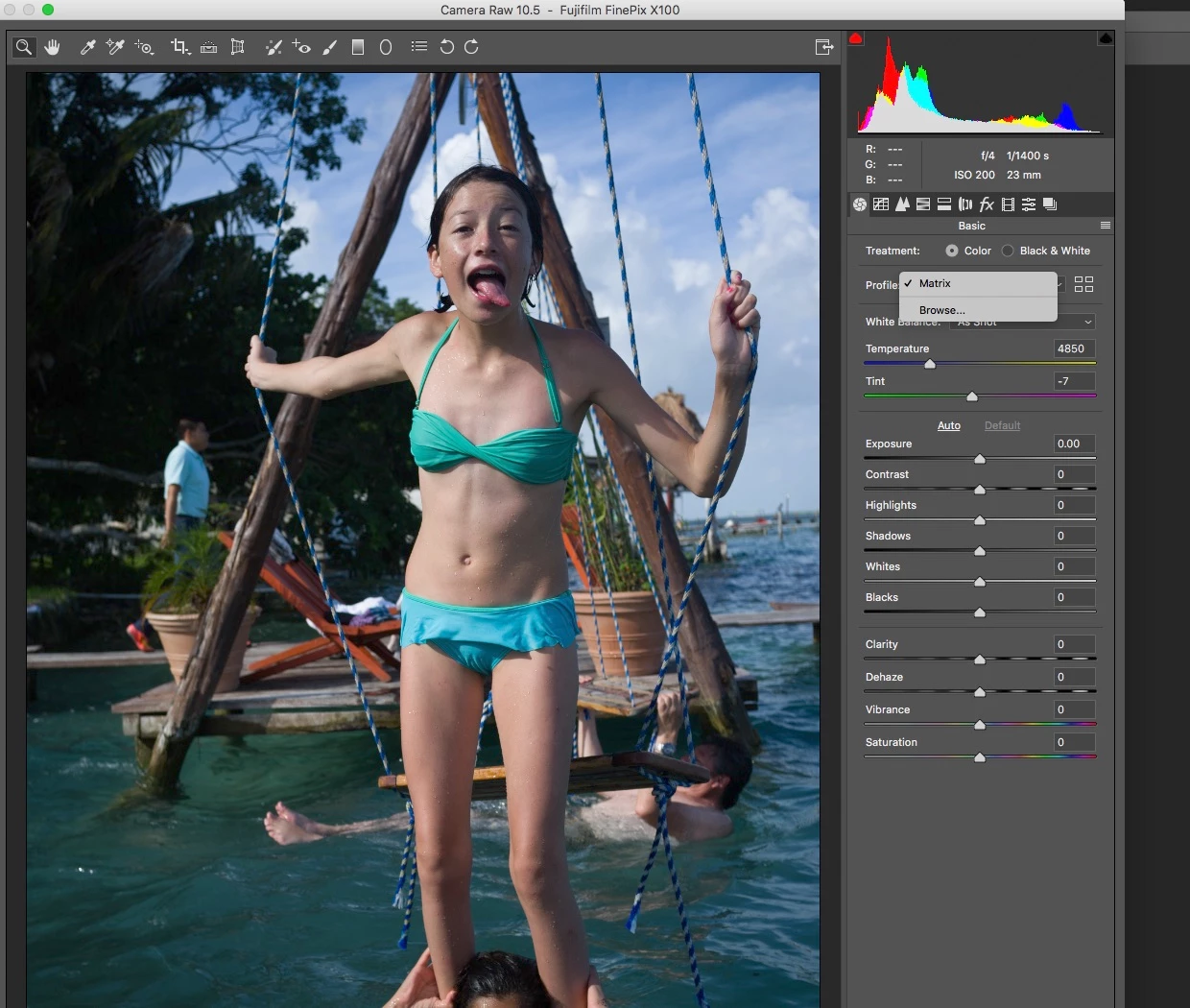
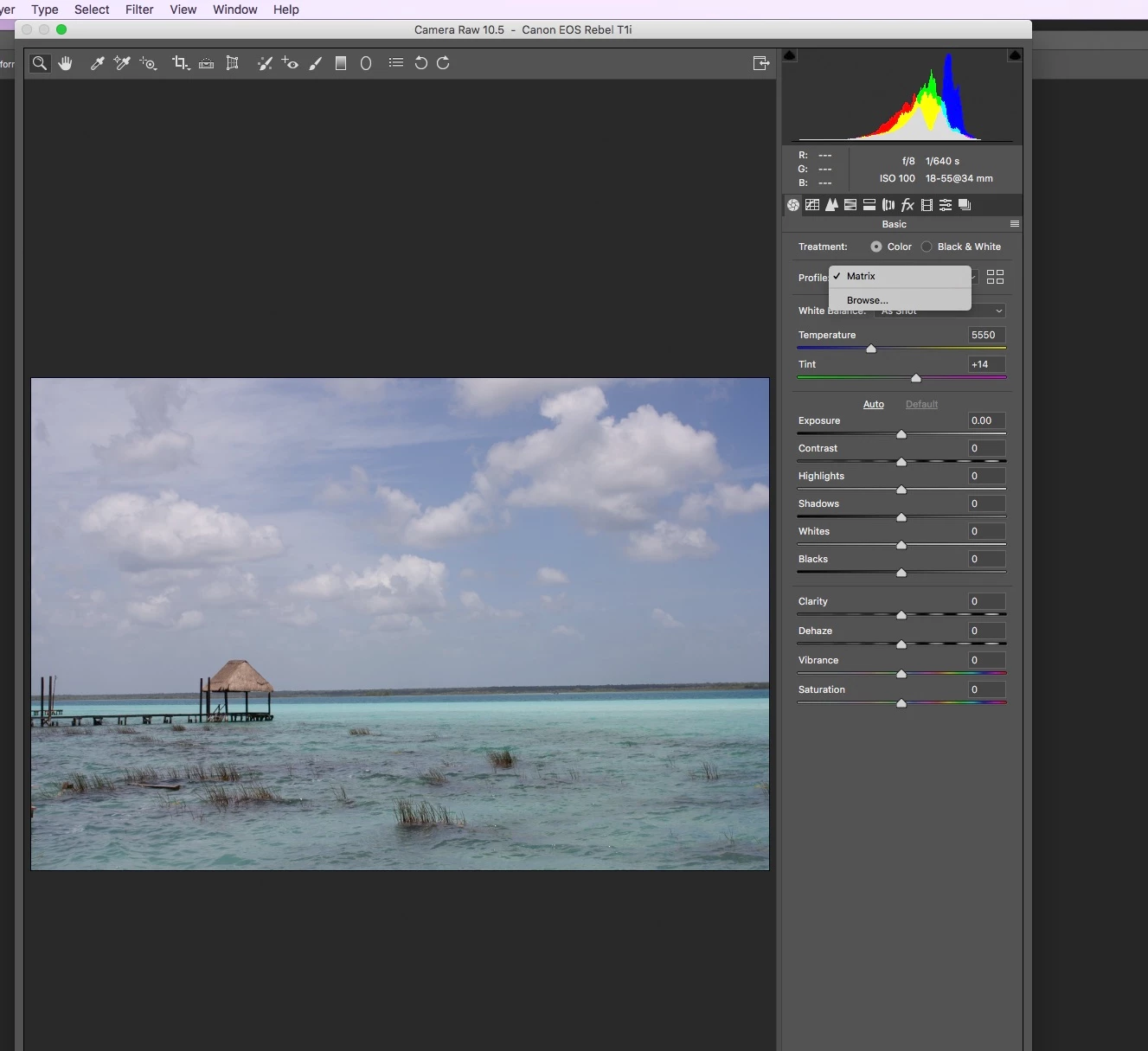
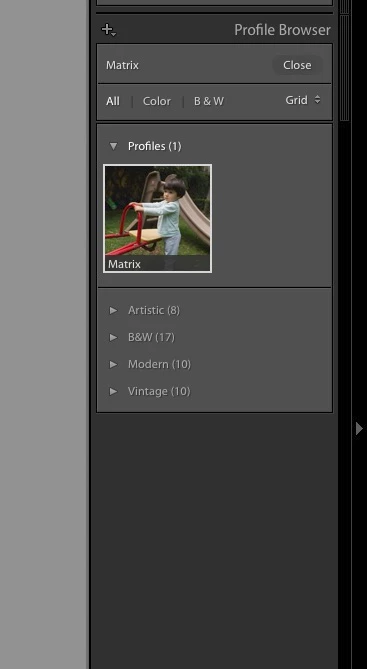
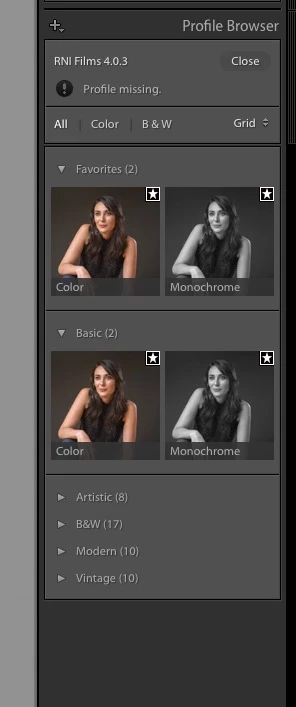
The new version of ACR and Photoshop are missing all my camera profiles, all my Raw files types, CR2, RAF, ARW and DNG(pentax 645D) all chow Matrix in the camera profile, and there's nothing you can chose instead! It happens as well on the latest version of Lightroom CC Classic. All of the show Matrix, and you can only chose Color or Monochrome, and in DNG it detects the bought profile i was using from the previous version of Lightroom CC 2015, but it says its missing and can only chose embedded or color or Monochrome.
Her you can see what ACR looks like with RAF and CR2 raw files.
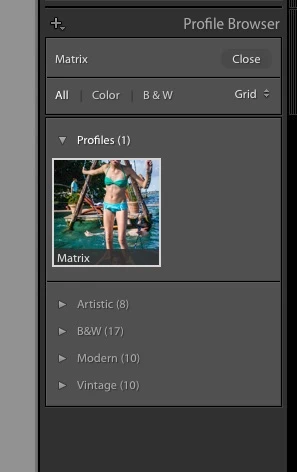
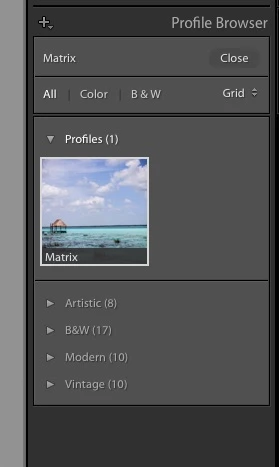
Here is Lightroom CC Classic 7.5 With RAF, ARW, CR2 and DNG files.
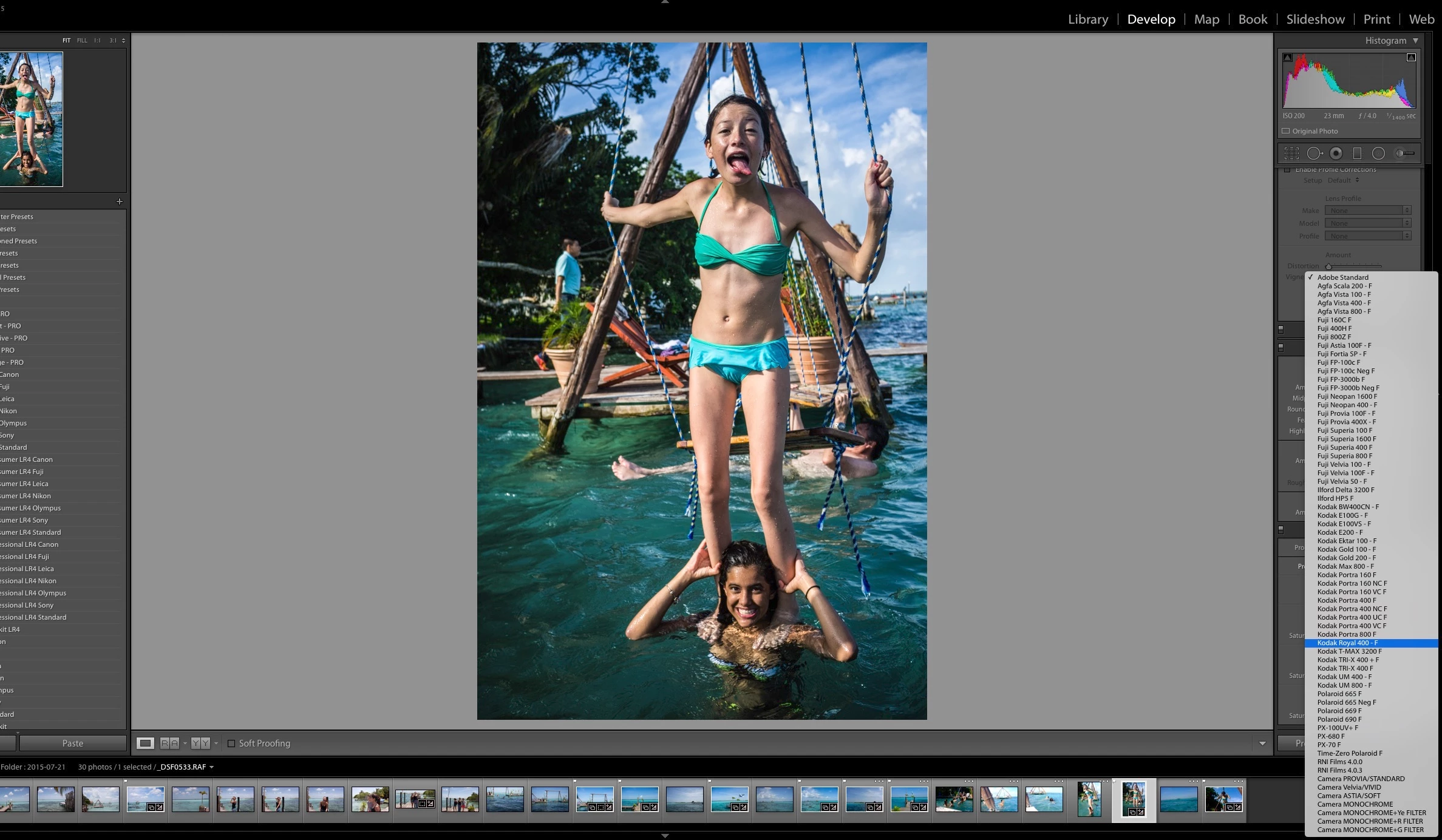
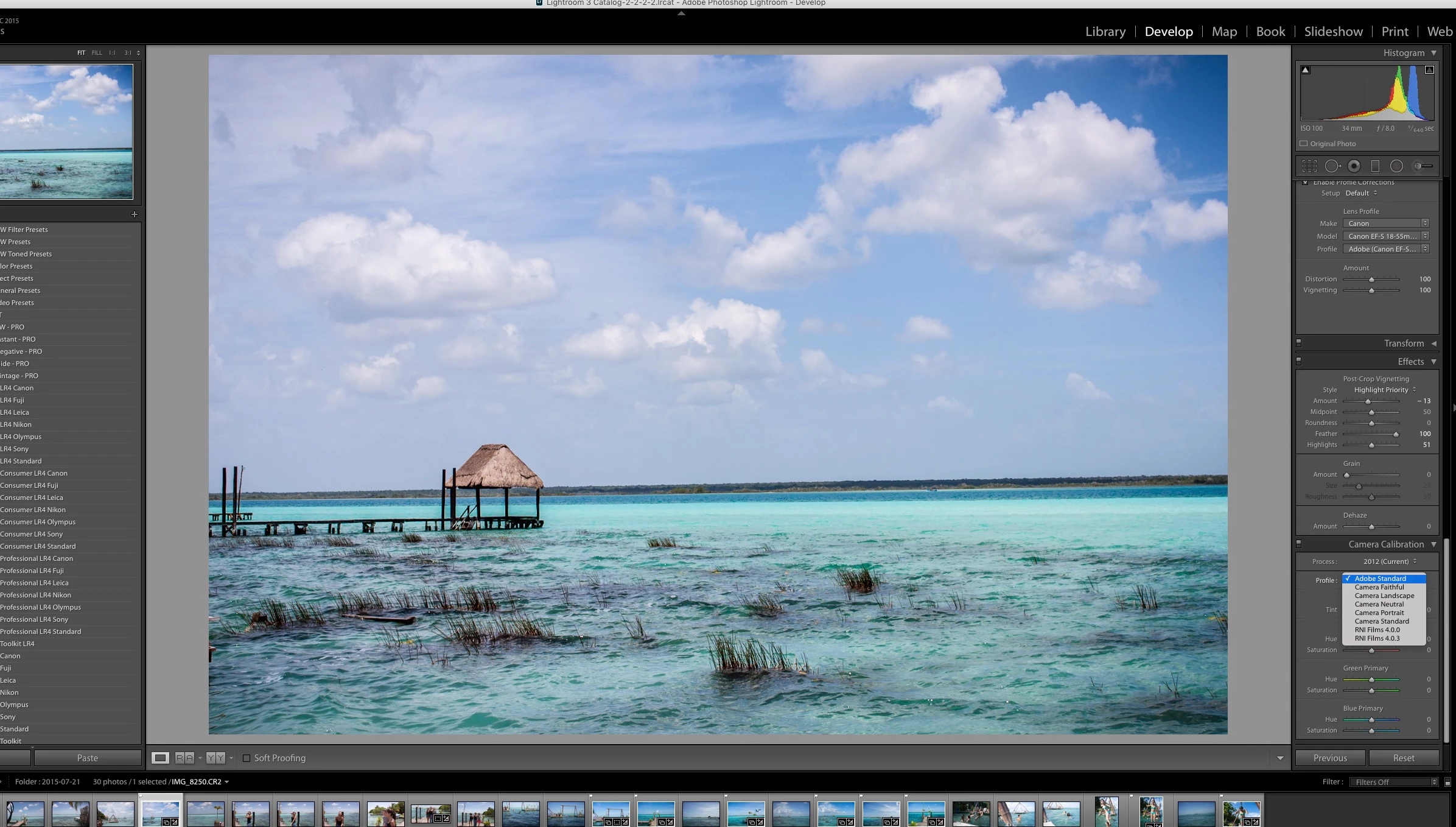
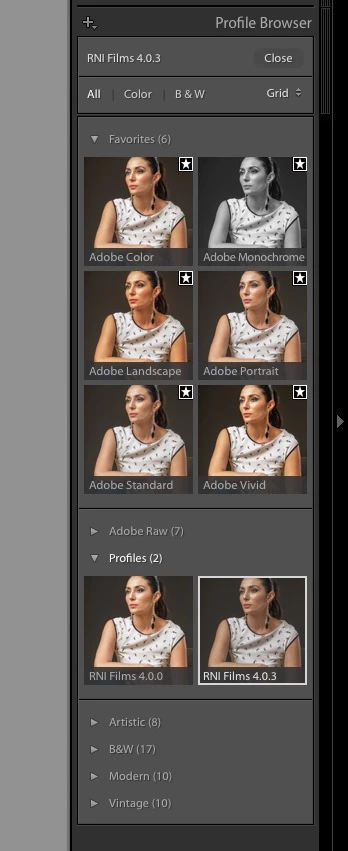
And here is Lightroom CC 2015 latest version The way it should look and work!
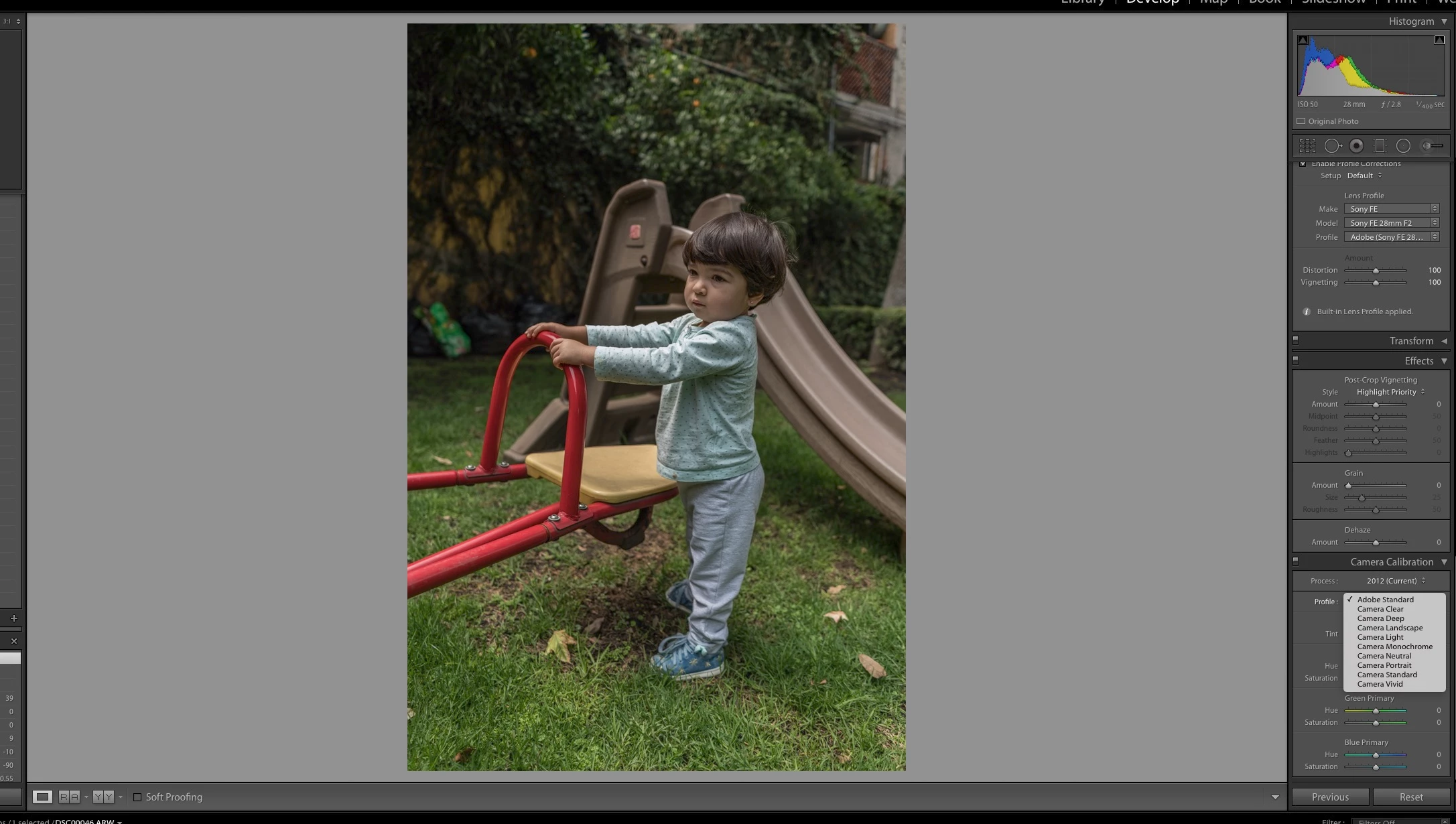
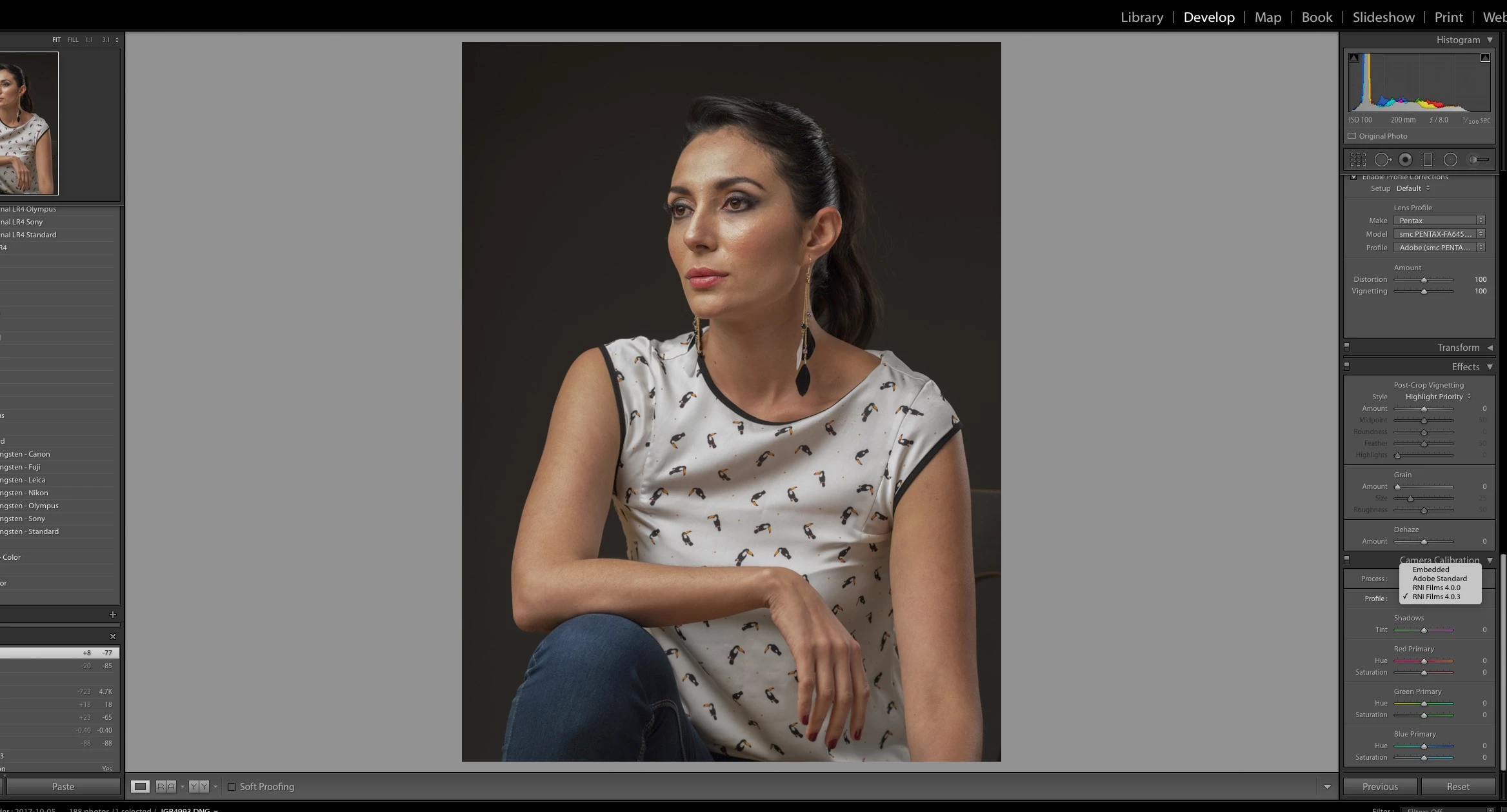
Anyone has any idea whats going on???
In the ACR folder of Camera Profiles i have a bunch of custom bought profiles from RNI and VSCO, and the on the Camera folder, I have a bunch of "old" cameras, conveniently non of mine! I don't have any Fuji cameras so, my X100 is not there, I don't have my Pentax 645D or my new Sony a7RIII, non of the new a7III cameras are there, and non of the new Nikon cameras like the D850.
Can someone please shed some light on this. I can still work with the Lightroom CC 2015 version fine. But Photoshop for RAW files is a no use! since i can select my own cameras profiles!
I already try uninstalling Phtoshop and Lightroom new version, didn't worked, try to install Bridge, didn't work. I'm lost here, other than changing my computer for a new one, I don't know what to do!
Thanks for any reply, I already post this on the Lightroom forum, but since its happening on ACR as well, Maybe someone can figure out whats going on here.


 AdChoices