Participant
April 29, 2025
Question

Adobe Camera Raw Not Supporting GPU – How to Fix It?

  • April 29, 2025
  • 2 replies
  • 301 views

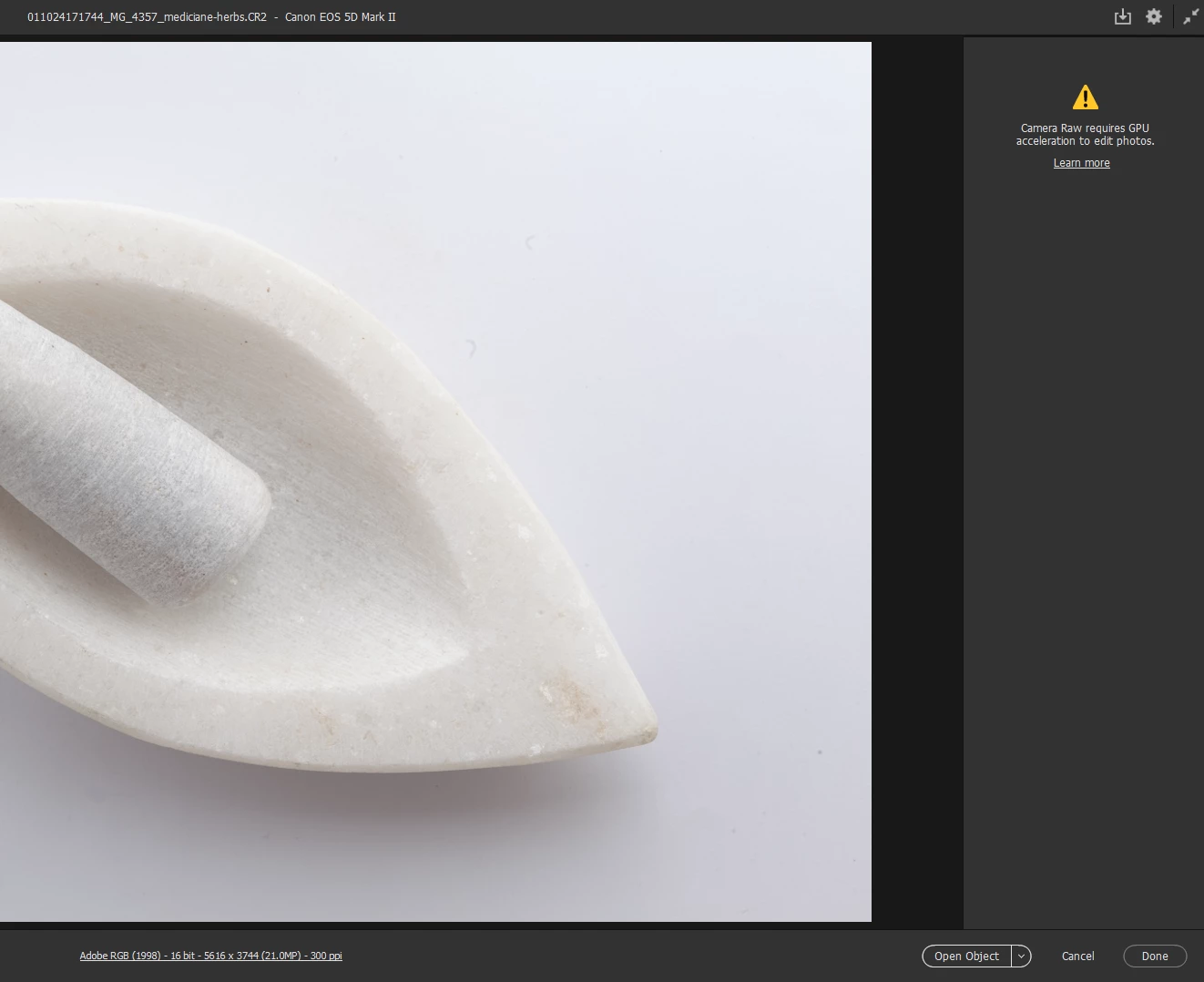
Since this morning, Adobe Camera Raw has stopped supporting GPU acceleration. When I try to edit photos directly from bridge (Canon Raw or jpg), I get the message: "Camera Raw requires GPU acceleration to edit photos."

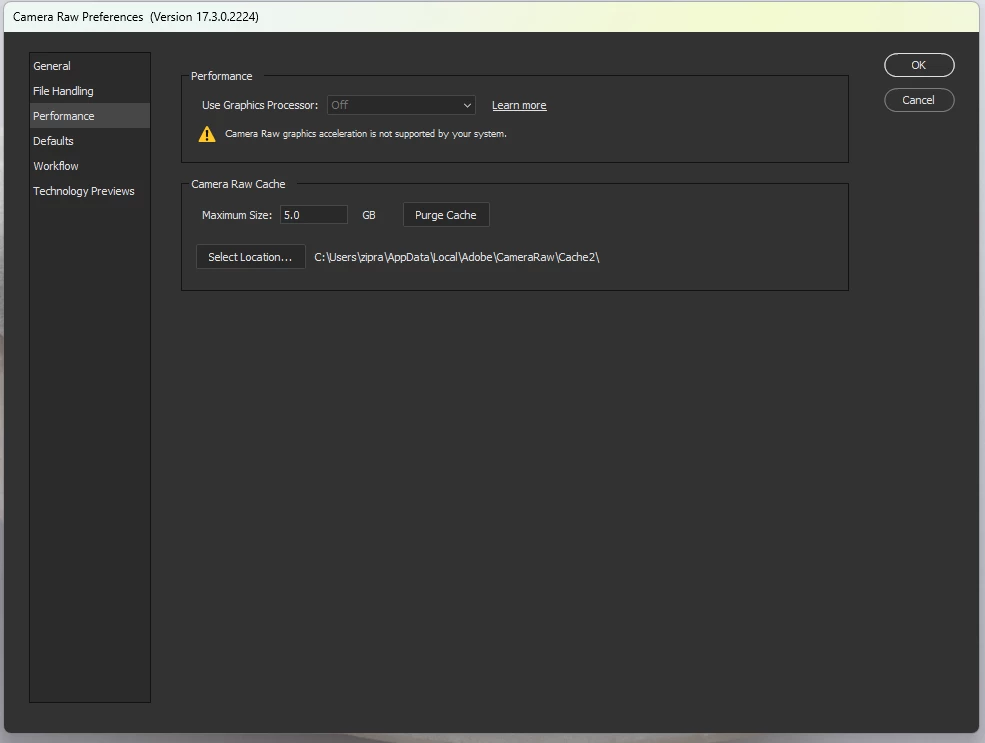
I've checked my settings, and everything seems fine. So I opened photoshop bu it also can no open Camera Raw Filer for me so I checked performance setting, it does show my GPU (meaning adobe photoshop recognises it) but stil can not open Camera RAW Filter in photoshop too . Has anyone else faced this issue? How can I fix it?

Any advice or fixes would be greatly appreciated!
 

2 replies

David Franzen at Work
Adobe Employee
Adobe Employee
April 29, 2025

What GPU do you have? Did you try any of the steps in the Camera Raw GPU FAQ troubleshooting guide?

https://helpx.adobe.com/camera-raw/kb/acr-gpu-faq.html#troubleshoot


Jeff Arola
Community Expert
Community Expert
April 29, 2025

Try

6. Check and delete the TempDisableGPU3 or TempDisableGPU2 files

https://helpx.adobe.com/camera-raw/kb/acr-gpu-faq.html#photo-editing

Participant
April 30, 2025

Thank you @Jeff Arola. After lots of hits and tries, I worked like magic. Thanks again. You saved me.

Participant
April 30, 2025

I simply deleted TempDisableGPU2 file and problem solved.