


Adobe RAW Crashes
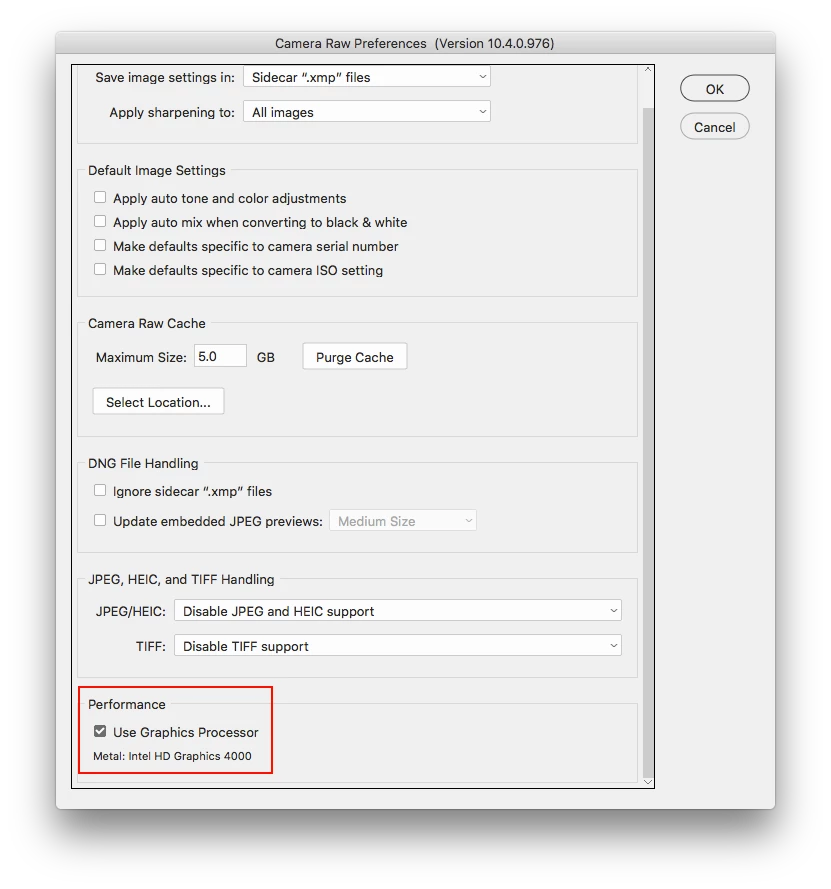
I have just recently upgraded to the latest windows 10 offering and all is well except when I am in adobe RAW and try to open a RAW file, the adobe programme crashes. It sends a crash report to Adobe but I think the reports must end up in the bin as no help has been received from Adobe. I pay a subscription each month to Adobe and it seems pointless at the moment. I can get around the problem by disabling Intel R HD graphics 4600 in Display Adaptors through the computers device manager but then when this is disabled I have then got several other issues with my display monitor. I am not very computer literate and cannot see how to overcome this problem. The drivers for the graphics 4600 are all up to date so they are not the problem. Any help gratefully accepted. Also is there any way I can phone Adobe as all links seem to lead me back to this forum.

 AdChoices