


Participant
March 14, 2018
Answered

After re-installing CS6 on Sierra, can't update camera RAW

  • March 14, 2018
  • 1 reply
  • 731 views

I've re-built my Mac OS Sierra and reinstalled CS6, with serial number to license the product. All is fine, except, I cannot 'update' camera RAW plugin, so raw images will not open.

But the images do not open in raw/ photoshop.
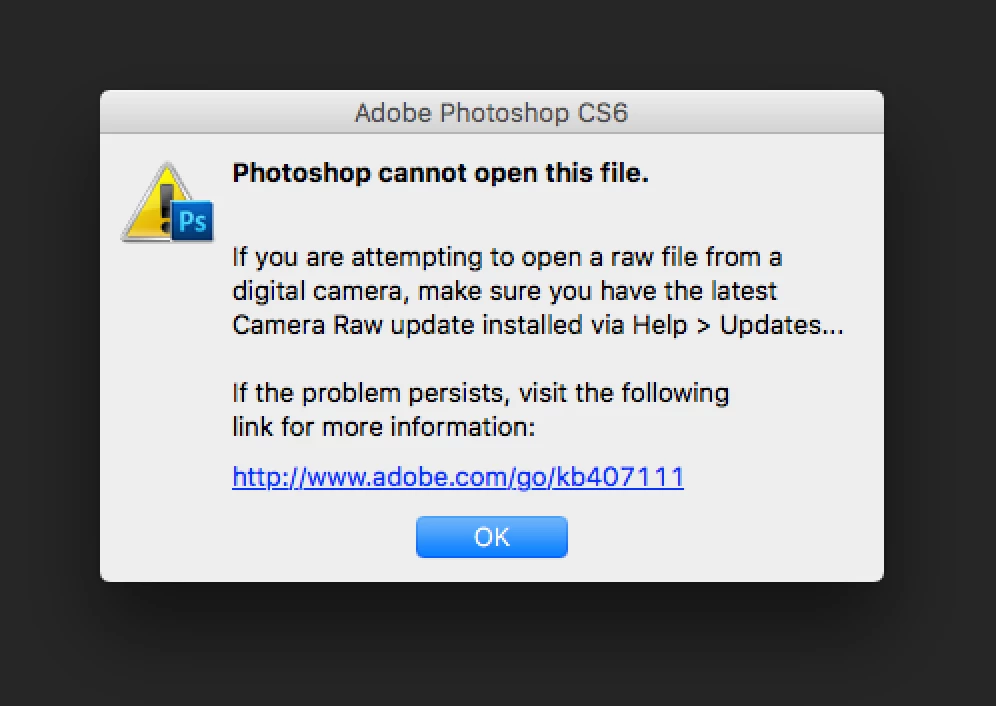
The macbook, OS, CS6, and digital camera are all the same - no changes.

I just wanted to rebuild my Mac to clean it up.

I have tried to run 'help-updates' to update the raw plugin
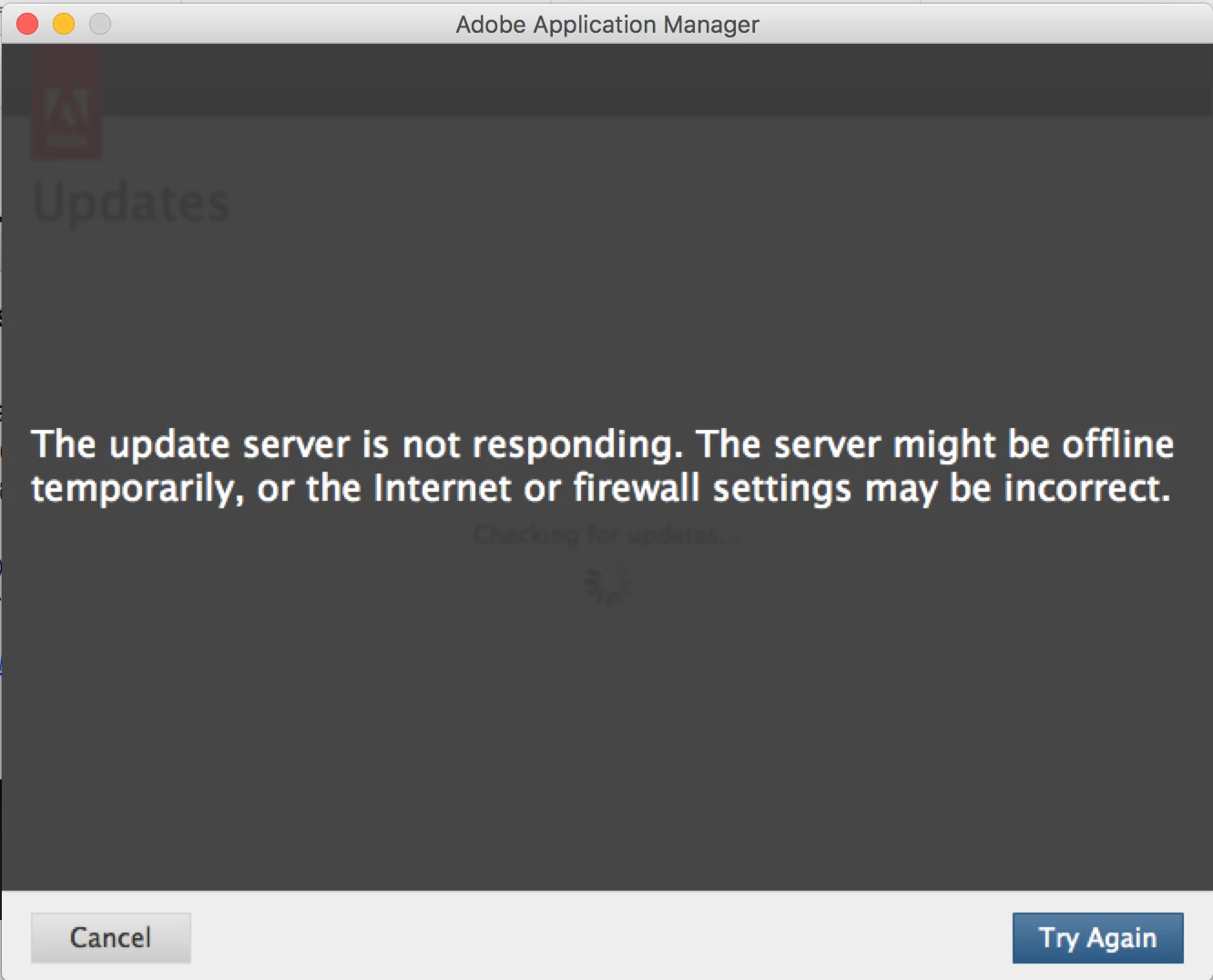
I have then successfully installed the separate 9.11 camera raw plugin

Camera Raw plug-in installer

But I still get the same error when trying to open a file. According to Adobe website page on this link, the CS6 installer should be compatible with OS10.12 (Sierra) which is what I have.

Can anyone help?

This topic has been closed for replies.
Correct answer Jeff Arola

See if installing an updated Adobe Application Manager lets Help>Updates work.

Adobe - Adobe Application Manager : For Macintosh : Adobe Application Manager

1 reply

Jeff Arola
Community Expert
Community Expert
March 15, 2018

What camera do you have?

If in photoshop cs6 you go to Photoshop>About Plug-In>Camera Raw, what version does it say?

Participant
March 15, 2018

Hi, thanks, it says version 7.0.0.308 -

Participant
March 15, 2018

Oh and my camera is Nikon d610, fully works with camera raw version before I re-built my macbook just for some reason, photoshop is not allowing updated camera raw to install.

I've also tried turning off firewall and of course the internet is working as I'm browsing this forum.