Participant
October 11, 2023
Answered

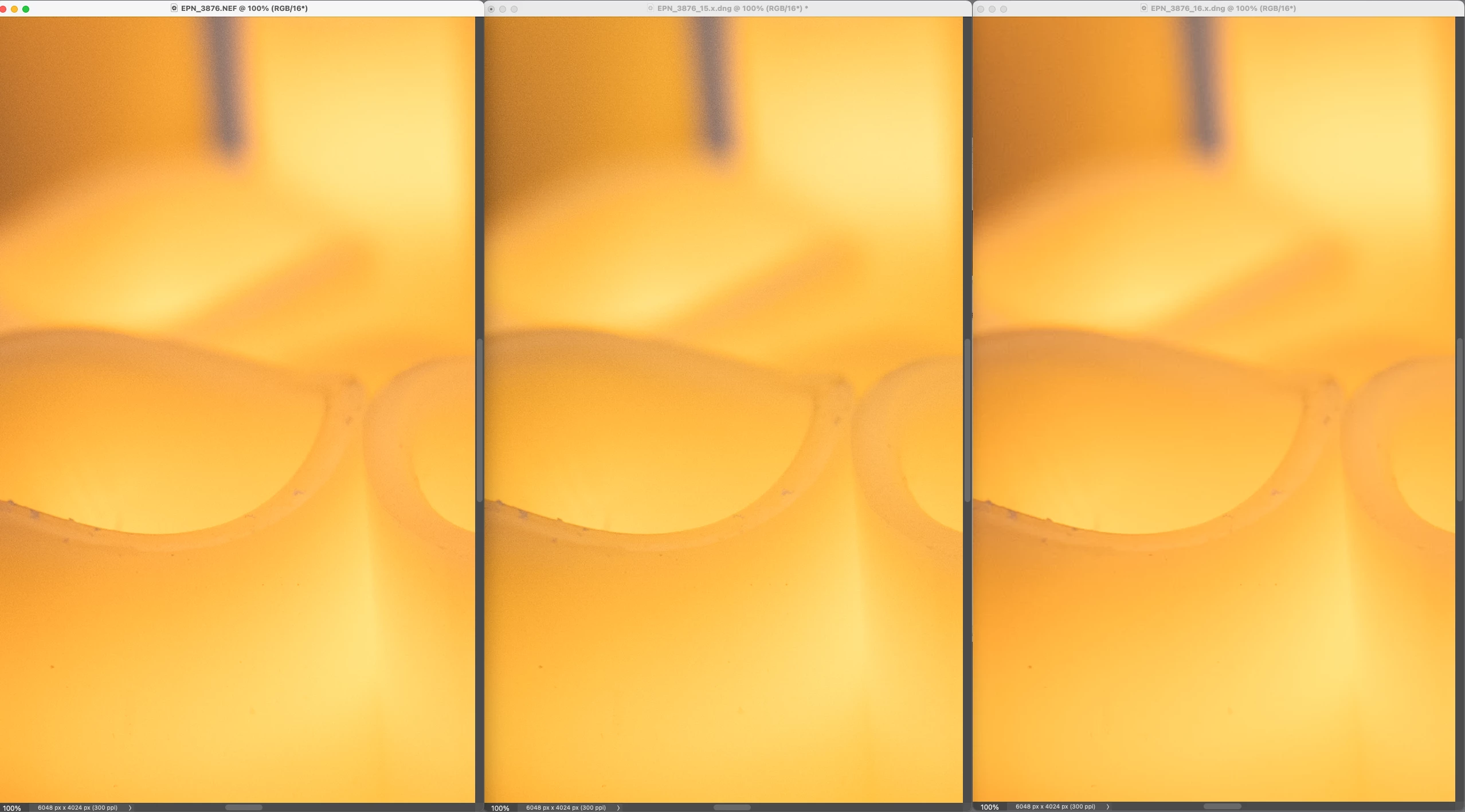
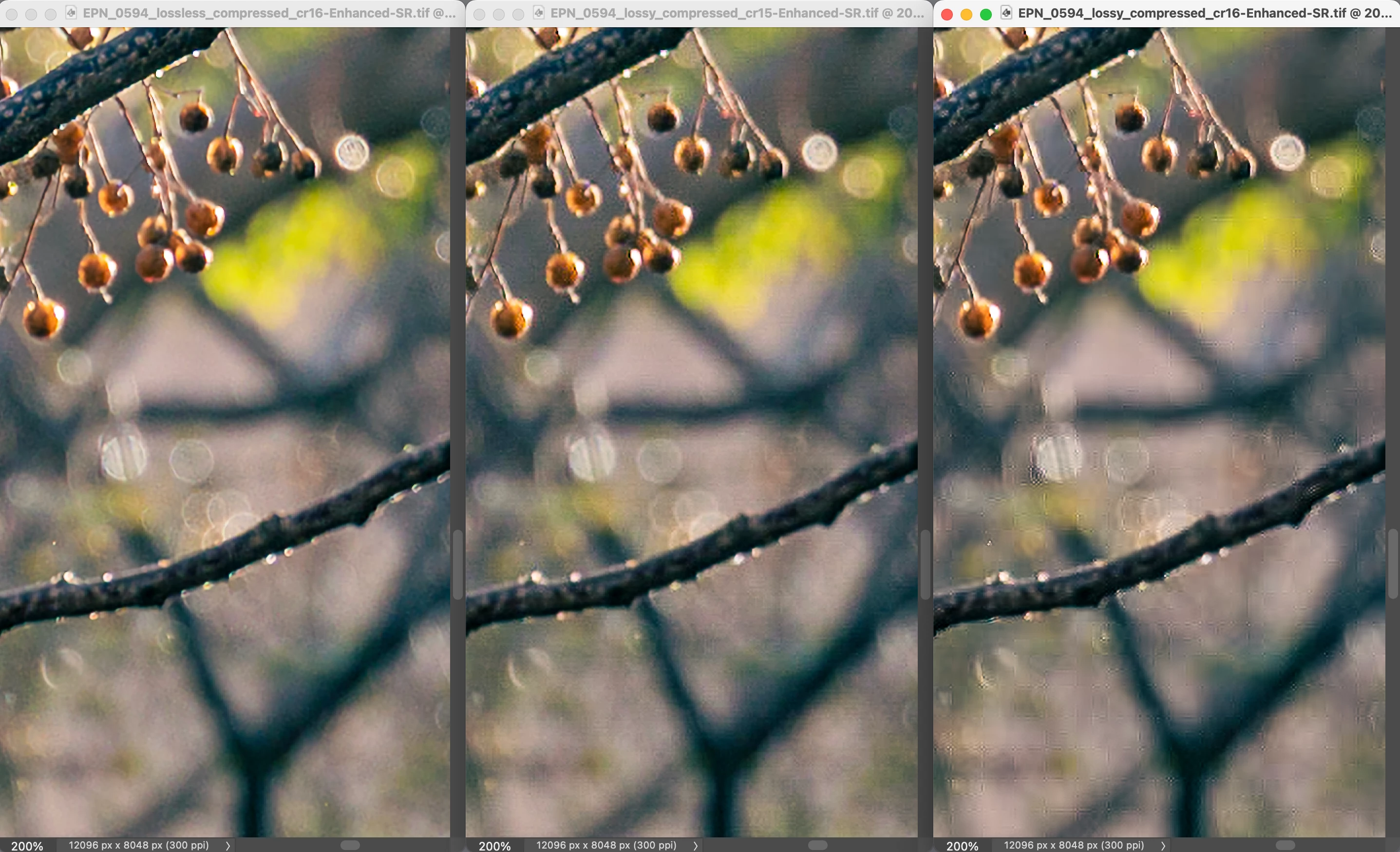
Artifacts with super resolution on lossy compressed DNG with cr16

  • October 11, 2023
  • 1 reply
  • 2954 views

Hi there,

I'm currently testing the new lossy compression feature in Camera Raw 16, and I'm finding the file size reduction to be quite impressive! However, I've noticed some unusual artifacts when using super resolution on a lossy compressed file, which I'm not observing with a CR15 lossy compressed file. I'd like to know if this is a tradeoff of the file size reduction or if it's a bug.

Thanks,

Edu
 

This topic has been closed for replies.
Correct answer MadManChan2000

Apologies for the user change; I was using another computer. After conducting more tests with the compression scheme, it seems clear to me that it's dialed up to eleven. All the noise texture is lost, and there are artifacts everywhere. In my opinion, the old compression was much more balanced. Would it be possible to have control over the DNG compression scheme and revert to the old one? 

Thanks, 

Edu

p.s. I can send the original files if anyone is interested.


Understood.  We're going to have some more options in the next release of Camera Raw that will enable you to achieve better quality, with lossy.


The current lossy compression DNG settings available in ACR 16.0 were intended with Smart Preview (proxy) workflows in mind; that is, as a temporary stand-in for the original..


Stay tuned for some improvements in this area.

1 reply

MadManChan2000
Adobe Employee
Adobe Employee
October 11, 2023

Can you explain the workflow (steps) you followed to produce the image on the right?

Is your original file a raw file or something else?

EduPAuthor
Participant
October 11, 2023

I adjusted the original NEF using Camera Raw 16, and then converted it to lossless and lossy DNG formats in Camera Raw 16. I processed the lossy DNG (CR15) with DNG Converter 15.2, and finally, I applied super resolution to all three files in Camera Raw 16. I'm sending you the files in a private message.

Thanks!

MadManChan2000
Adobe Employee
Adobe Employee
October 11, 2023

Thanks for explaining that.  In general I would always recommend using Super Resolution on the original (in this case, NEF) data.  This is for two reasons.  First, Super Resolution works best on raw (mosaic) data, such as the Bayer mosaic data in a NEF (Super Res applies both demosaicing and upsampling at the same time, for a better result).  Second, Super Resolution will generally amplify any lossy compression artifacts (esp. in RGB data).


Note that in ACR 16, if you apply Super Res on your NEF, the result DNG will be quite a bit smaller than when you previously used ACR 15.x, because the result will be compressed using the new method (JPEG XL).


In other words, this flow should produce the best output (with good file size):

NEF -> Super Resolution (demosaic + upsampling) -> result is compressed DNG


Whereas the following flow will also produce small files but will compromise the quality and hence not recommended:

NEF -> Lossy Compressed DNG (demosaiced linear RGB image) -> Super Resolution (upsampling only) -> result is compressed DNG