

Answered
Brush Adjusments in Camera Raw
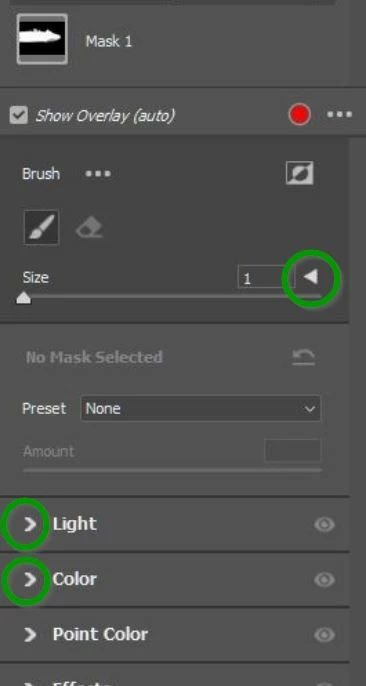
I want to ask for help. The brush settings have disappeared in the masking menu of Camera Raw, I can only adjust the size of the brush. How can I display the other settings (flow, density, feather)?
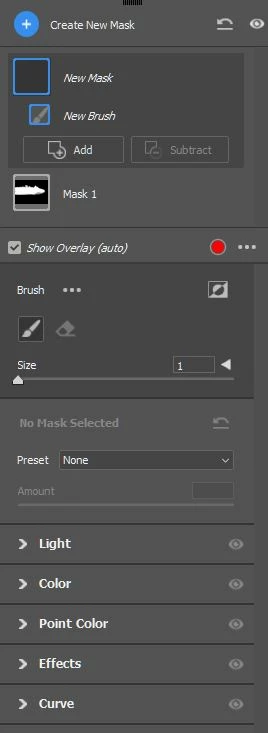

I want to ask for help. The brush settings have disappeared in the masking menu of Camera Raw, I can only adjust the size of the brush. How can I display the other settings (flow, density, feather)?
Already have an account? Login
Enter your E-mail address. We'll send you an e-mail with instructions to reset your password.

 AdChoices