craigcbrandau
Participant
April 16, 2017
Answered

Camera Profiles

  • April 16, 2017
  • 1 reply
  • 521 views

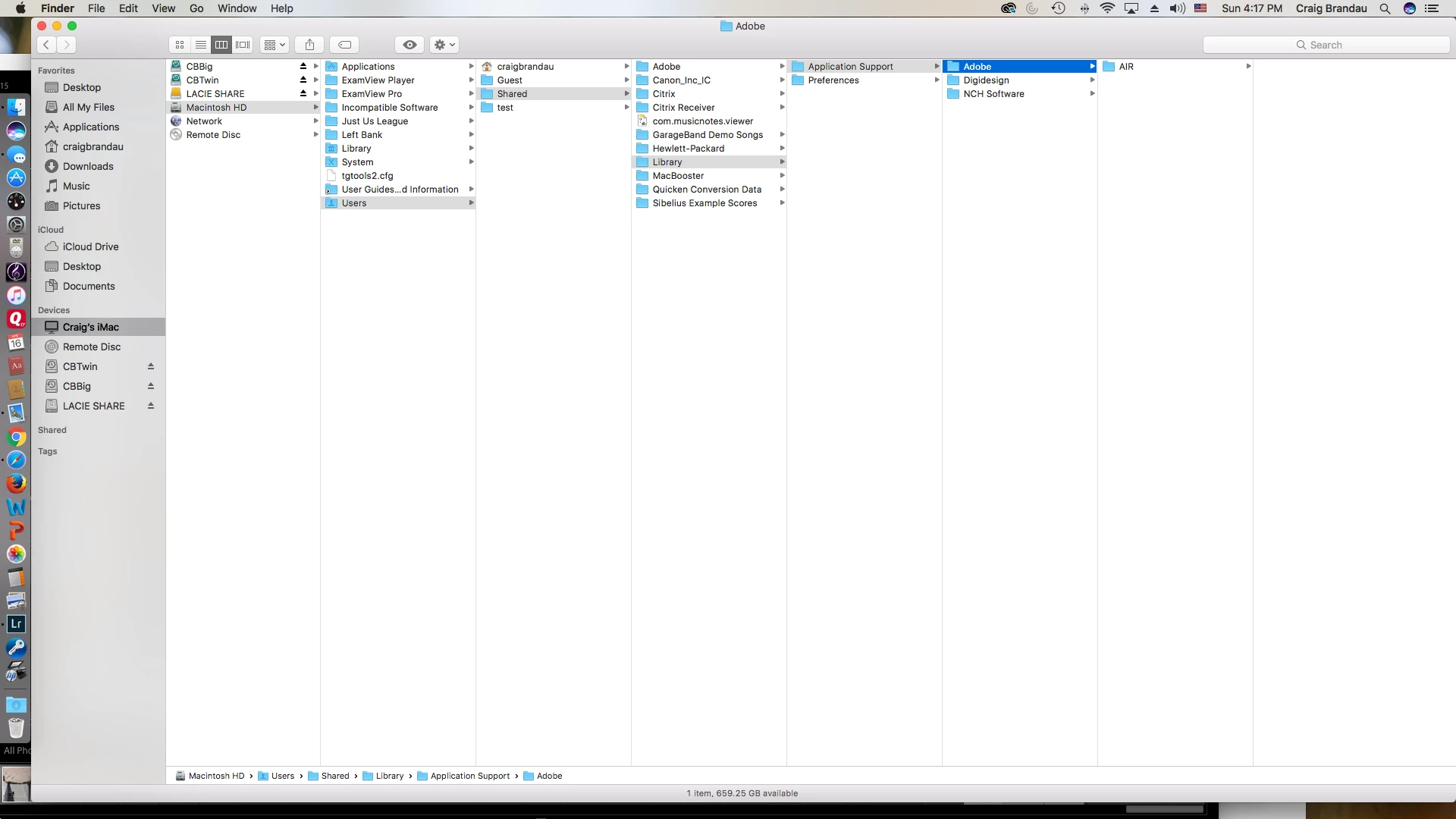
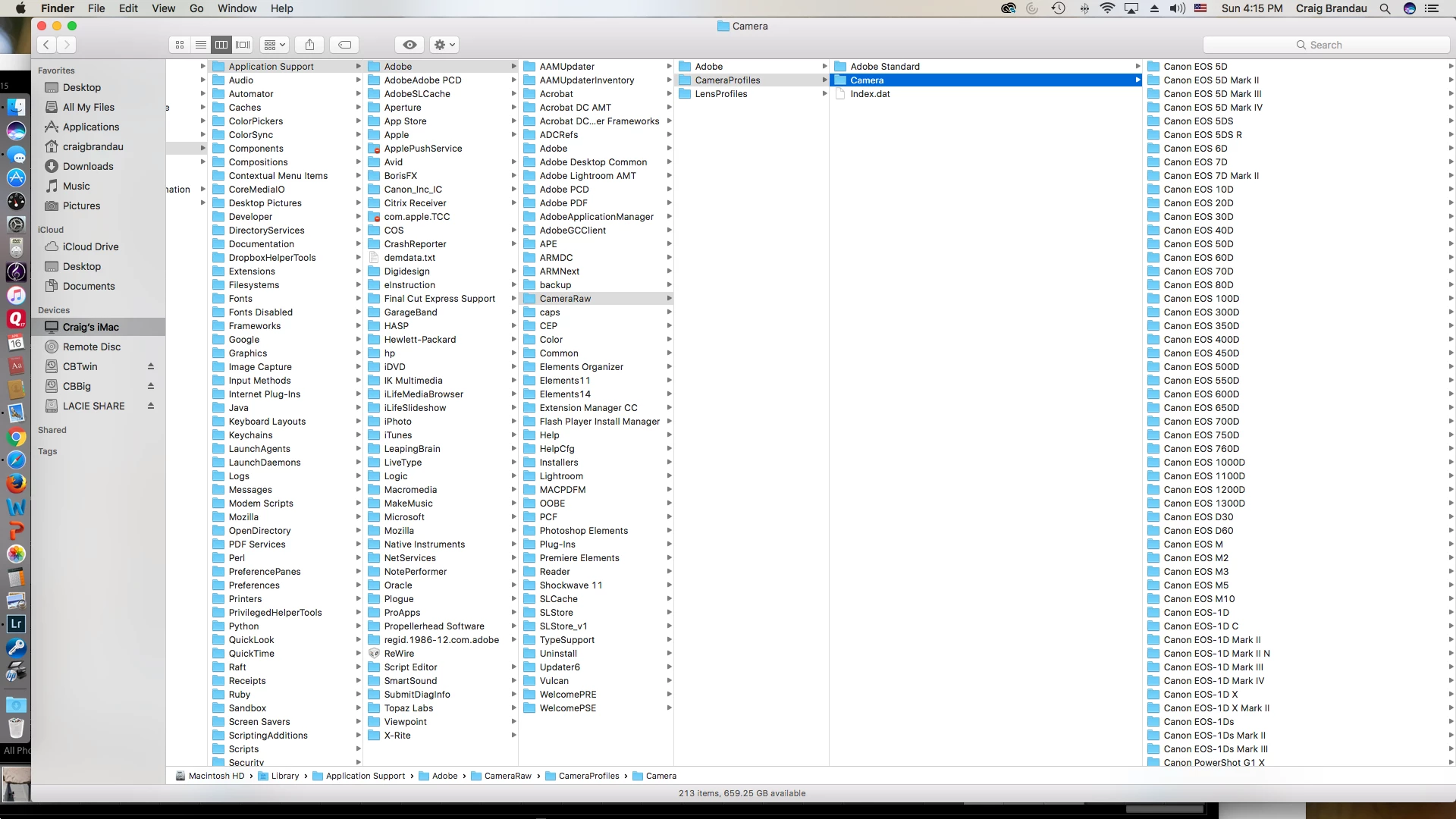
I have successfully created two camera calibration profiles and wish to remove or rename one of them.  For the life of me, I cannot find where they live.  I have a MAC and have looked into the Adobe Camera files (see images).  Also in my User files there is no library section....  I'm very frustrated.  Thanks much.
This topic has been closed for replies.
Correct answer craigcbrandau

Hi!  Thanks so much for the reply!  I have found out that instead of the Shift Key, one needs to use the Option/Alt key.

Best,

Craig

1 reply

Jeff Arola
Community Expert
Community Expert
April 17, 2017

On macOS Sierra you can get to your User Library by clicking on the desktop, and in the Go menu press the Shift key and click on Library.

Then navigate to

~/Library/Application Support/Adobe/CameraRaw/CameraProfiles

craigcbrandau
craigcbrandauAuthorCorrect answer
Participant
April 17, 2017

Hi!  Thanks so much for the reply!  I have found out that instead of the Shift Key, one needs to use the Option/Alt key.

Best,

Craig