



Camera RAW 14.4.1, 18.5 and most recently 18.6 cannot be used. It simply won't open.
The updates for the versions I mentioned in the title don't work. Camera Raw keeps claiming my RTX 3070 GPU isn't supported. So, I can't use it. Only version 18.4.0.0 works.
Here are screenshots of the messages I receive with the latest versions.
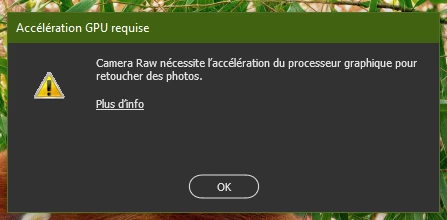
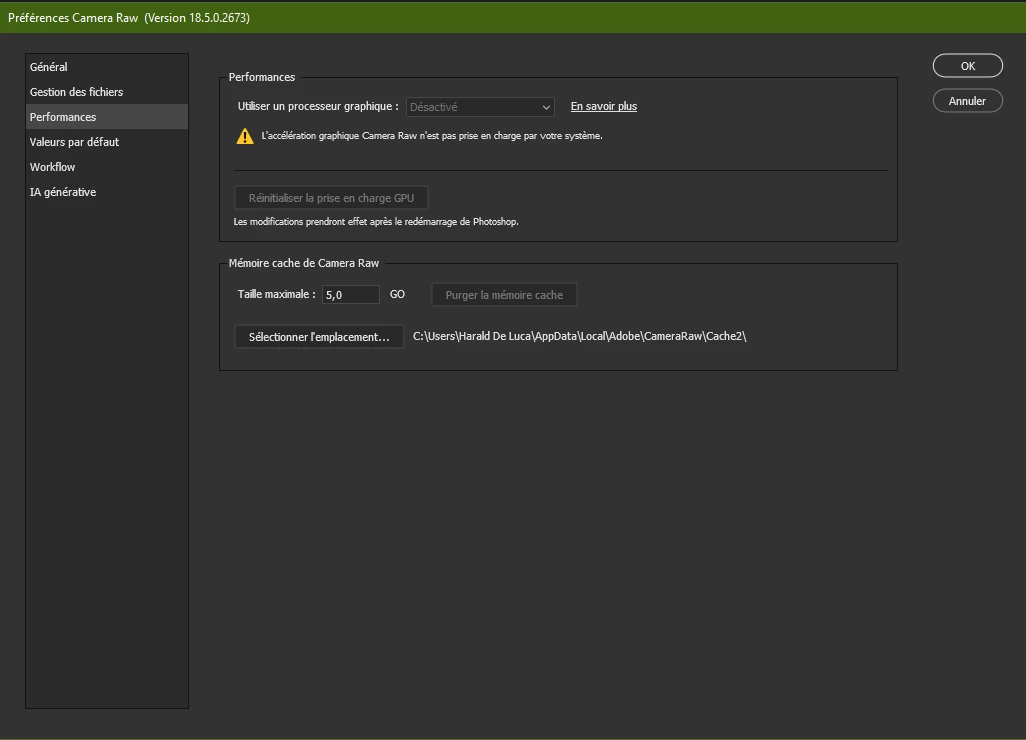
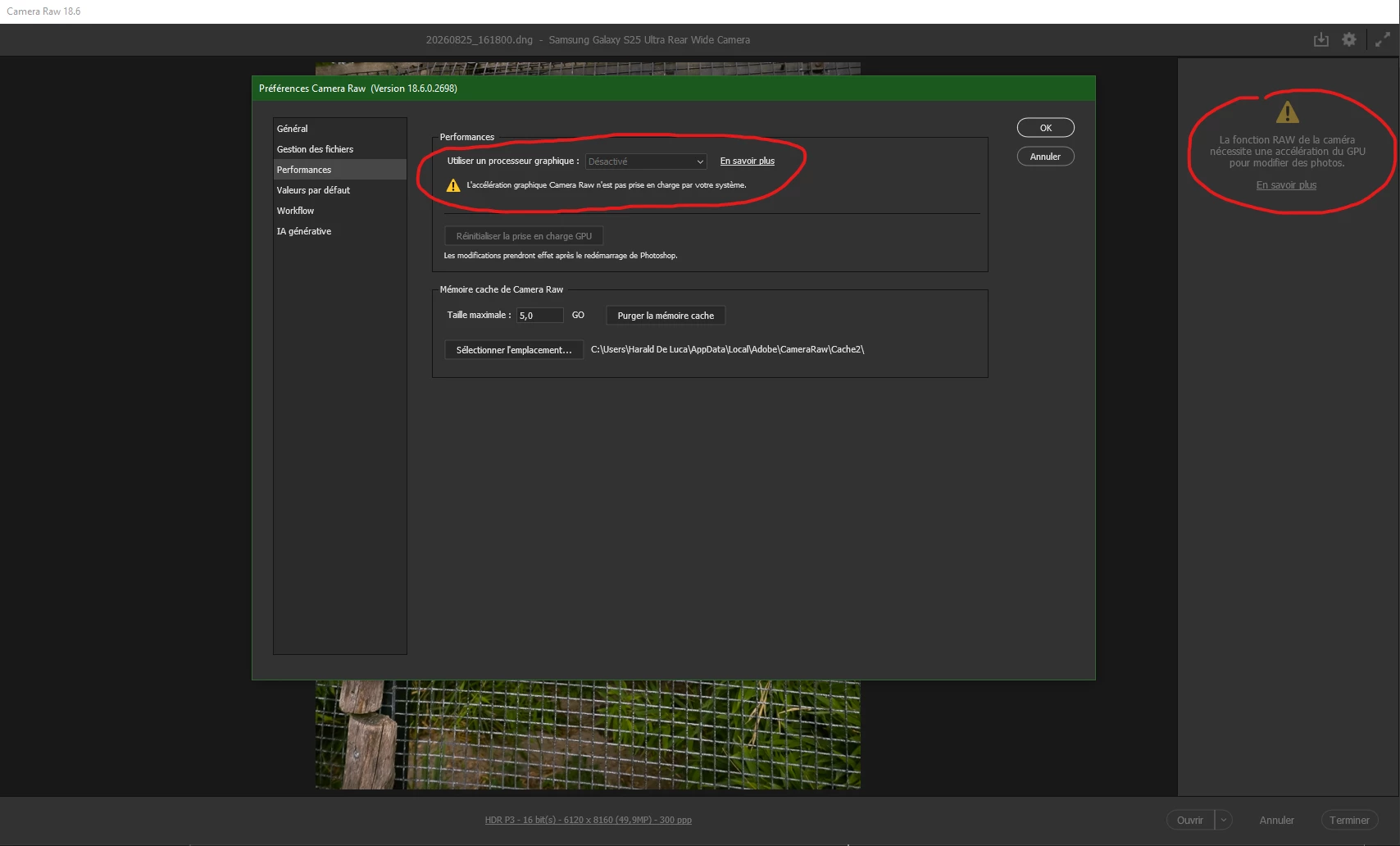
And here with version 18.6.0.0
Apart from Photoshop itself, which does support my GPU:
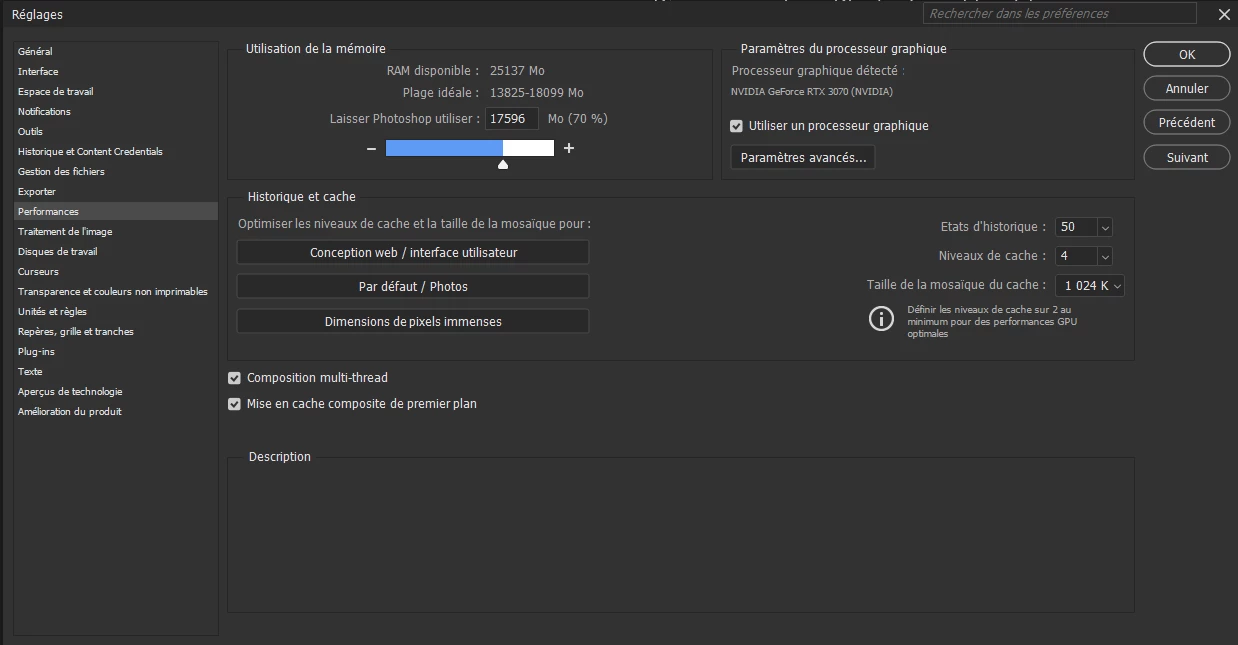
Therefore, I cannot take advantage of the latest Camera RAW features. This is unacceptable.
I already submitted a bug report for versions 18.4.1 to 18.5, but without success. You haven't fixed the problem in this version.
Here are the logs for version 18.6.0.0
As well as those of the version that works for comparison.
I also upload my dxdiag file for analysis.
I even got another NVIDIA GeForce Studio driver update today, version 616.56. But it didn't fix the Camera RAW issue. So I'm still stuck on the working version 18.4.
It's really frustrating 😤 knowing that I'm paying for the software.
 AdChoices