


Participant
September 12, 2022
Question

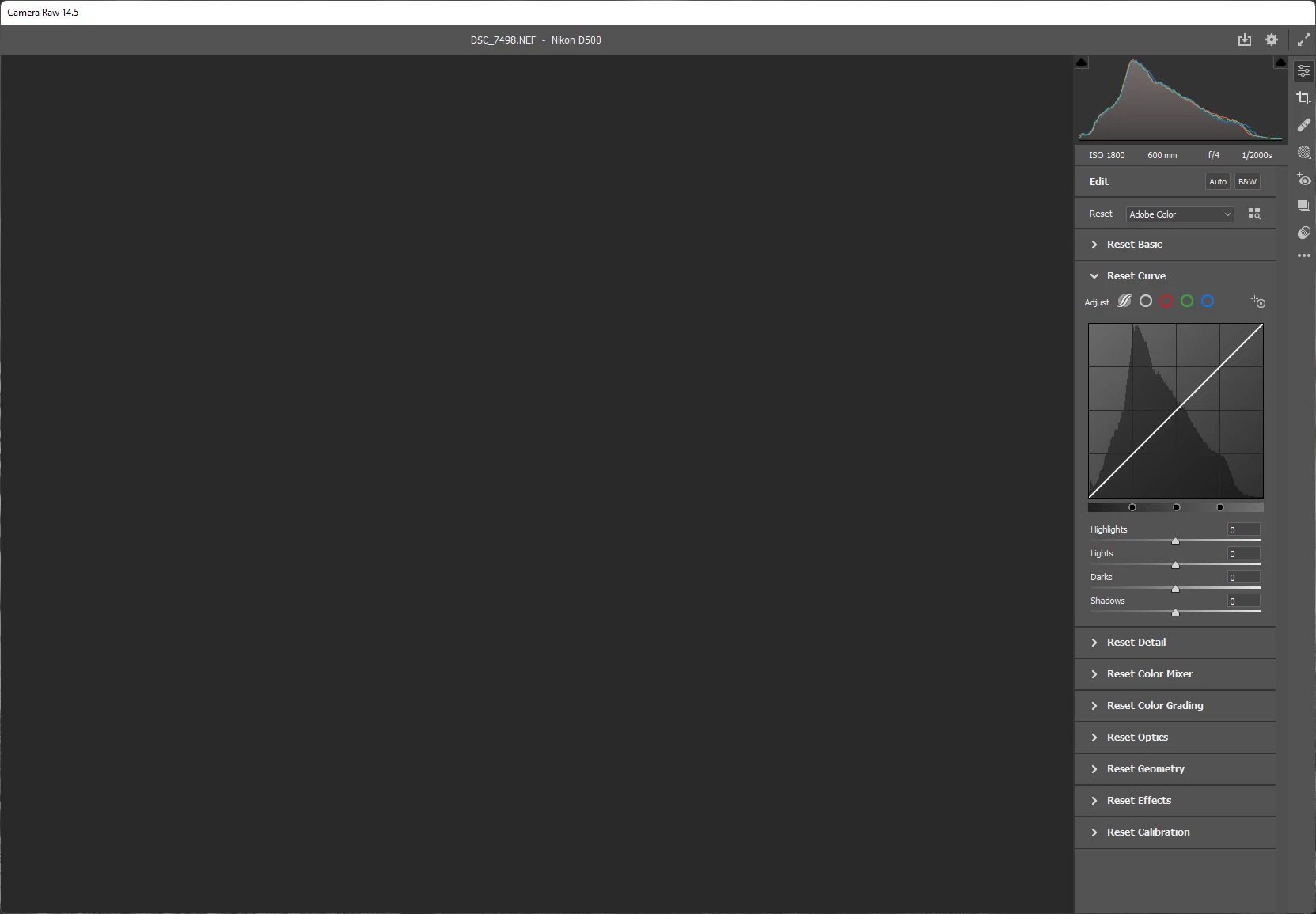
Camera Raw 14.5 wont preview photo and open/done/close buttons are not available

  • September 12, 2022
  • 2 replies
  • 1010 views

Camera Raw 14.5 won't preview my raw files. Tried opening from Photoshop as well as Open with Photoshop from explorer context menu. 

Added to that Camera Raw seem to be missing Open/Done/Close options as well. (It is not visible no matter how much I maximise the app)

One popular opinion online is to change the preference of graphic acceleration from here. I've tried all the options there as well.
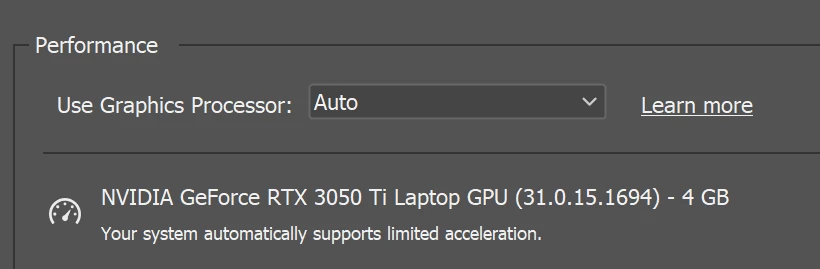


All my adobe apps are up-to-date. I am on Windows 11. This used to work with same camera's raw files until a day ago of posting. 

2 replies

Participant
May 4, 2023

I have the same issue. Where you able to solve it? 


Ervins G.
Known Participant
June 24, 2025

Same issue in 2025 with ARW files, Photoshop v26.8 and 17.4 Camera Raw filter. Any solutions?

Ervins G.
Known Participant
June 24, 2025

I attempted to reset preferences by navigating to Ctrl + Edit > Preferences > Raw Filter, reinstalling the GeForce Studio driver, adjusting the Windows screen settings (specifically the resolution), reinstalling Photoshop, and restarting Windows. Good news: after about 30+ minutes, the Camera Raw Filter is now functioning as expected. On the downside, these bugs tend to consume a significant amount of my creative time...

TheDigitalDog
Inspiring
September 13, 2022

So to be clear, you did try testing with GPU disabled? 

Try resetting  the Camera Raw preferences:
Hold down the Command key and select Photoshop > Preferences > Camera Raw (macOS) or hold down the Ctrl key and select Edit > Preferences > Camera Raw (Windows).
Click Yes in the dialog that asks "Delete the Camera Raw Preferences?"
See also:
Author “Color Management for Photographers" & "Photoshop CC Color Management/pluralsight"