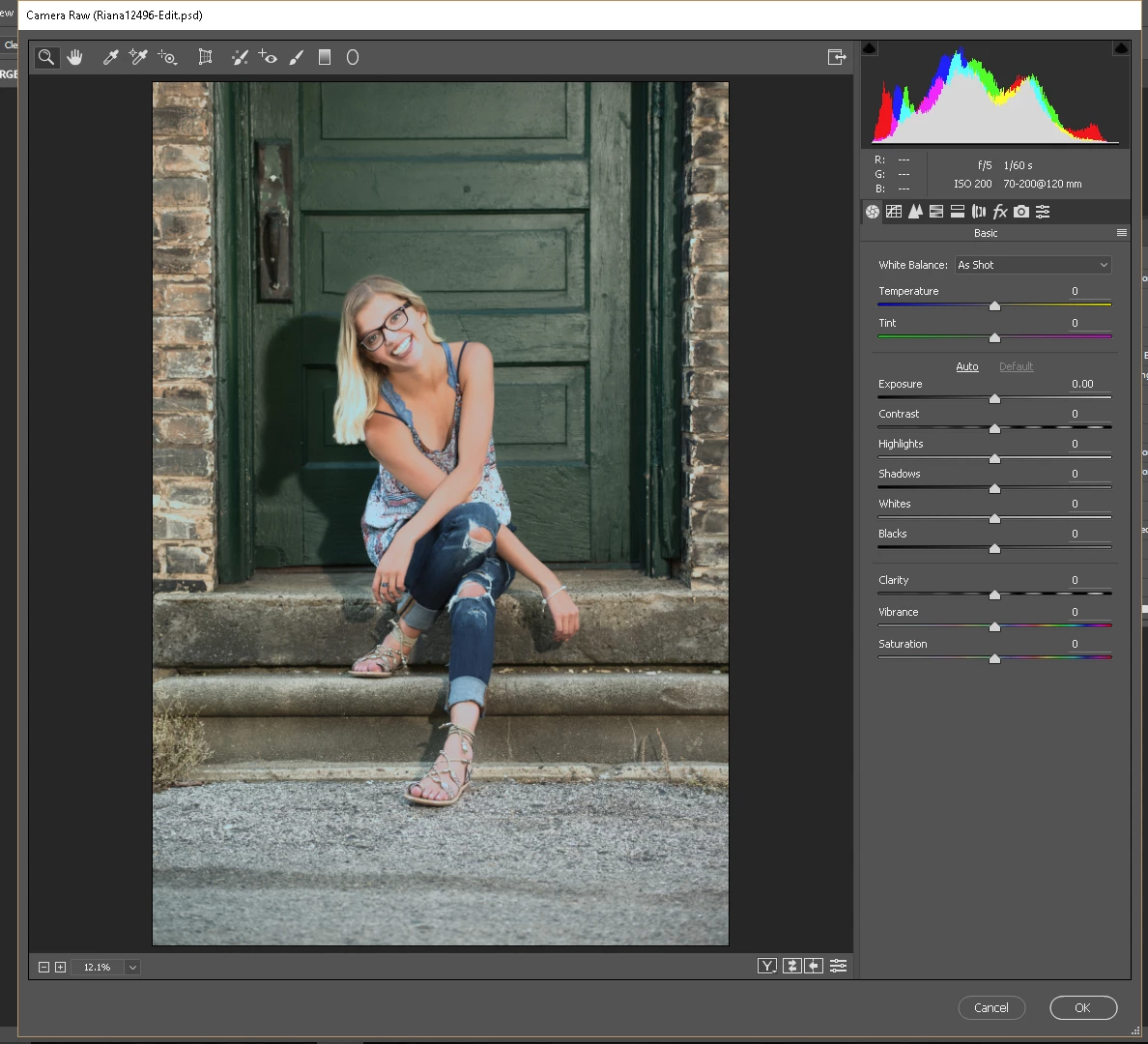
Again, I have checked my monitor profiles and they haven't changed since this morning. It worked fine this morning, with the profile that I have now and it only stopped working when I updated CR. If it worked this morning, with the older version of CR and the same monitor profile, I have a hard time understanding how reverting to that previous version would not work? The link you just shared, the newest version of Camera Raw is from 2012 and I am sure there have been many updates since then. I don't know the version number of the CR that I just upgraded from but it would have been the version immediately prior to the most recent version of 9.12
The newest version on that page is 9.10, dated 4/11/2017. (9.10.1 was actually the one prior to 9.12, but for some reason it's not listed. And there was no 9.11 version)
I have no experience with rolling back Camera Raw, and I don't know if an older version will overwrite a newer version.
And there is no option to uninstall with the Desktop app, it says Uninstall unavailable.
I guess there's a possibility that you'll have to uninstall/reinstall Photoshop, and then manually update Camera Raw to 9.10
Adobe Camera Raw and DNG Converter for Windows
By downloading software from the Adobe Web site you agree to the terms of our license agreement. Please read it before downloading.
To view more details about a file, click on its title. The files are sorted so that the newest files appear at the top of each version category.
UPDATES/PROGRAMS




 AdChoices