Participant
July 2, 2022
Answered

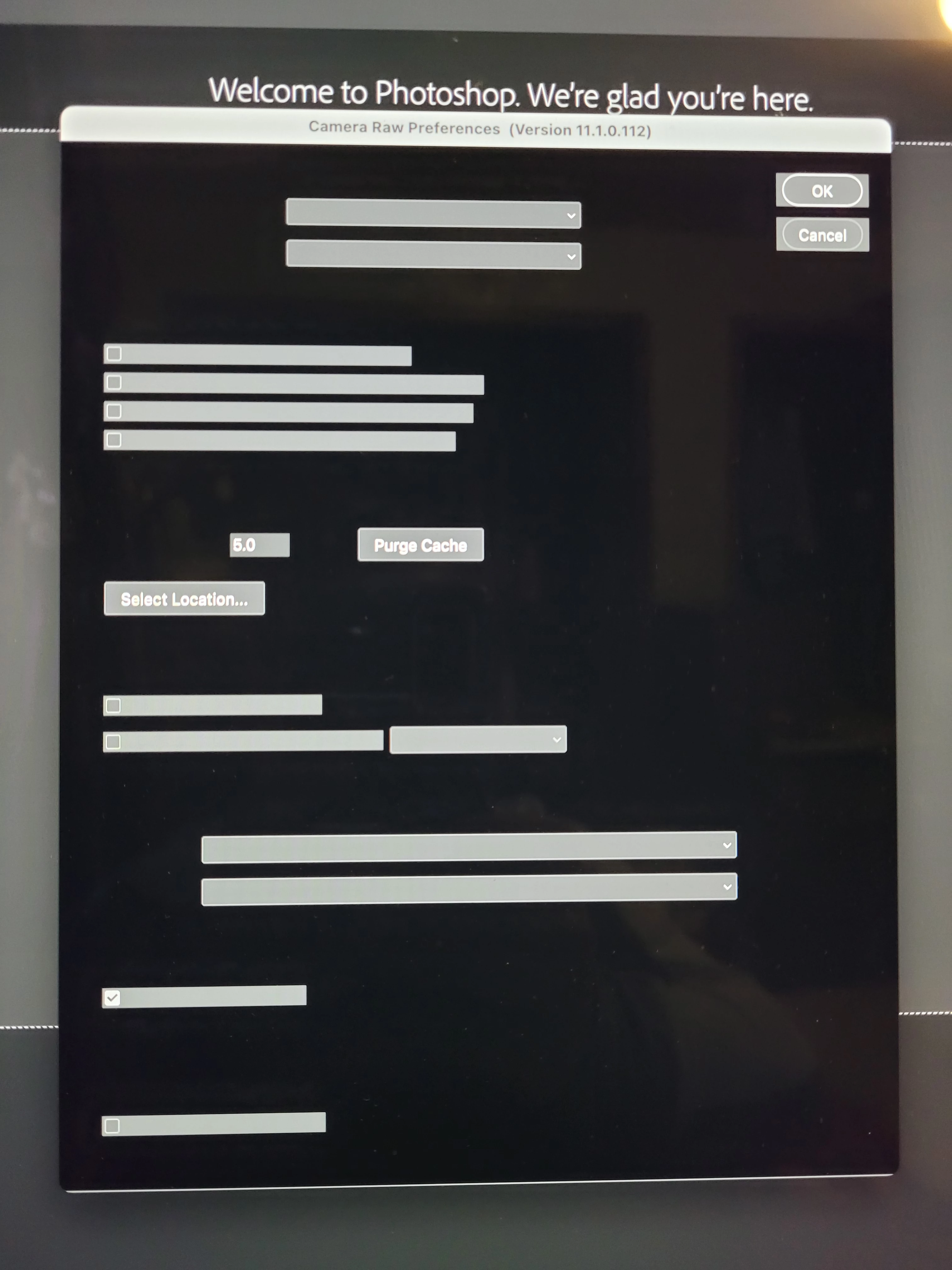
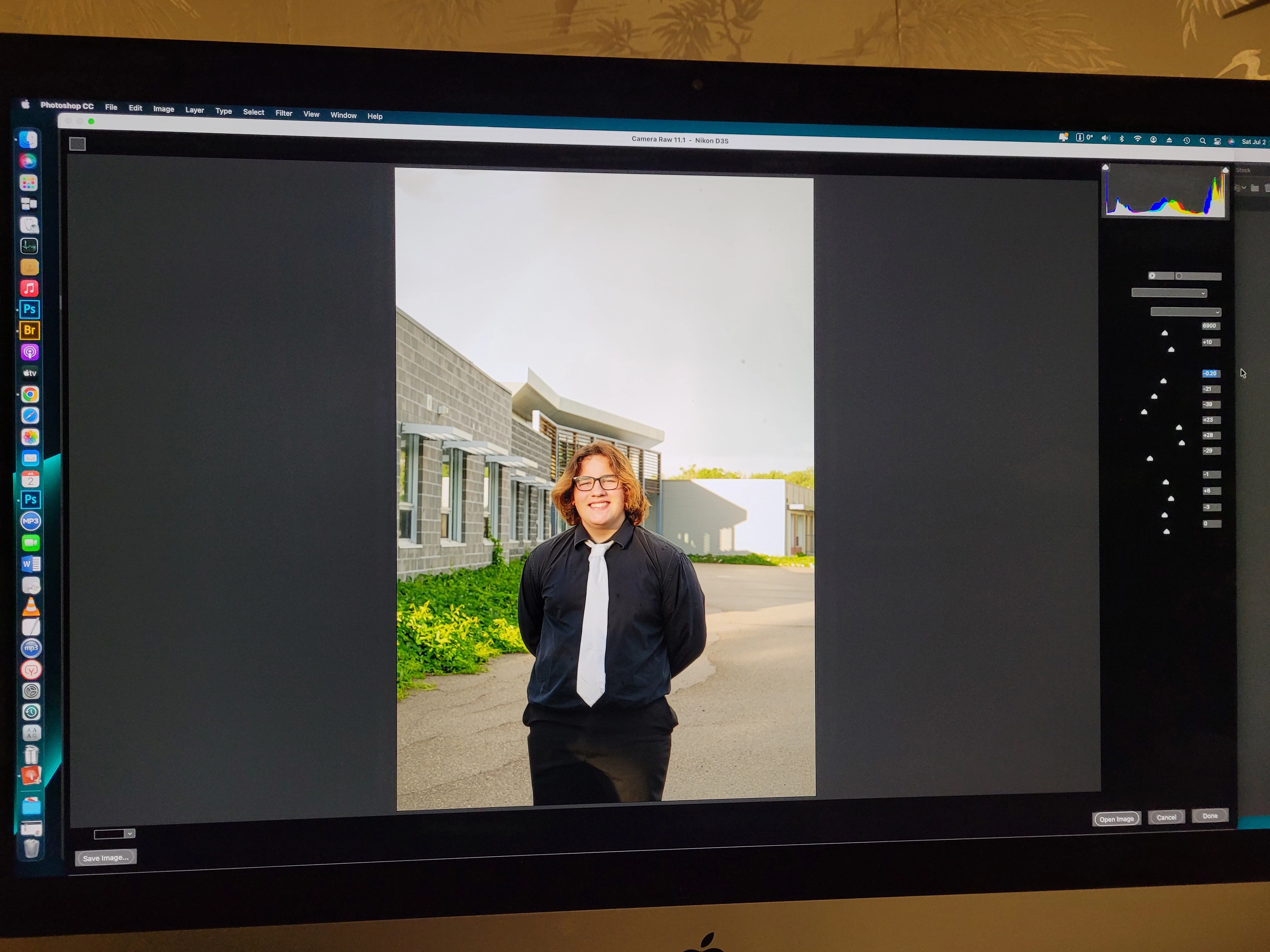
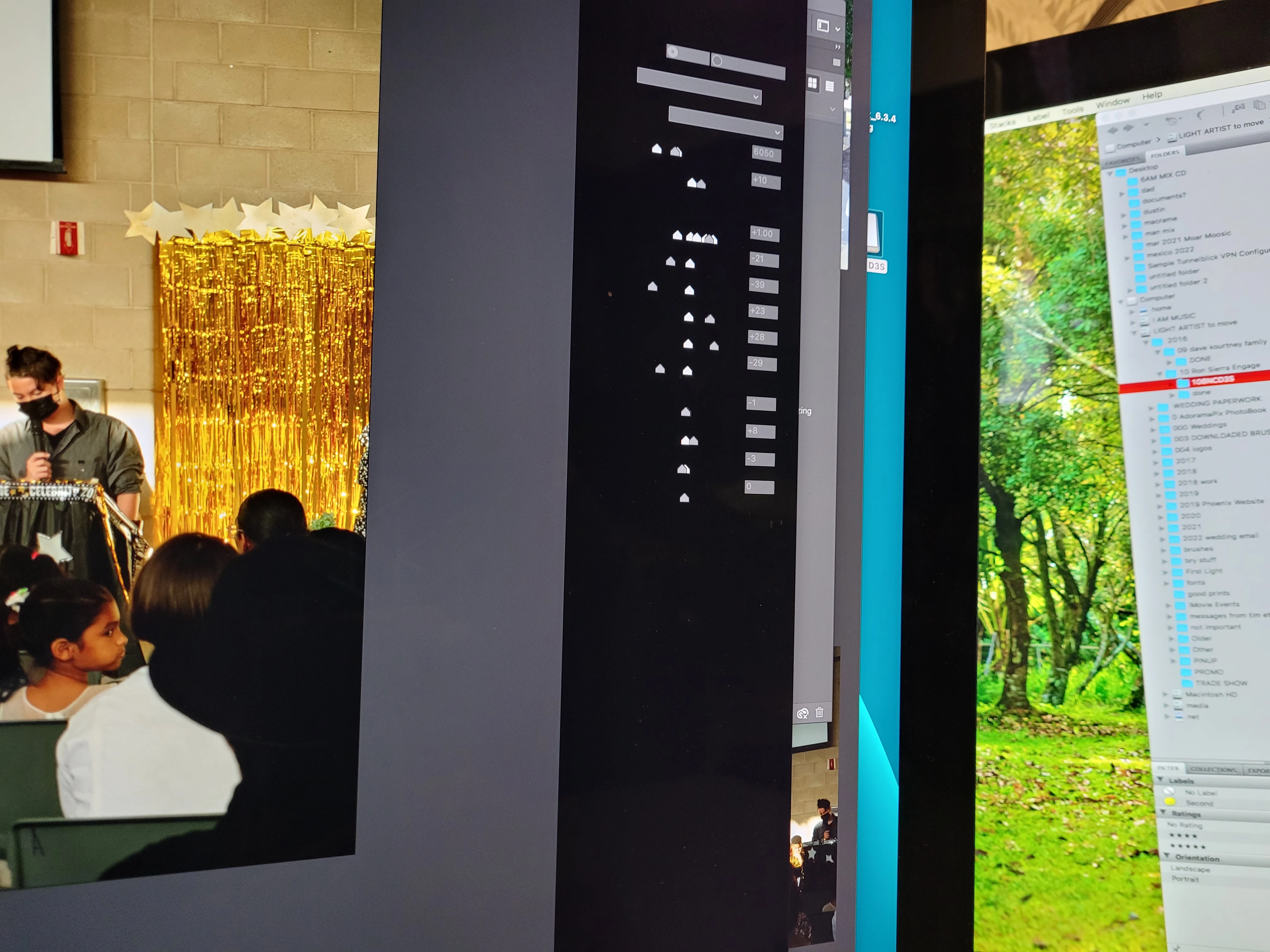
Camera raw background/interface blocking words

  • July 2, 2022
  • 3 replies
  • 225 views

Hello!    So I just switched to a new version of photoshop finally. I'm very excited because it's going to work great but it is not concerned. My interface is blacked out and apart from doing images 1 by 1 in raw (not efficient).   I'm not sure how to ask the right questions in the help forums to find specifically what this is.


I can't see any options to purge anything because it's blacked out.


 I've changed the interface in photoshop to light Gray to see if that helps, it doesn't make a change on raw.


Any help would be appreciated.  My camera raw on cs2 has finally crapped out and I'm at a standstill.
 

This topic has been closed for replies.
Correct answer Jeff Arola


What version of macOS do you have and is your mac an Intel or M1 processor model?


Looks like your using an older version of camera raw 11.1, which most likely has compatibility issues on newer macs.


From within photoshop go to Help>Updates and install the latest photoshop 2022 and camera raw 14.1

3 replies

Jeff Arola
Community Expert
Jeff ArolaCommunity ExpertCorrect answer
Community Expert
July 2, 2022


What version of macOS do you have and is your mac an Intel or M1 processor model?


Looks like your using an older version of camera raw 11.1, which most likely has compatibility issues on newer macs.


From within photoshop go to Help>Updates and install the latest photoshop 2022 and camera raw 14.1

MissKokoAuthor
Participant
July 3, 2022

HOO HOOOOO!   IT WORKED !   apparently the latest version of camera..... maybe the simplest solution ... was the key!    Thank you all so much!!!!

TheDigitalDog
Inspiring
July 2, 2022

First, try disabling GPU in the Preferences (Performance tab). Any better?

If turning OFF GPU works, it's a GPU bug and you need to contact the manufacturer or find out if there's an updated driver for it. On the Mac, that's part of the OS update(s) so if this is the latest OS version, you may need to roll back a release.
Also see: https://helpx.adobe.com/photoshop/kb/acr-gpu-faq.html

Author “Color Management for Photographers" & "Photoshop CC Color Management/pluralsight"
MissKokoAuthor
Participant
July 2, 2022

I changed that in ps options, thank you.  But no change.  If it's in the camera raw options. I can't see it 


MissKokoAuthor
Participant
July 2, 2022

Ps. Not sure where concerned came in.....  lol I am for sure concerned.