Participant
January 12, 2024
Question

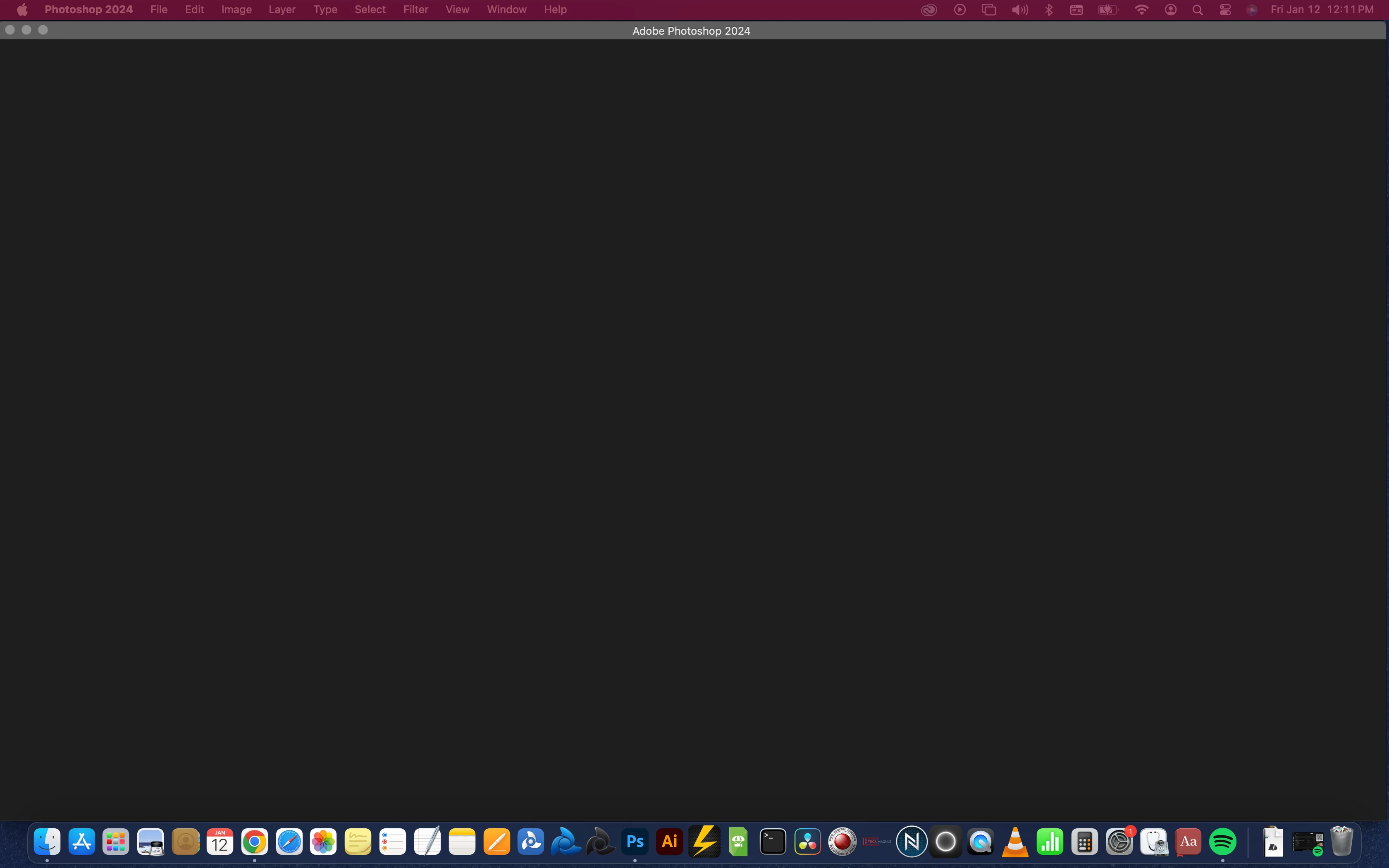
Camera Raw Causing Red Overlay on OSX Menu bar

  • January 12, 2024
  • 4 replies
  • 1160 views

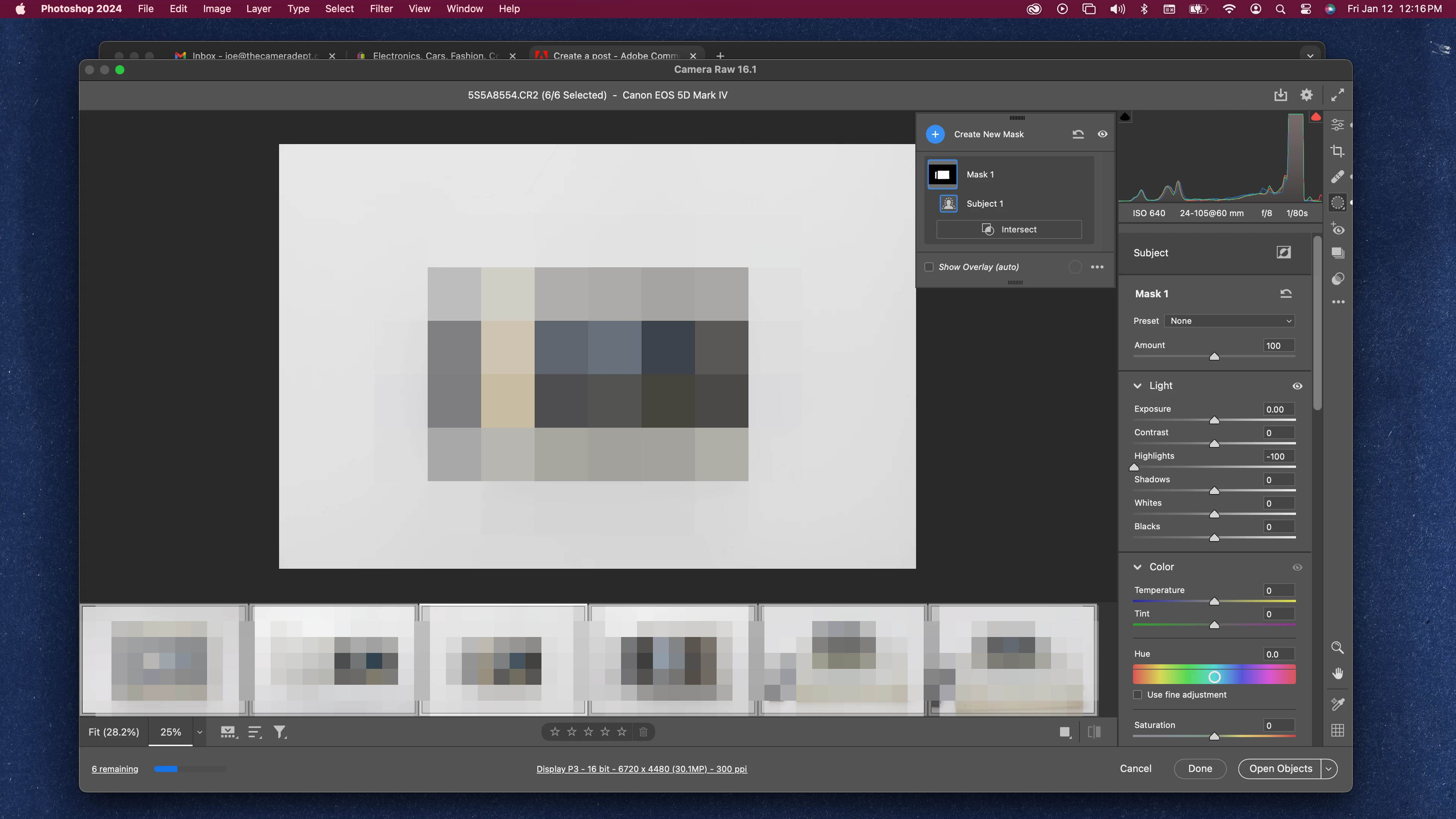
I'm working with Camera Raw (16.1) on Photoshop 2024 (25.3.1) and finding that consistently when saving images my menu bar will have a red overlay to it. Sometimes it's solid, sometimes it's patchy. Mousing over it causes it to appear, and disappear intermittently. All screen shots turn the entire bar red.


I'm on a 2019 Macbook Pro running Sonoma 14.2 using a dual montior setup over HDMI. The red overlay is on both the Macbook display, and the external monitor. 


It doesn't appear to be causing any issues with files saved, but instead is a graphical bug.


Anyone else experienced this? or have a solution?
This topic has been closed for replies.

4 replies

Participant
September 22, 2024

It seems like a graphical glitch related to Camera Raw and your current macOS setup. This could be due to compatibility issues between Camera Raw and Photoshop with macOS Sonoma, especially in a dual monitor configuration. Try updating both Photoshop and Camera Raw to the latest versions if you haven't already. If the problem persists, consider resetting your Photoshop preferences or checking for any display driver updates. Alternatively, disabling hardware acceleration in Photoshop might help mitigate the issue.

Participant
September 21, 2024

im also bit confused about this it also appers on my mac when i open adobe AE,PR or PS. btw it is on my menu bar rn

tiagomeiga07
Participant
May 26, 2024

Here the same thing happens when I open Photoshop, After, Illustrator, any Adobe program.

Participant
April 1, 2024

Yes me too in both Lightroom Classic and PS since instaling Sonoma

Participating Frequently
November 7, 2024

Happened to me when I switched to Sonoma, and still happening now I'm on Sequoia. Running 2020 27" retina, 3.8GHz i7, Radeon Pro 5500, 32GB DDR. Happens when running with either internal or external SSD. Only ever happens when running LR Classic. Left sife of top menu bar section from Apple logo to Help heading all turns deep pink and blanks out the menus, rest of bar remains grey. Clicking anywhere on left side of bar returns to normal. Doesn't appear to cause any issues but very irritating! It's been happening for over 6 months. Seems to be some kind of warning (?). Conflict between LRC and Mac software? Conflict between LRC and graphics card (which is on full acceleration enabled)? HELP!