



Participant
December 5, 2020
Question

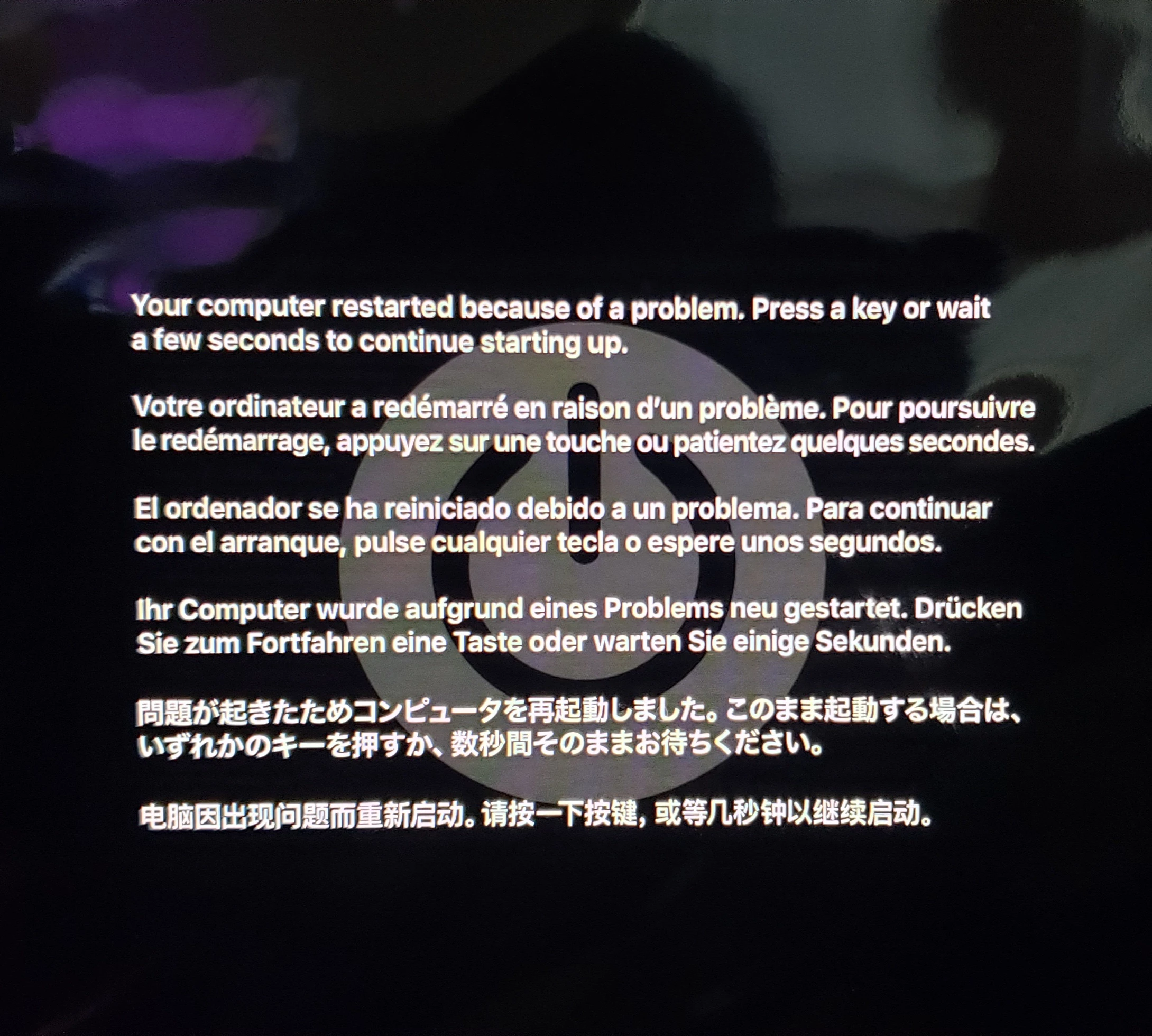
Camera Raw freezes and crashes my computer (using iMac)

  • December 5, 2020
  • 13 replies
  • 1492 views

When I began to edit photos using Camera Raw; it freezes then reboots.  I tried turning off the graphic card; it work temporarily.  However it started happening again.  I was on the chat the Apple; they say it was adobe's issue. I'ver reinstall photoshop.  Need help!   
This topic has been closed for replies.

13 replies

Participant
May 18, 2021

Also having same issue. Not running Mac. Using windows 10. Bestbuy said the computer i just purchased has everything to support Adobe programs. Except Raw locks up and only thing I can do is force stop and shut down.  I had to convert all my images to jpeg just to be able to edit.  Whats the point of shooting in Raw if I can't use the program. I'm thinking of dropping my subscription and using something else. GIMP is comparable I guess. 

Rubberlegs
Participating Frequently
April 29, 2021

I'm having the same problem each time I'm using Adobe Camera Raw lates edition. So frustrating and time consuming. I would appreciate some help thanks.


evanylee
Participant
March 2, 2021

Had the same problem.  Here's the solution: Downgrade the plugin to 12.4

https://helpx.adobe.com/camera-raw/kb/camera-raw-plug-in-installer.html#HowtoinstallCameraRawplugin

Participant
September 17, 2022

This doesn't work. Maybe you did a combination of things and you're mistakenly attributing it to this one. Or your case is just different from what's being described here

brendenw51059287
Participant
February 28, 2021

I found the solution on a similar thread. You need to use an older version of the camera raw plug-in. By downloading and installing the previous version of camera raw, adobe Photoshop will automatically incorporate the most recently downloaded version, and should work fine.

brendenw51059287
Participant
February 26, 2021

Was there a fix for this? Older version of plugin?

Participant
February 23, 2021

Same problem

Macbook pro 15 2015 R9

Participating Frequently
February 17, 2021

Congratulations Adobe, first of all you ruined Camera Raw last year and now you've made it unusable

pericleselgreco
Participating Frequently
February 28, 2021

Curious how long this will take to resolve, assuming it will. Starting to think that hope is not a strategy.


This is how Adobe puts our monthly subscription to good use! Contractually as long as they offer poor performance, service and responsiveness, they are entitled to our money! 


Poor us don't have the option of withholding payments until the issue is resolved. Bravo Adobe. Your lowly subscribers thank you!

Participating Frequently
February 16, 2021

Same issue. Mac Mojave 10.14.6 latest and Photoshop 22.2.0.


When using Camer RAW as an effect on a layer, some adjustments trigger a MAC screen freeze. Nothing in Photoshop or the MAC GUI responds. Can't switch apps or force-quit with keyboard or mouse. Have to power cyle and reboot. It's 100% repeatable.


I'be tried purging Camera RAW cache and bumping the size up from 5GB to 50GB. No apparent difference.


Was happening with two previous version. Still happening with today's update.


This is a big issue, because it essentially prevents using ACR as an effect. The cost of the failure - reboot and data loss (if you did not just save) is too high.

Known Participant
December 19, 2020

Spent hours on phone with Adobe with them telling me it was my iMac and probably my graphics card.  Phoned Apple and spent hours on phone and finally took imac in to find out Apple had no blame in this.  Adobe cannot keep up with Apple.  And if adobe wants to stay competitive, they need to keep up.  Nothing was wrong with my graphics card (this just goes to show how inexperienced support is).  Spent 2 days out of commission trying to fix something that was clearly Adobe's problem with their inability to keep up with updates.  Apple had to erase hard drive and I had to go back to Catalina for Adobe to work propertly.  I should not have to go thru this and spend 2 days out of commission and unable to service my clients.  It's very frustrating.  My computer is finally working but I have little faith in Adobe considering what they put me thru to get to the answer to solve my issue.  Good luck and hopefully you will have better luck than I did with Adobe's "experts".

pericleselgreco
Participating Frequently
December 20, 2020

An update from me. I am still with Catalina, thankfully. Glad I did not upgrade the OS. Thanks for sharing photographyjunkie.


I seem to be OK now. I unistalled the previous version of Photoshop, which had not been done, and now it seems Camera Raw is stable.


This may be something to try.


Agree with earlier comments regarding Adobe. It seems we are all now at the mercy of the big ACME monopoly. 


Known Participant
December 14, 2020

I AM HAVING THE SAME ISSUE!  So SOOOO FRUSTRATING!  I can't seem to find a solution.  Whenever I open RAW images fro Bridge to Camera RAW, the circle keeps circling and then my imac crashes and reboots.  What is the deal????  HELP!  I HAVE A JOB TO GET OUT.  

Participant
December 19, 2020

Same issue, Mac freezes after operation on file, has to be restarted via mainswitch, not really healthy. This update is not professional, and makes us loose time and money! Adobe doesn't deliver. I want my money back, or a quick upgrade