



Camera raw has temporarily disabled graphics processor acceleration due to an error.
I'm having loads of trouble with photoshop on my newly bought (used) MacBook Pro. I'm unable to open any RAW files and when I try, photoshop crashes. Lightroom however seems to be working fine.
Computer specs:
MacBook Pro (Retina, 15-inch, Mid 2015)
2.5 GHz Intel Core i7
16 GB 1600 MHz DDR3
Intel Iris Pro 1536 MB & 2gb AMD Radeon R9 M370X
Running macOS Sierra 10.12.3 (16D32)
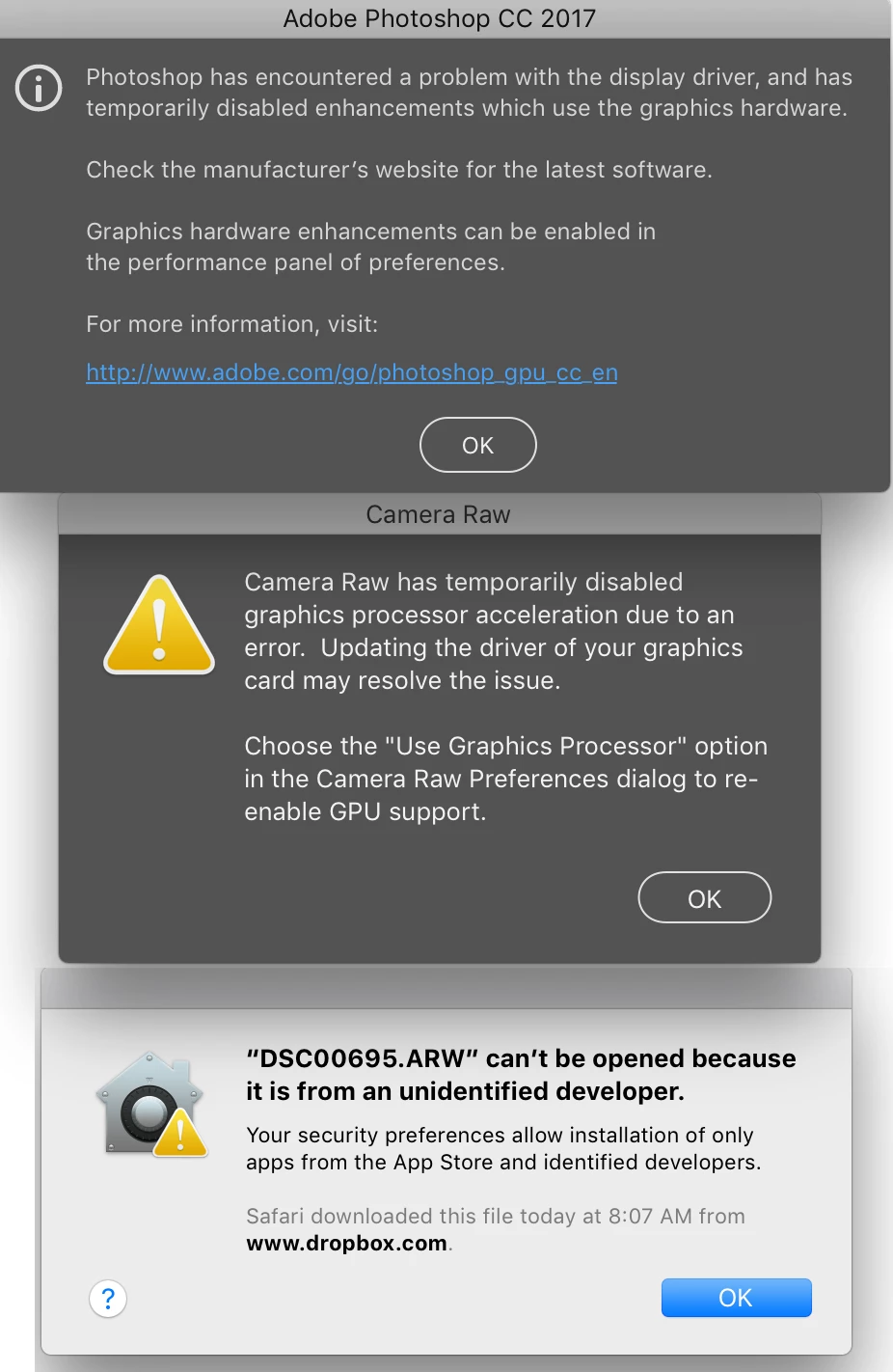
Here are the error messages I'm getting on Photoshop CC 2017 with the latest camera raw update:
Camera raw has temporarily disabled graphics processor acceleration due to an error. Updating the driver of your graphics card may resolve this issue.
Choose the use graphics processor option in camera raw preferences dialogue to reenable GPU support.
Also getting this:
"Raw file" can't be opened because it is from an unidentified developer"
When I tried to "open anyway", photoshop crashes. Trying to open again will just crash photoshop.
Another error I received was:
"Photoshop has encountered a problem with the display driver, and has temporarily disabled enhancements which use the graphics hardware... etc."
This is super frustrating and any help would be GREATLY appreciated. I've already gone through the trouble shooting tips I found on adobe's support page and nothing seems to work. Aside from that I've also tried:
Re-installed Photoshop
Booted in Safe Mode
Renamed Sniffer file
I'm beyond dumbfounded that I can't do something as simple as opening a raw file. Please help!
 AdChoices