


Participant
May 27, 2022
Answered

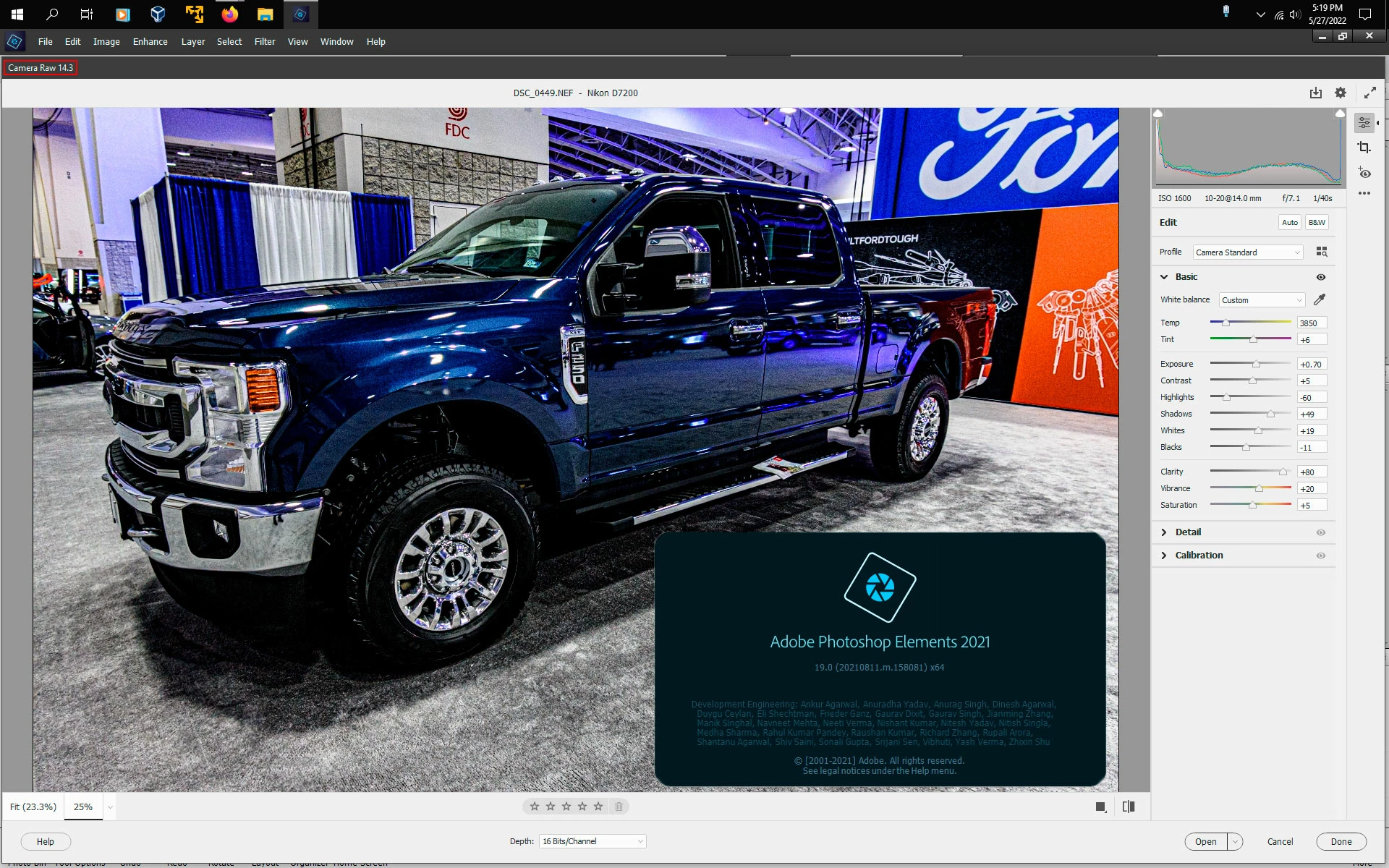
Camera Raw isn´t compatible with PS elements 2021?

  • May 27, 2022
  • 2 replies
  • 482 views

Currently I have bought the Nikon Z7II and the resolutions of the pictures are awesome, but when I want to edit my RAW pictures, Photoshop isn´t able to open my files.

My "Camera RAW" version is 13.0 but it requires more than 13.1 to edit my pictures. The issue with that is, that I downloaded the newer "Camera Raw" version, but it isn´t appearing in Photoshop Elements. Someone familiar with this issue?

This topic has been closed for replies.
Correct answer Jeff Arola

What operating system are you using?


If you follow the directions here you should be able to install either camera raw 13.1 or 14.3

https://helpx.adobe.com/photoshop-elements/kb/camera-raw-update-not-available.html


2 replies

Jeff Arola
Community Expert
Jeff ArolaCommunity ExpertCorrect answer
Community Expert
May 27, 2022

What operating system are you using?


If you follow the directions here you should be able to install either camera raw 13.1 or 14.3

https://helpx.adobe.com/photoshop-elements/kb/camera-raw-update-not-available.html


Participant
May 27, 2022

Thank you very much, it worked:)

Is there any quality loss?

Jeff Arola
Community Expert
Community Expert
May 28, 2022

Are you referring to the dng converter or camera raw plugin?

TheDigitalDog
Inspiring
May 27, 2022

The version of ACR for Elements is built for that product line and AFAIK, updated by Elements. Sounds like you downloaded a version intended for Photoshop. 

You could try downloading the free DNG converter and converting until you have a version that natively handles that camera if it doesn't yet. 

https://helpx.adobe.com/camera-raw/digital-negative.html

Author “Color Management for Photographers" & "Photoshop CC Color Management/pluralsight"